What the data says
PostHog · 10 Apr – 23 Aug 2026
279 people opened onboarding and 218 finished it — 78% completion. That headline is healthy, and it hides where the losses actually are.
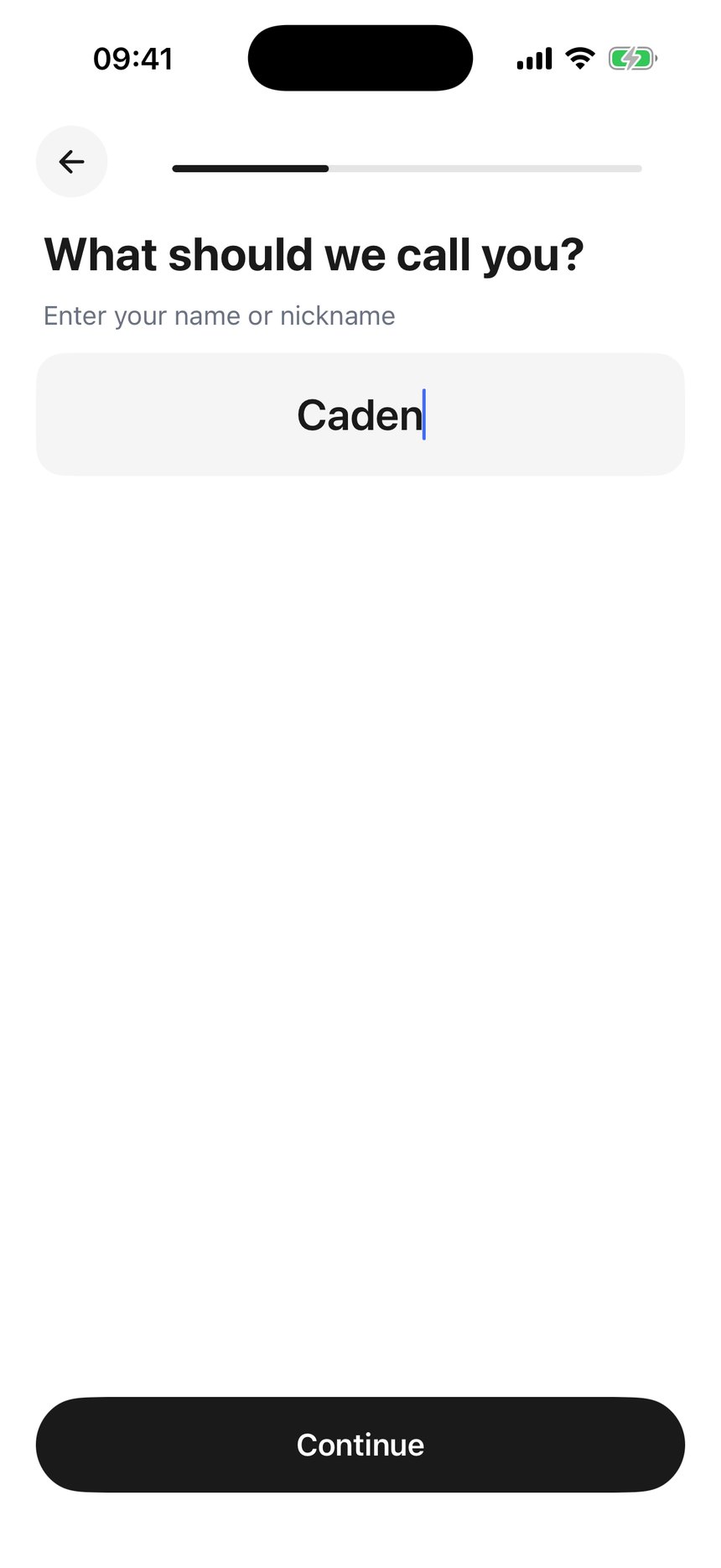
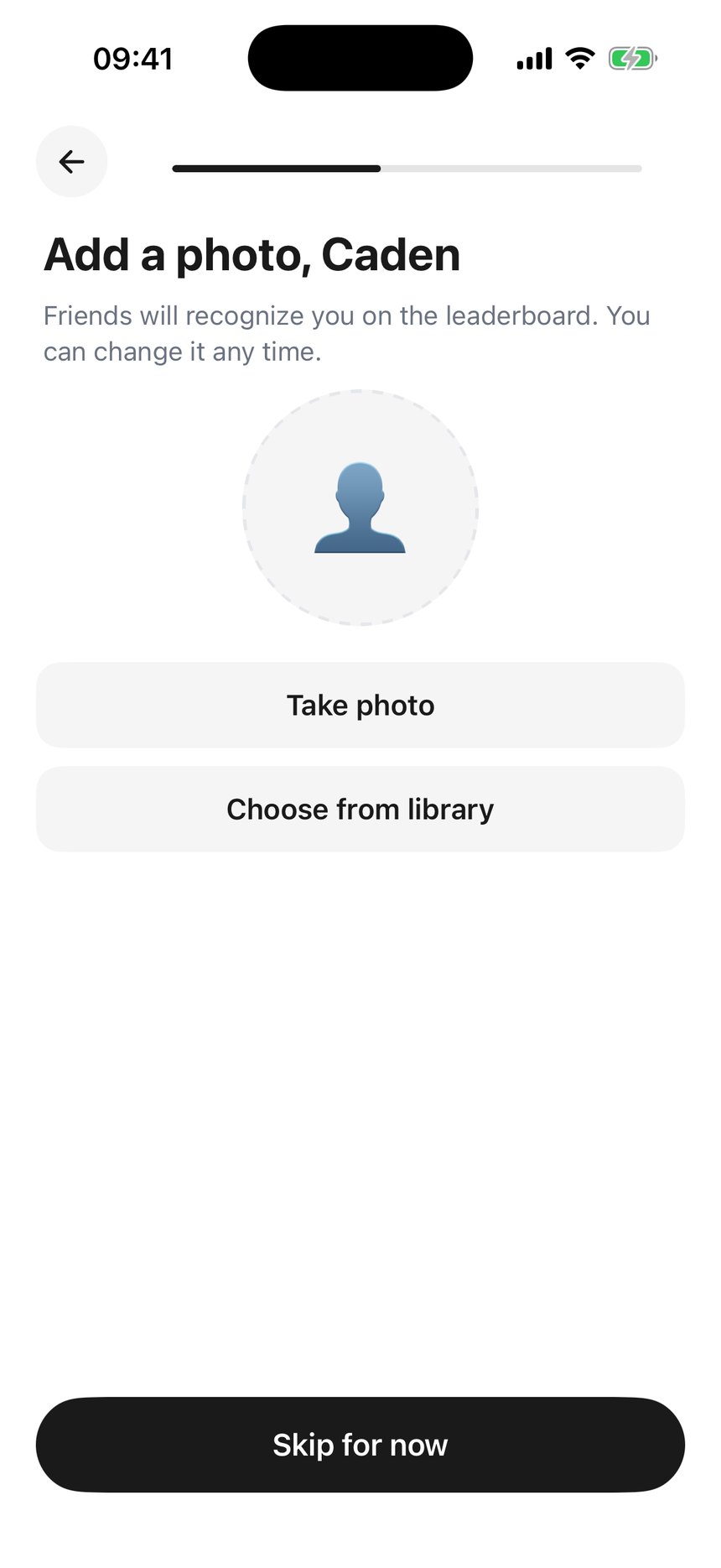
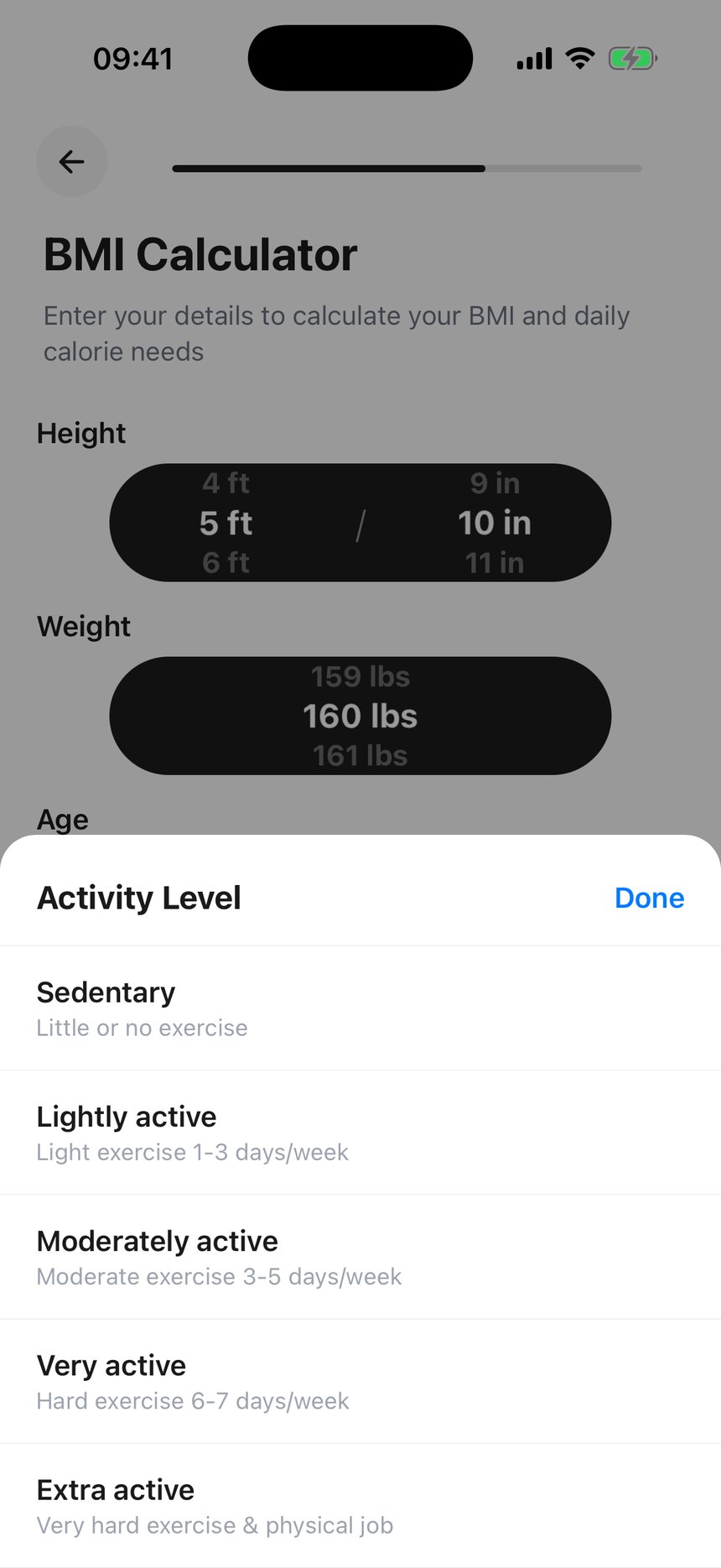
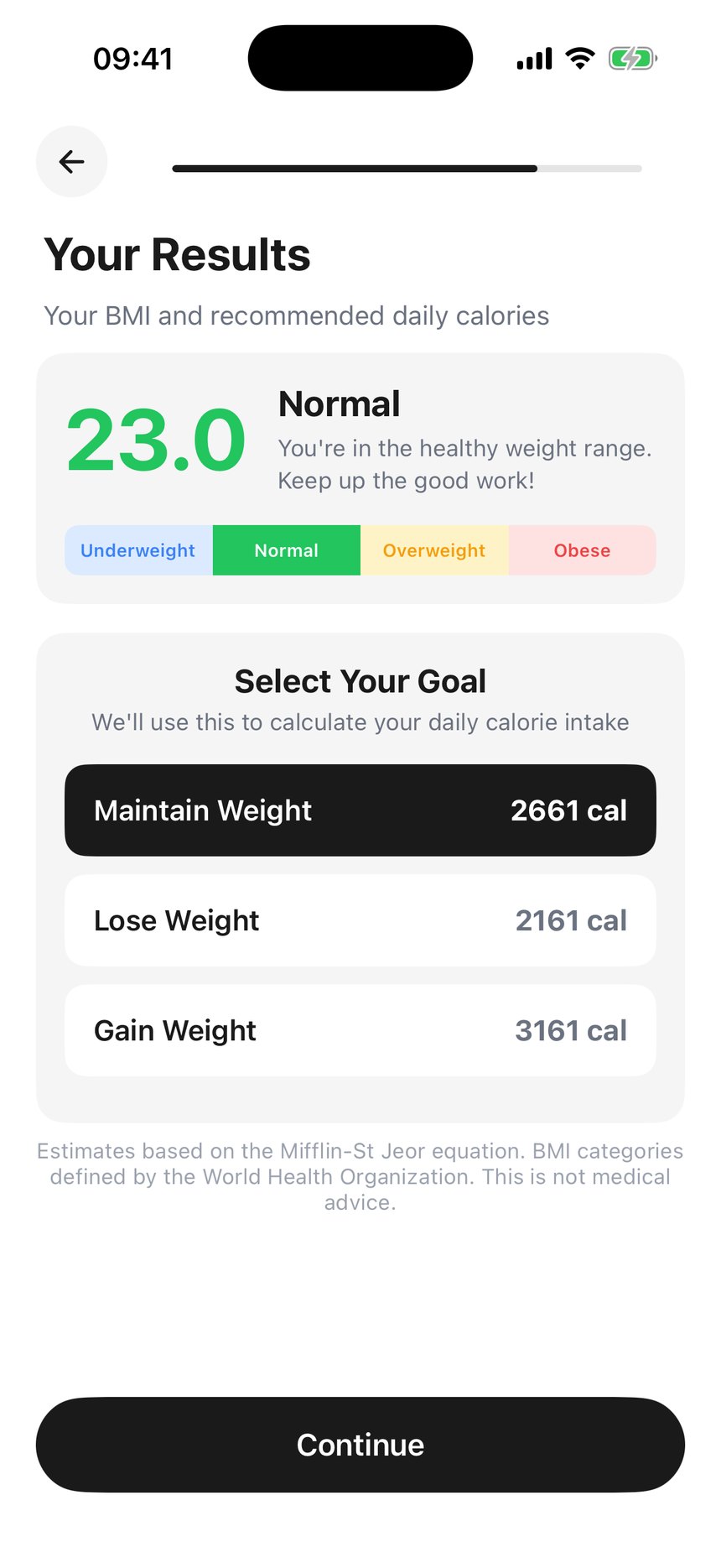
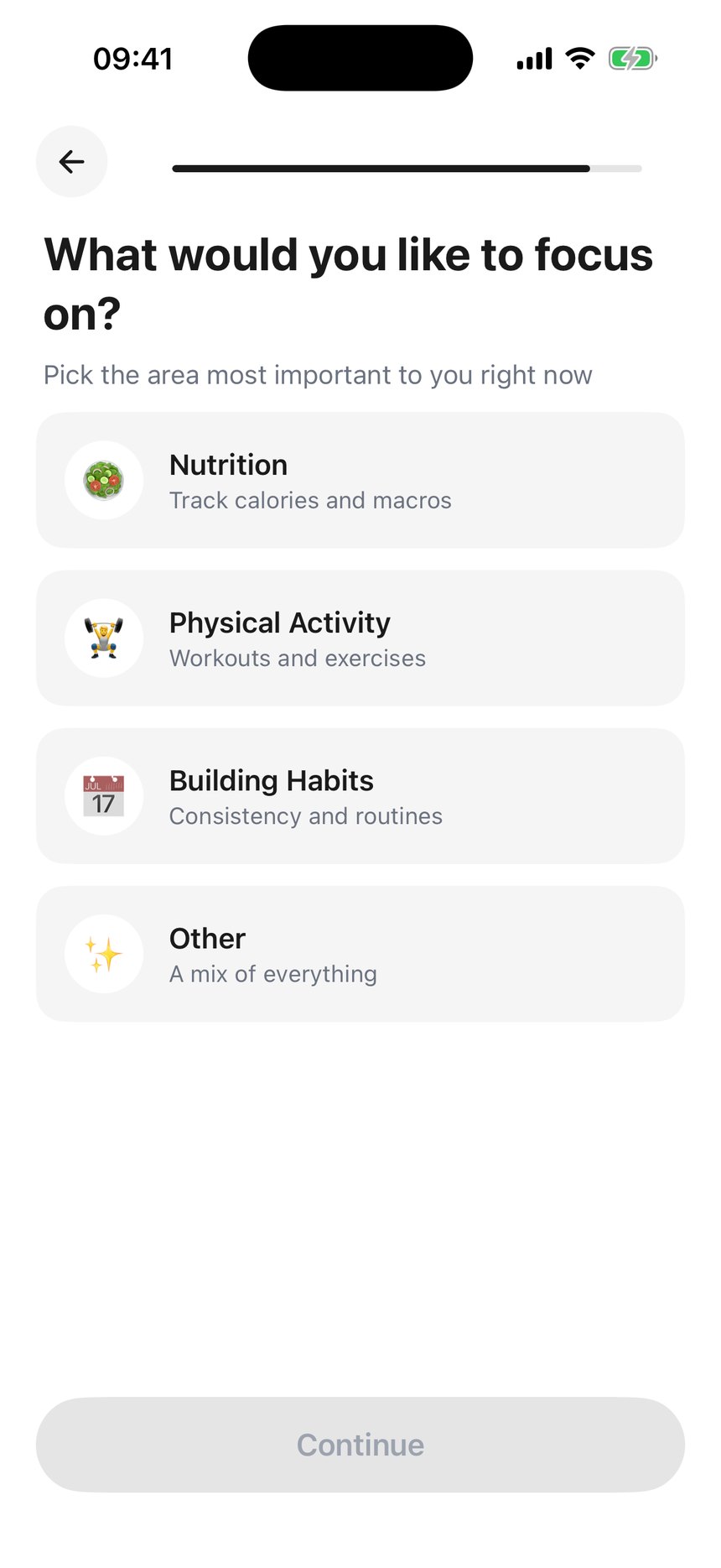
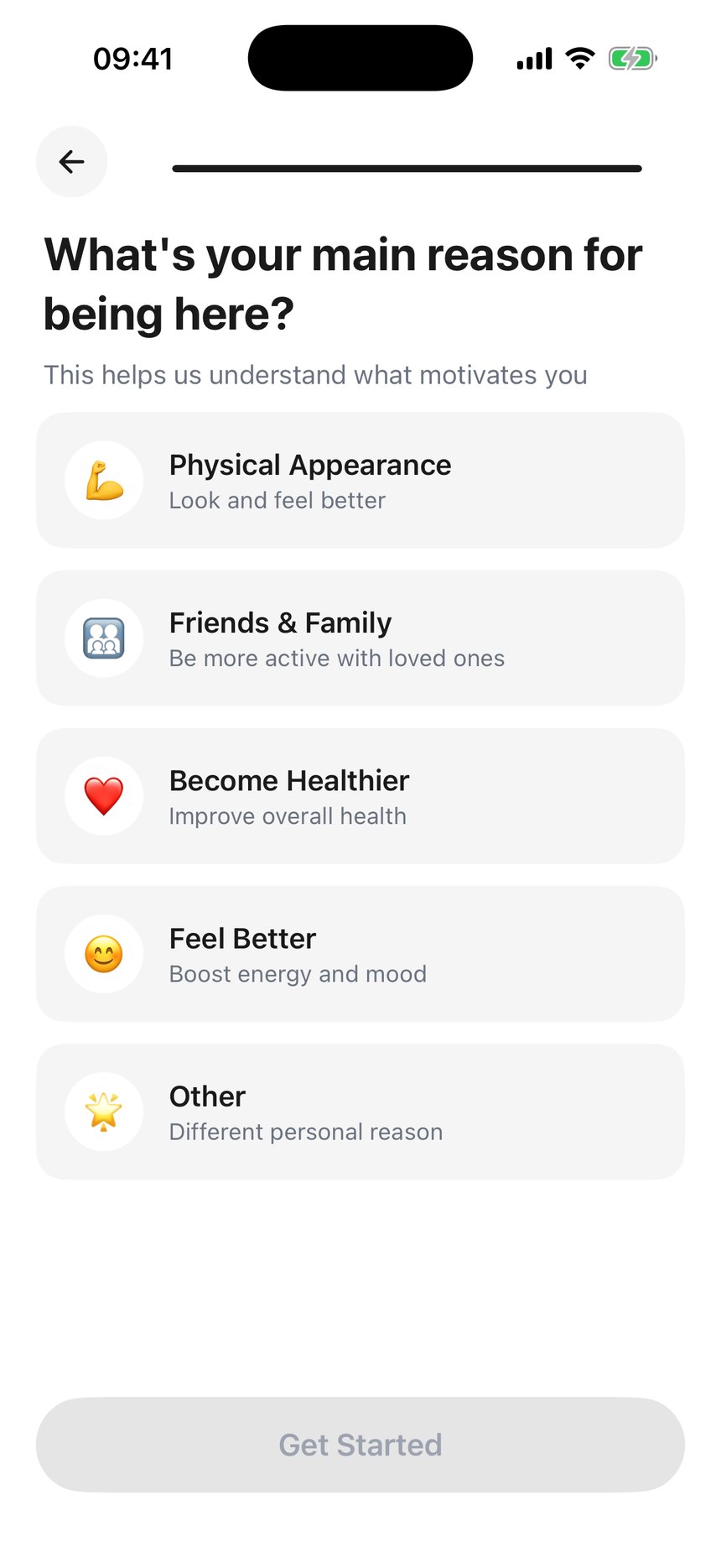
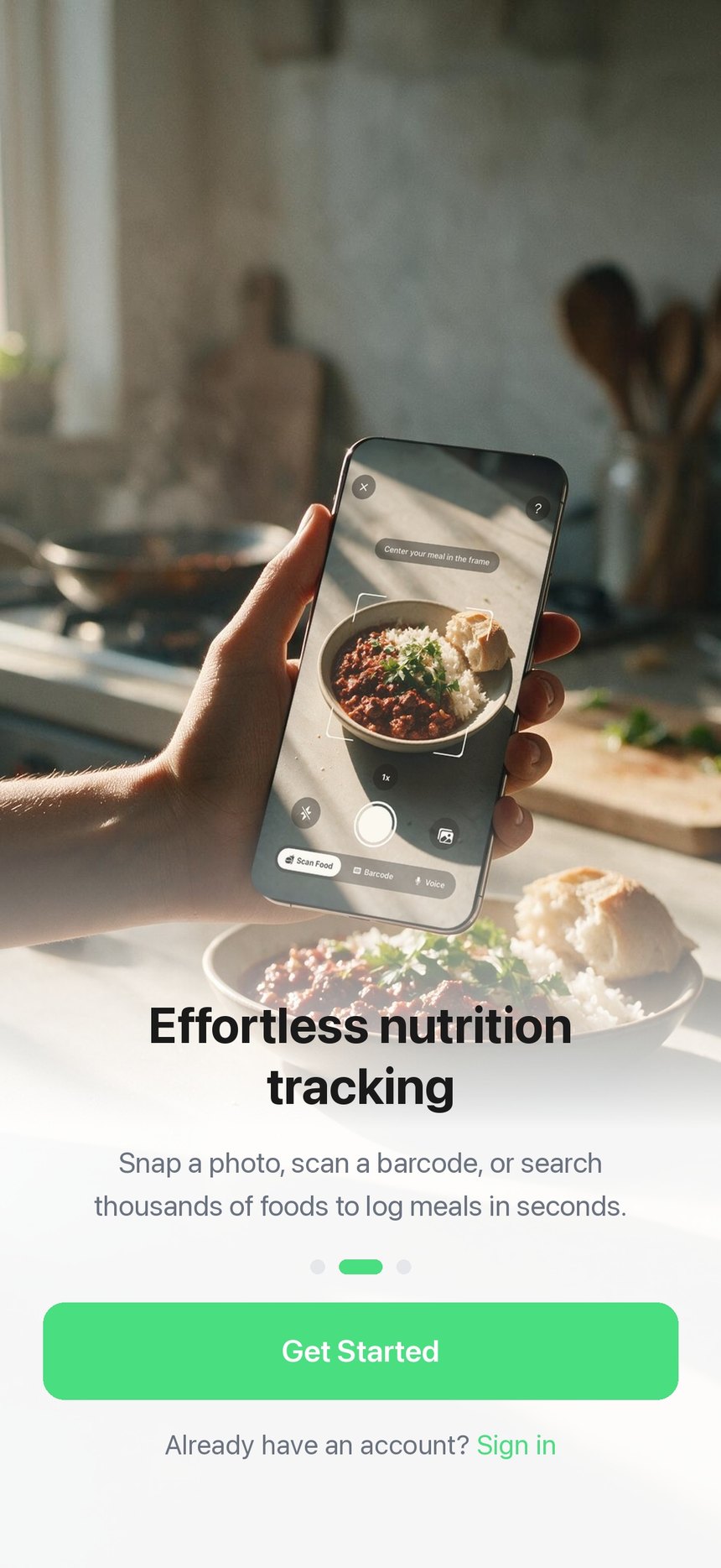
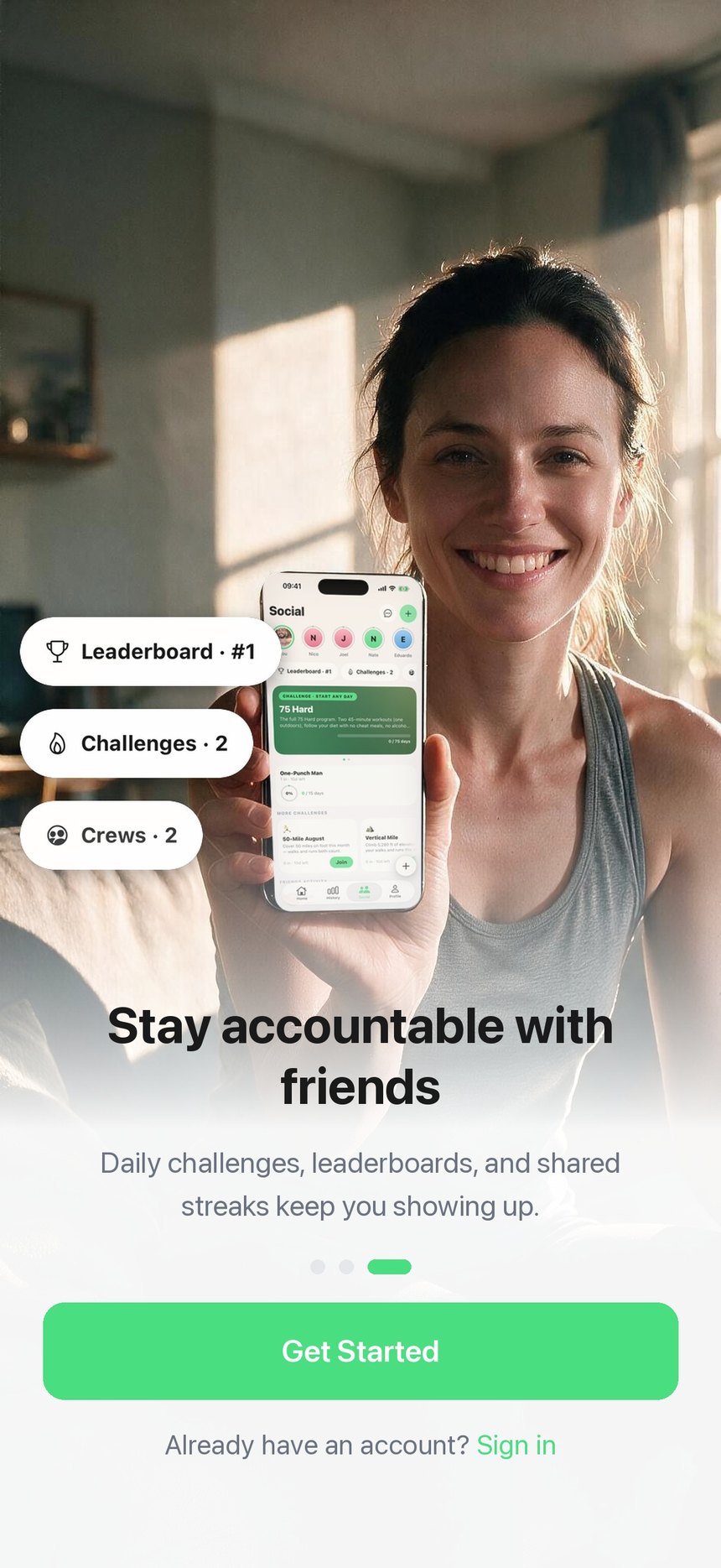
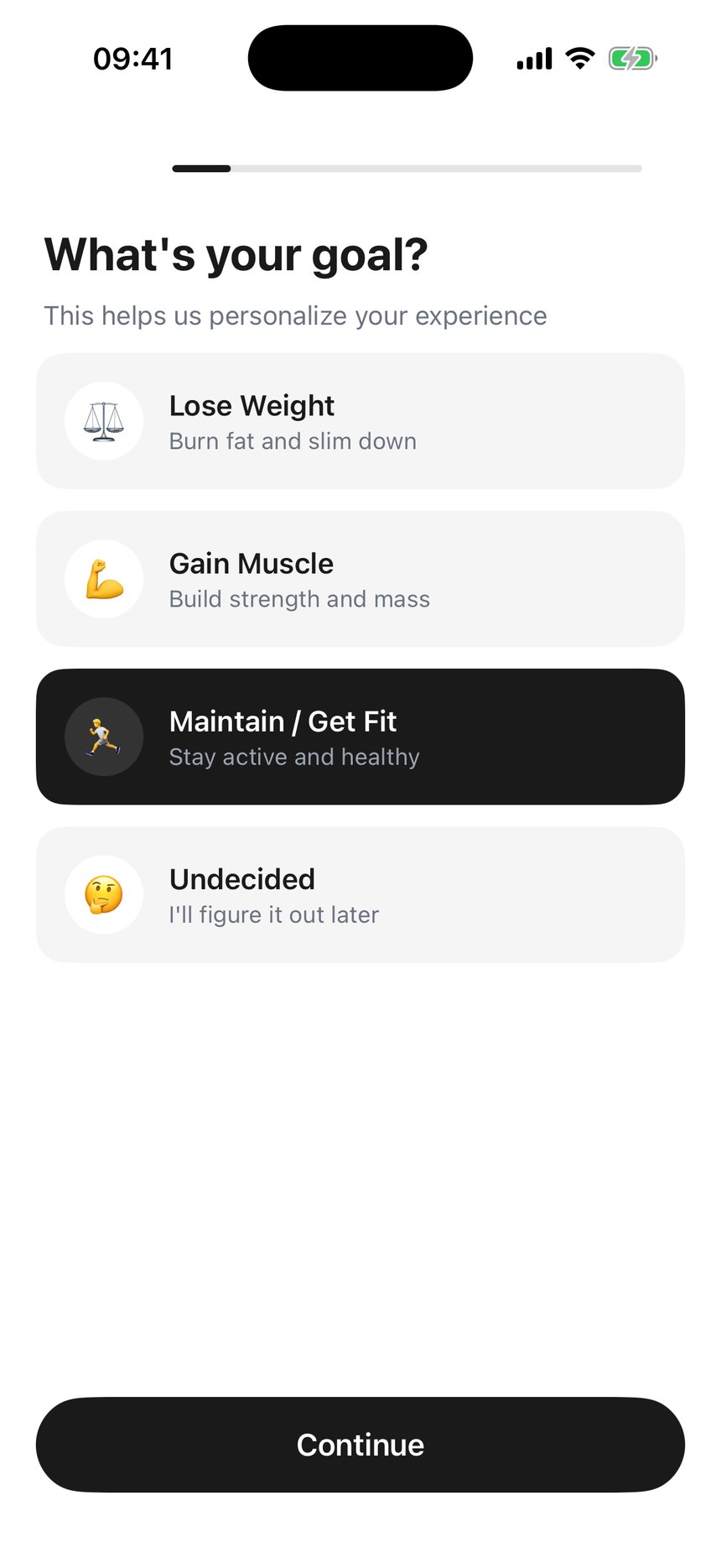
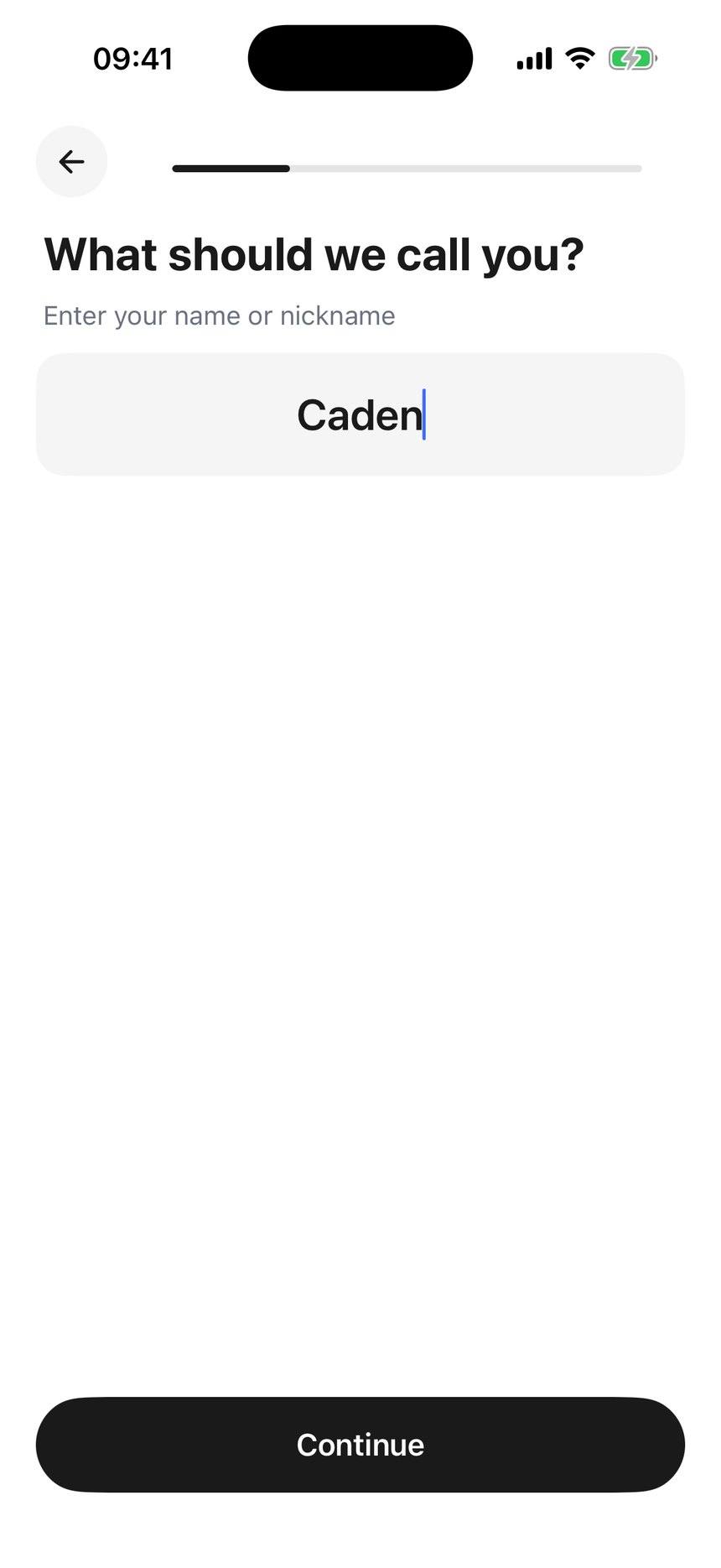
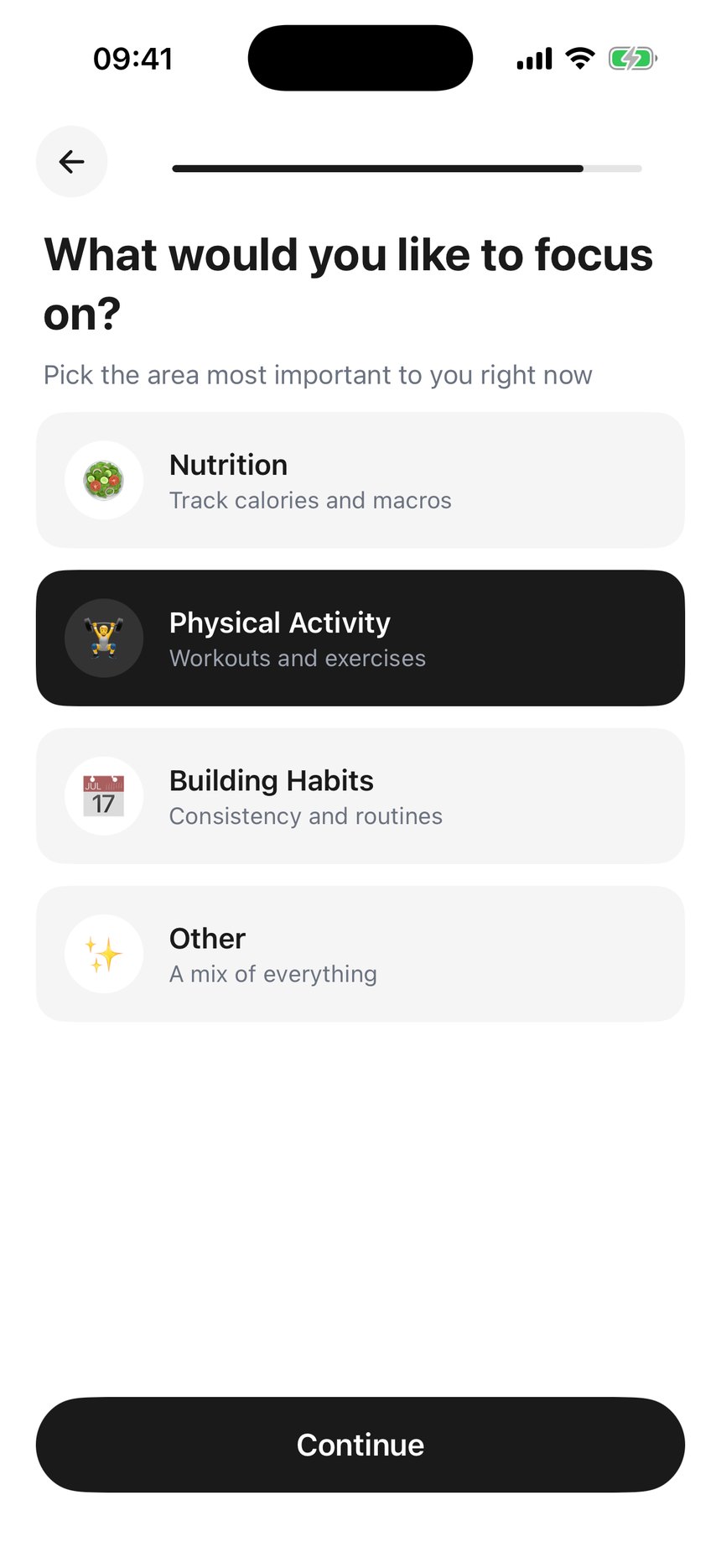
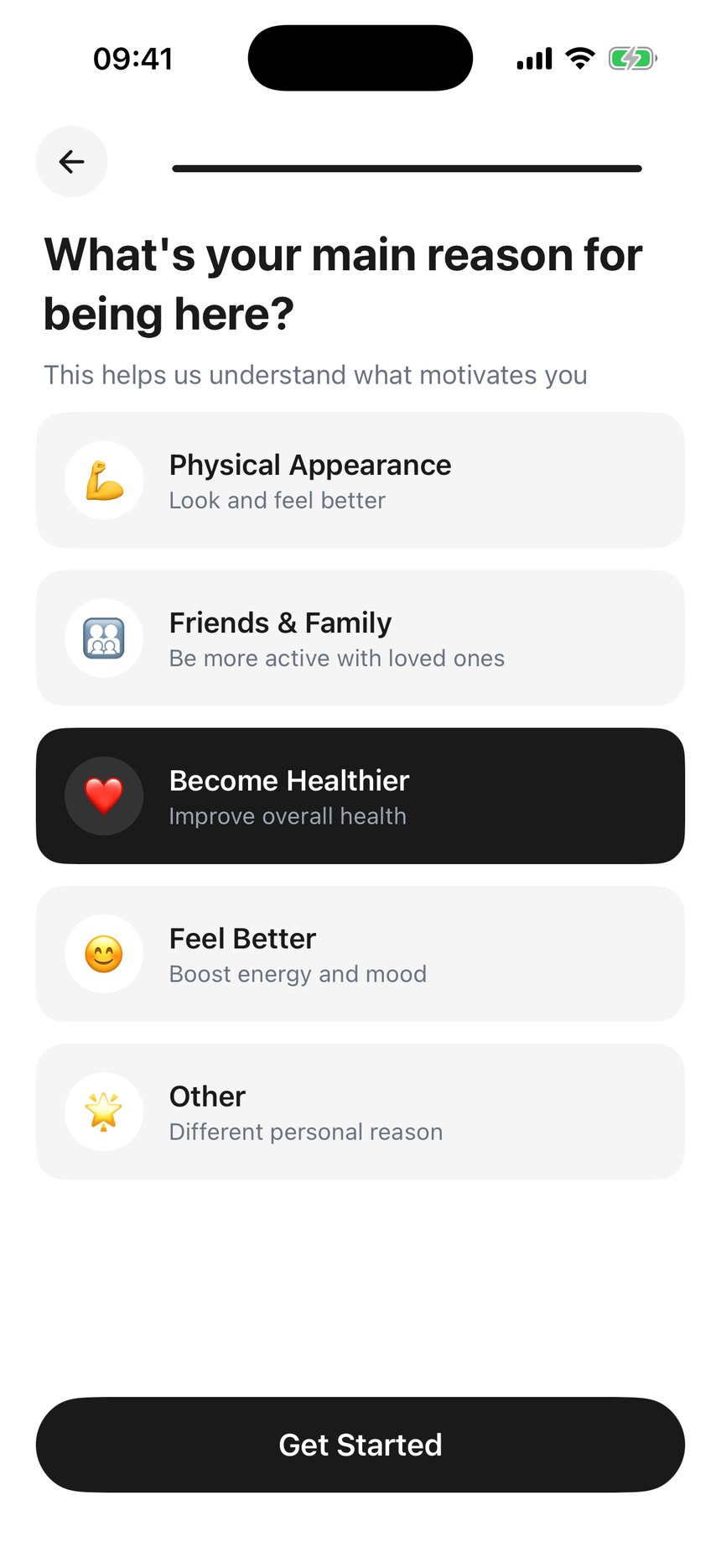
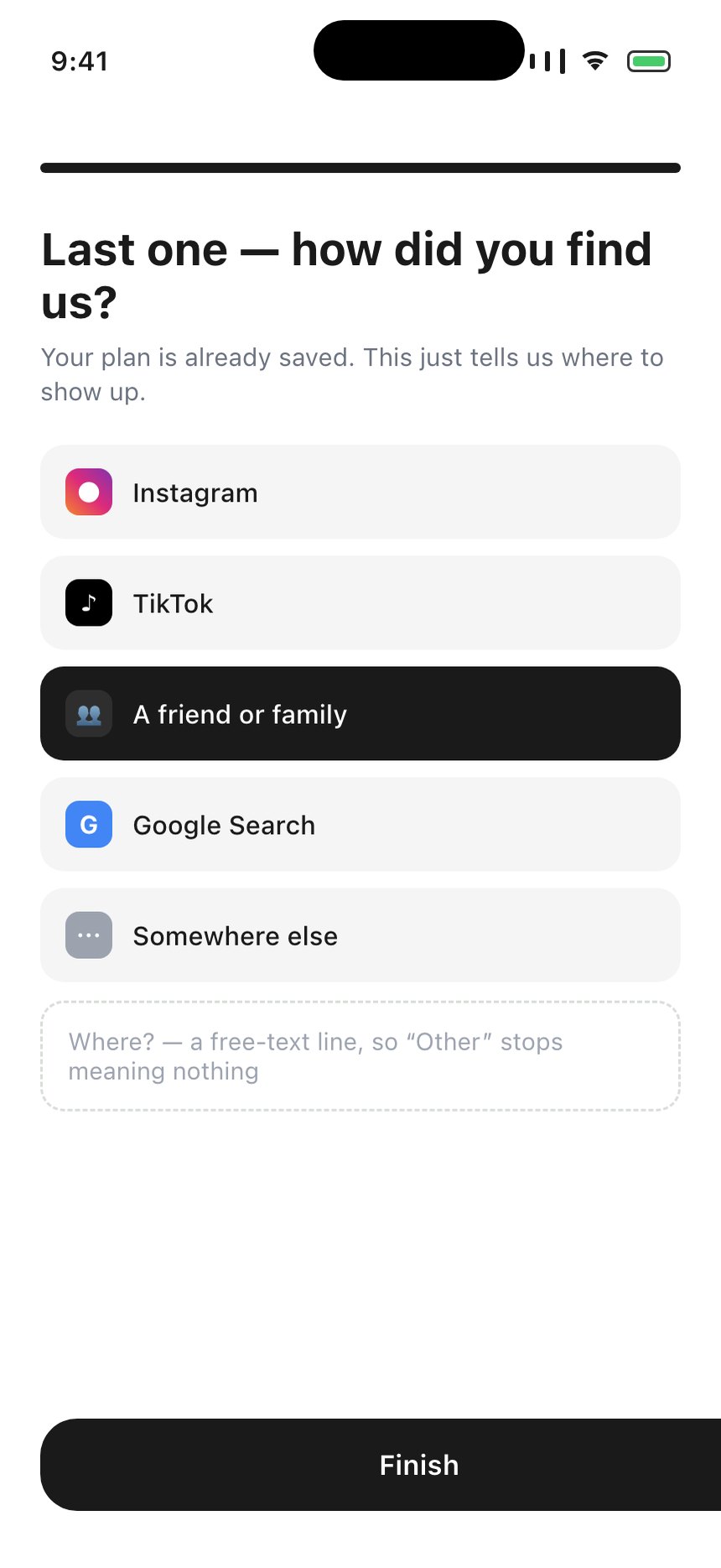
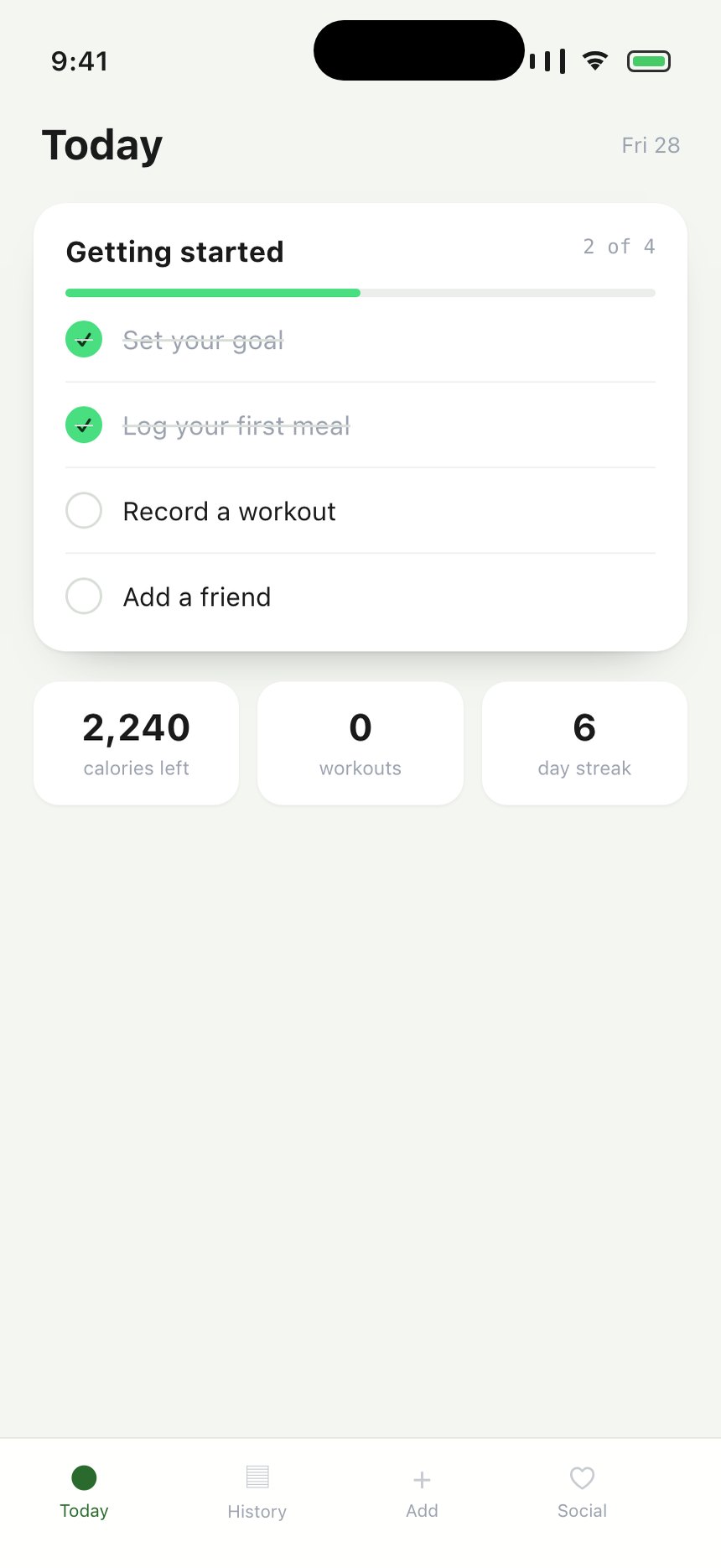
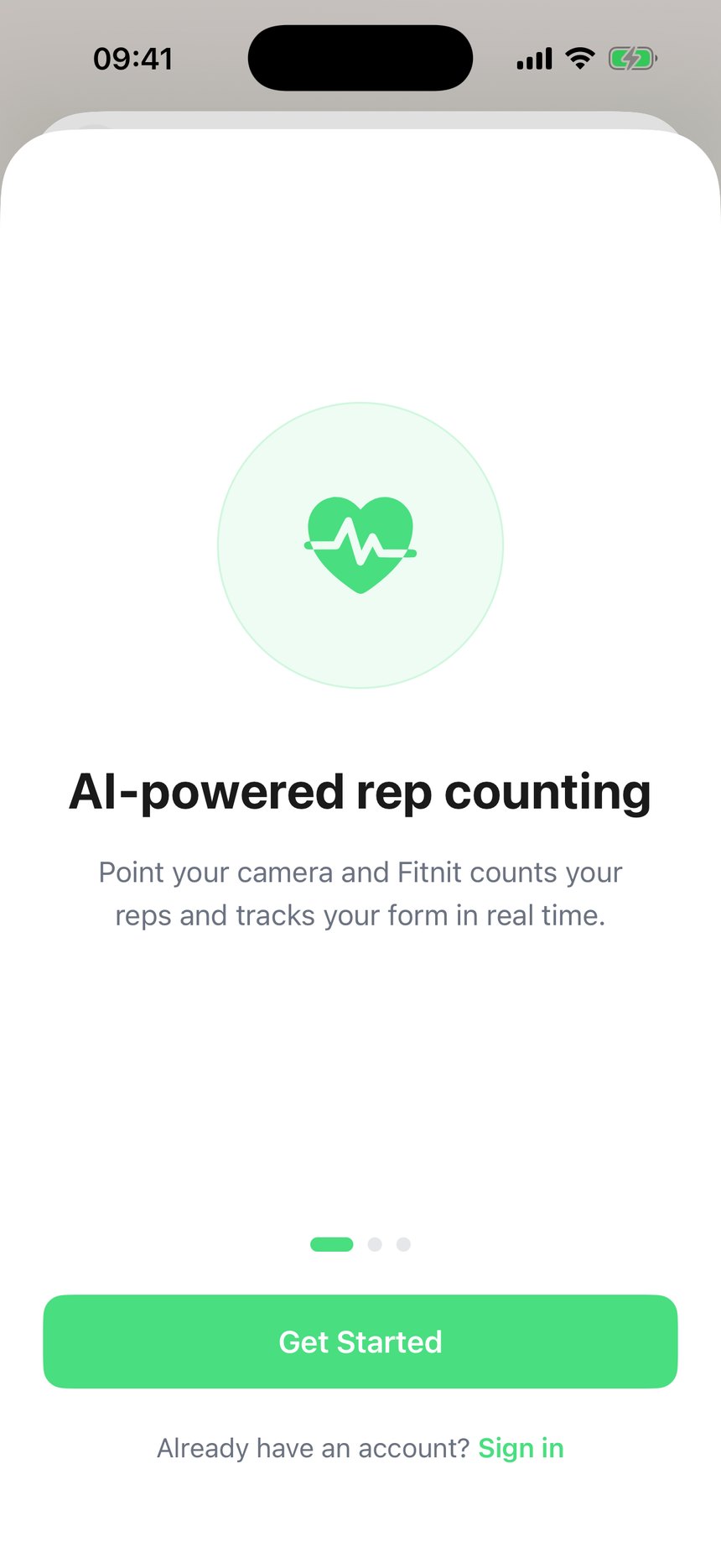
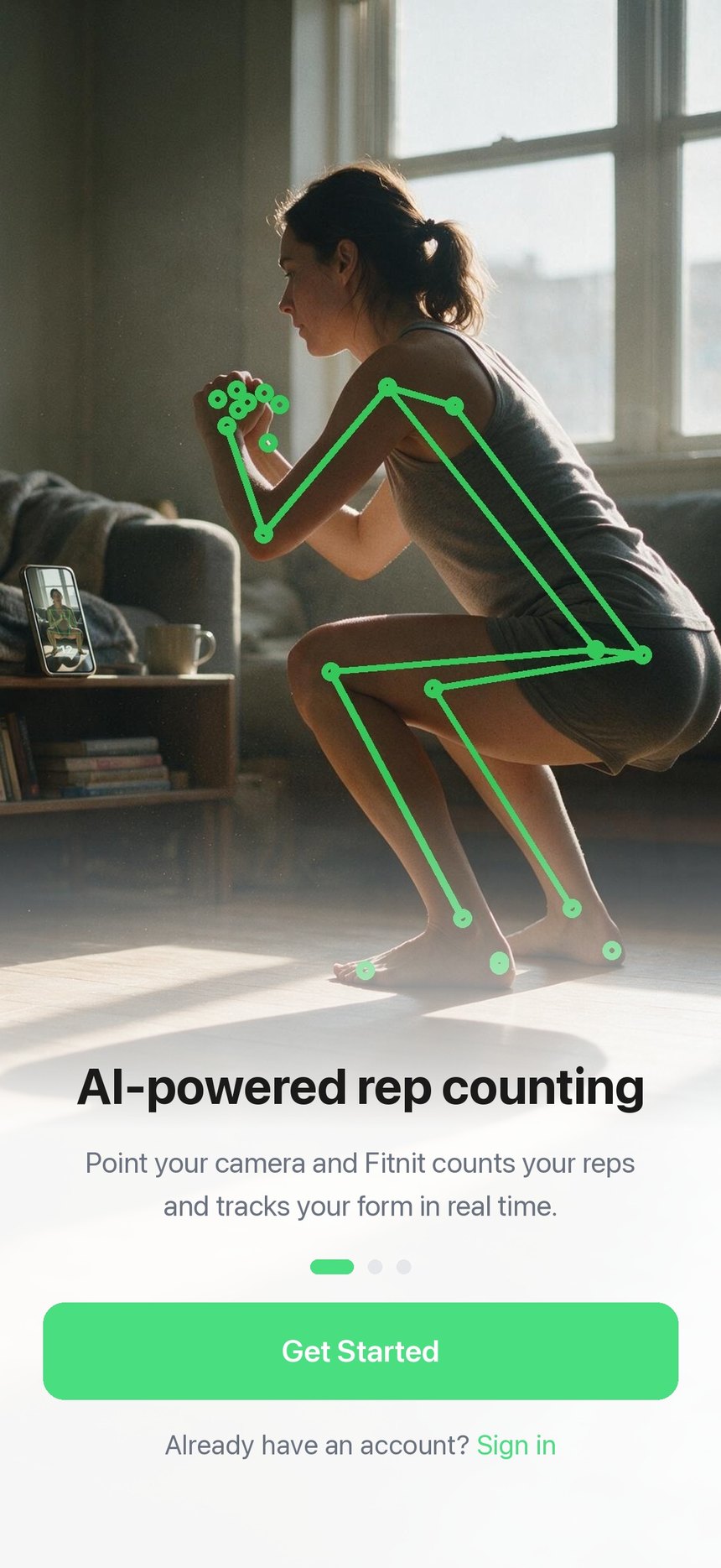
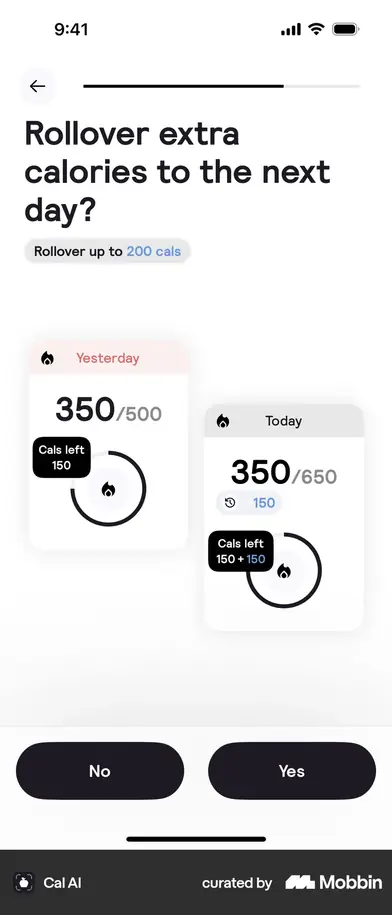
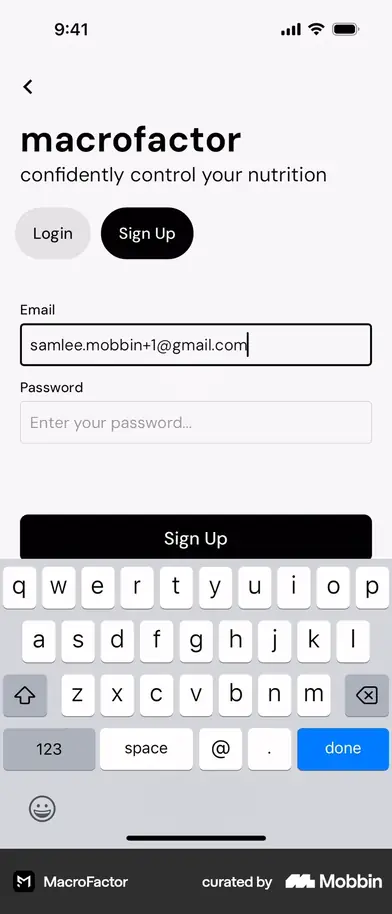
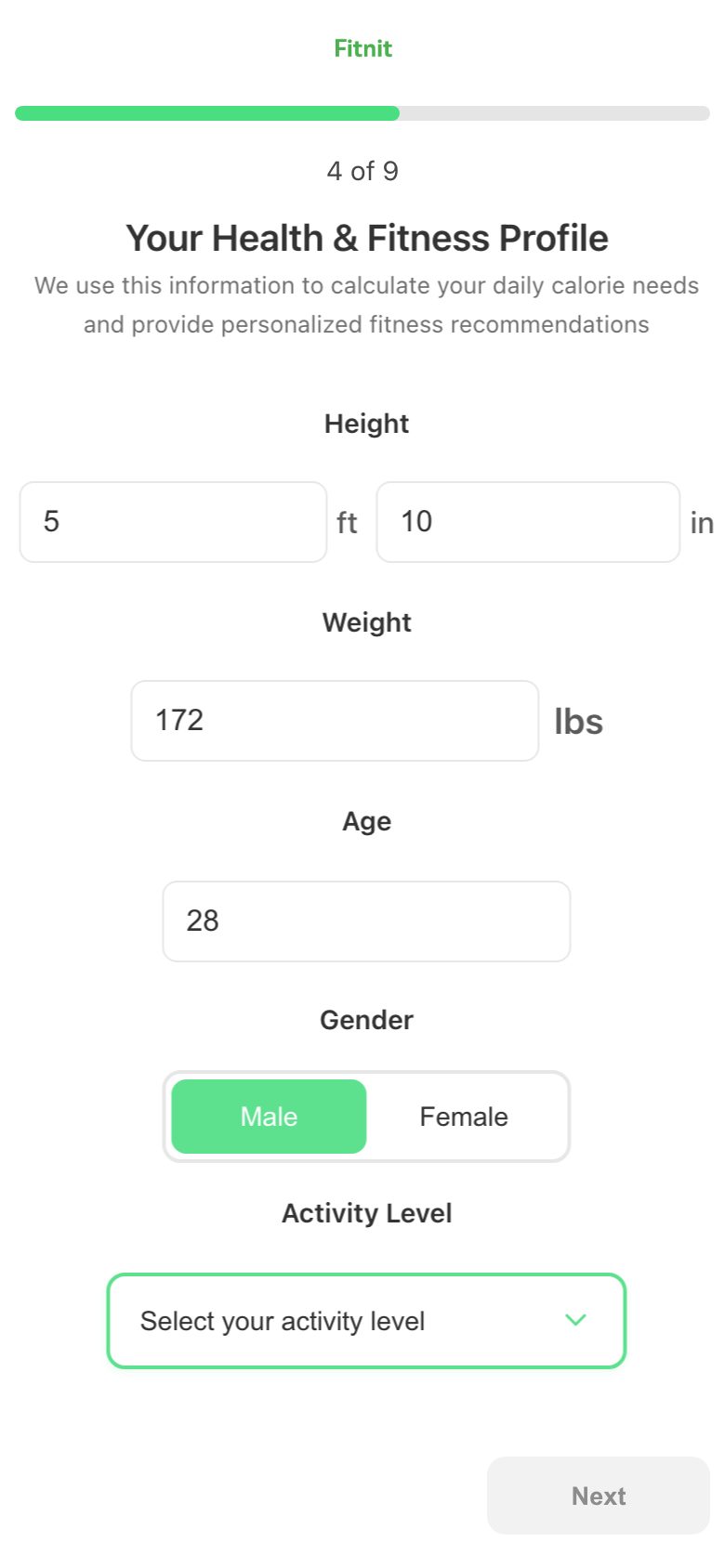
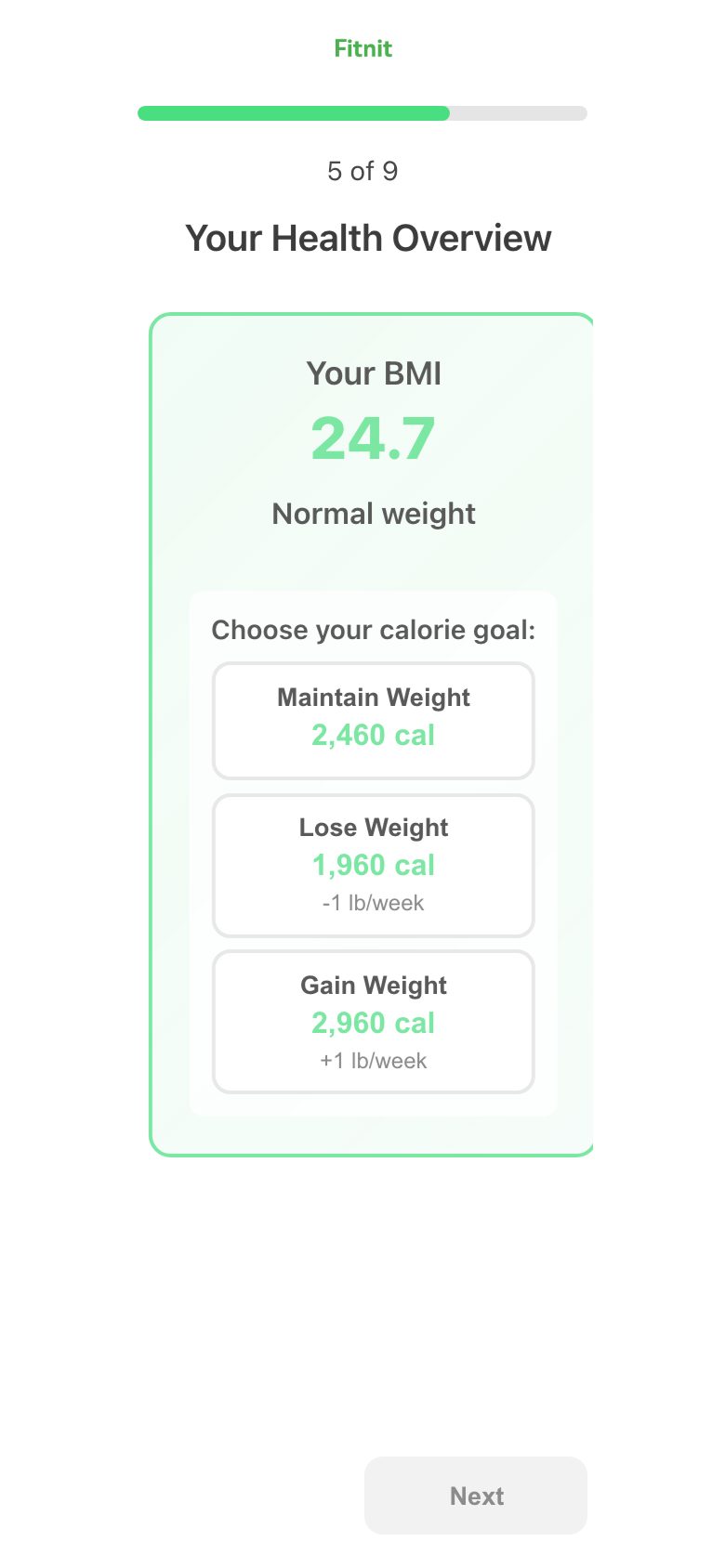
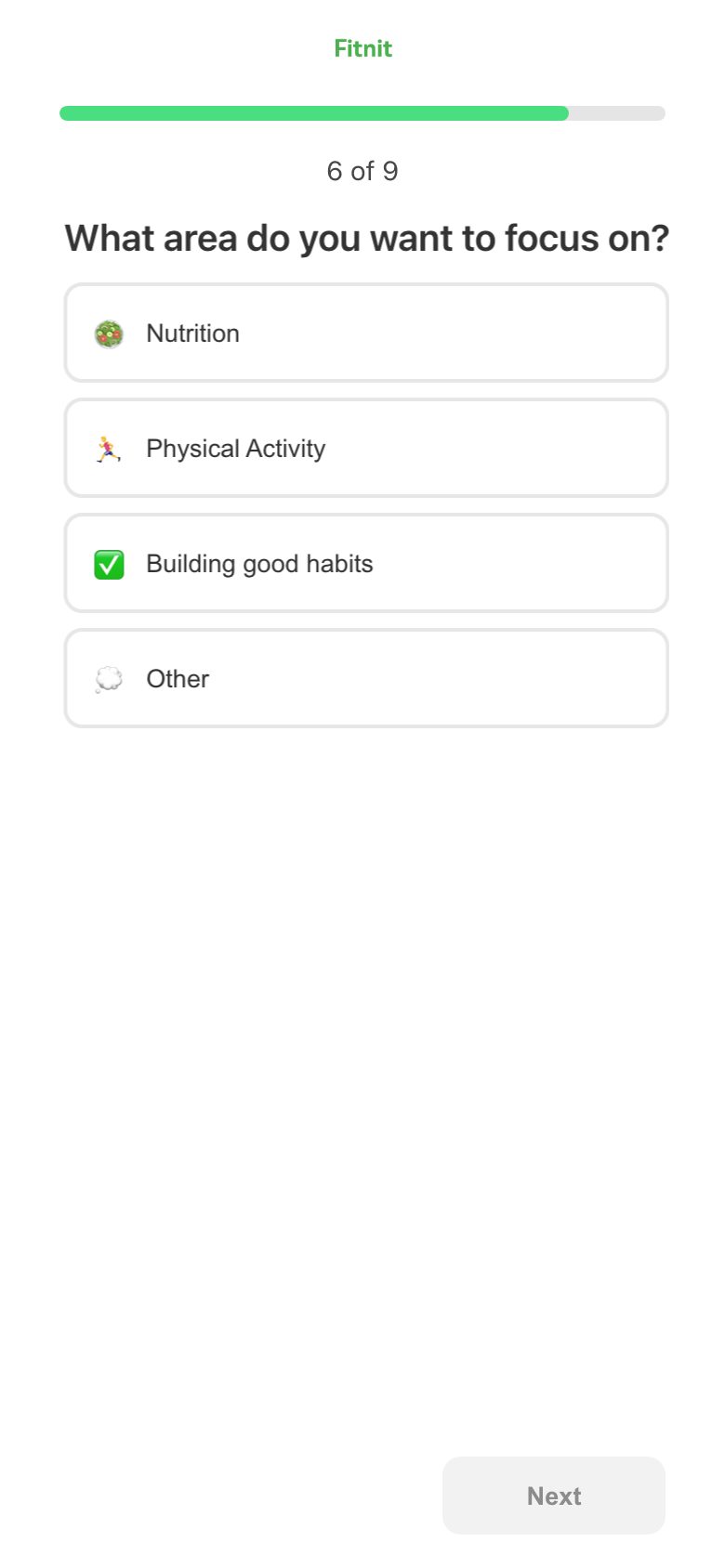
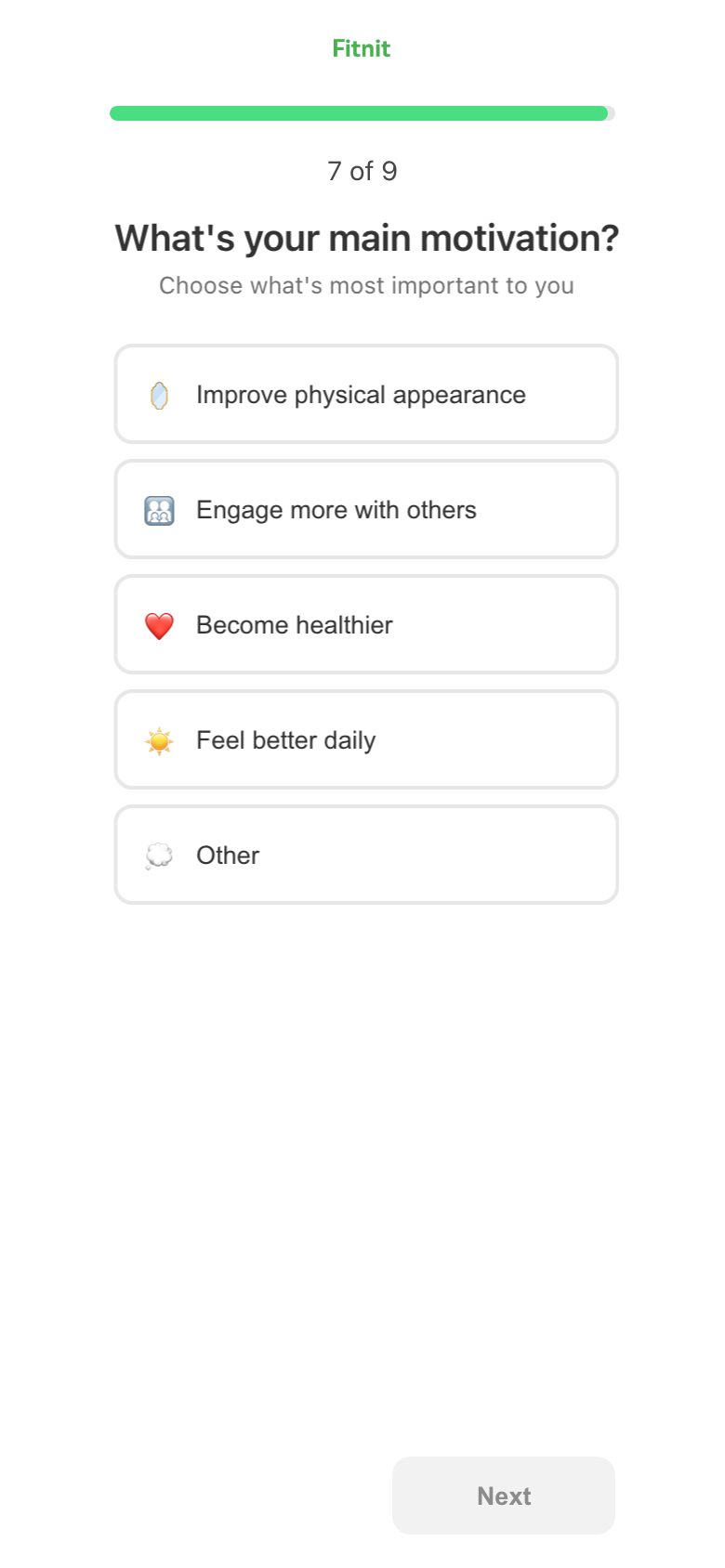
Drafted · not shipped. Ten screens rendered at device size in the app's own type, spacing and controls, so the proposal can be looked at rather than read. Six frames are real captures that survive the change unaltered. The flow keeps its length and loses two questions: the country list is gone, name and photo are one screen, focus and reason are one question — and four screens arrive that give something back or ask for something we have never asked for. Every drafted frame is a mock, not a build; nothing here has run on a phone.
Drop-off, step by step unique users
Opened onboarding279
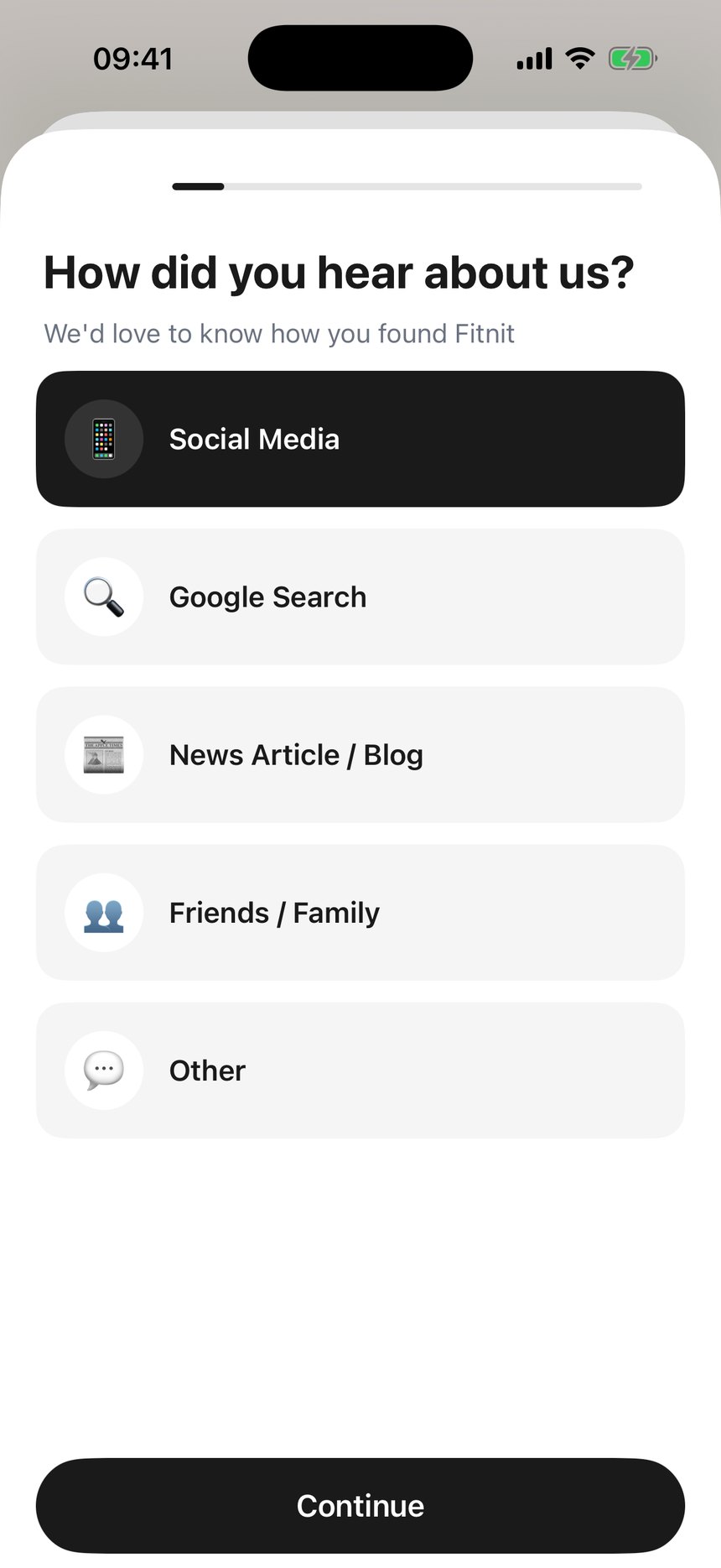
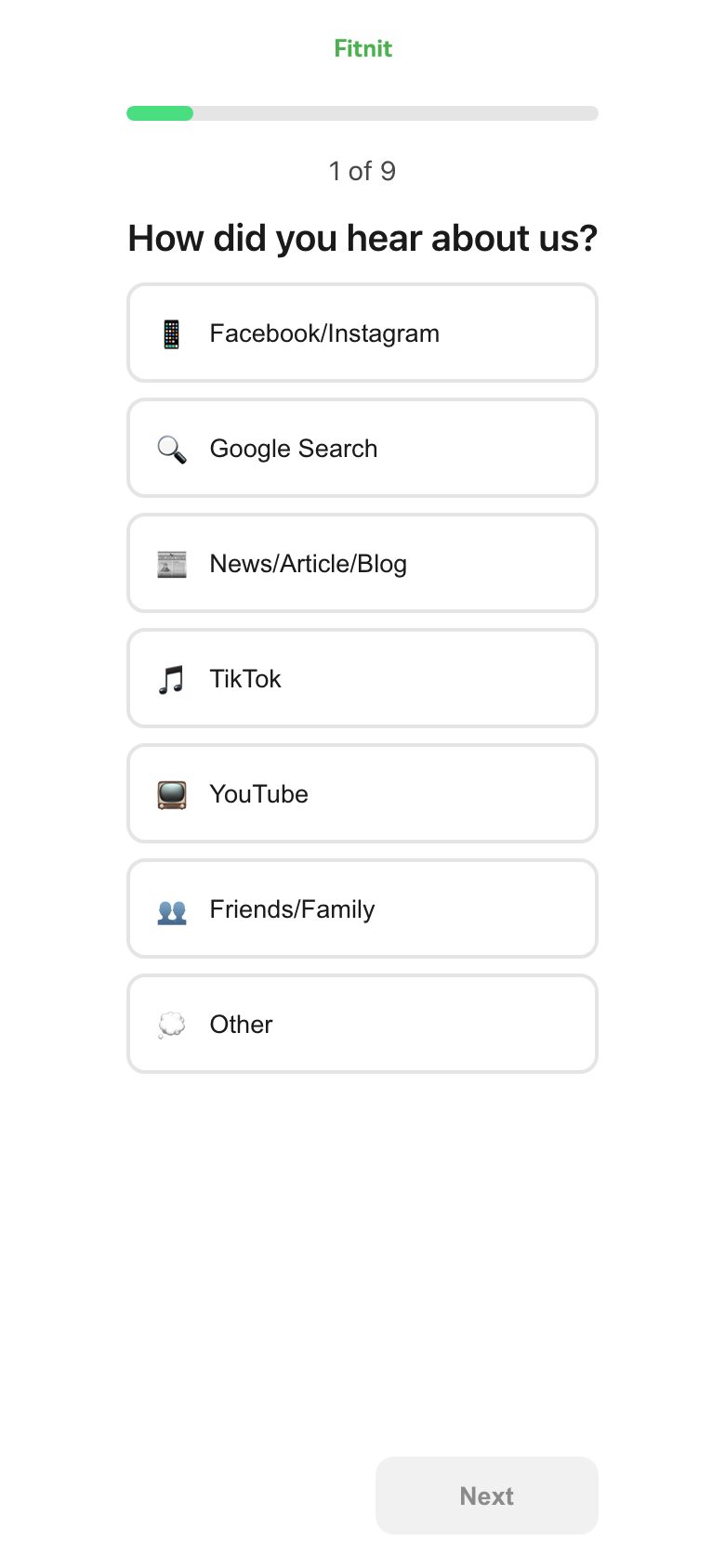
1 · How did you hear about us?258−21
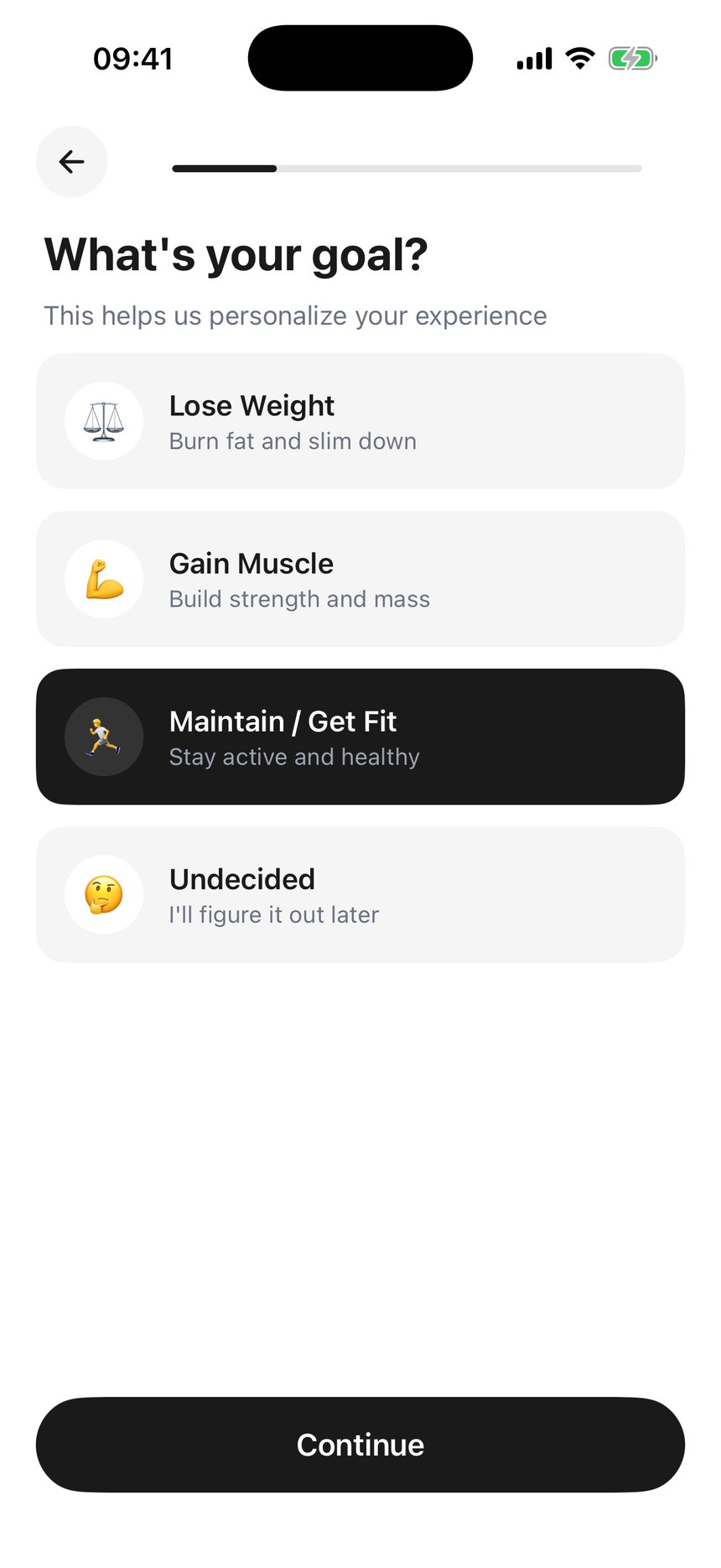
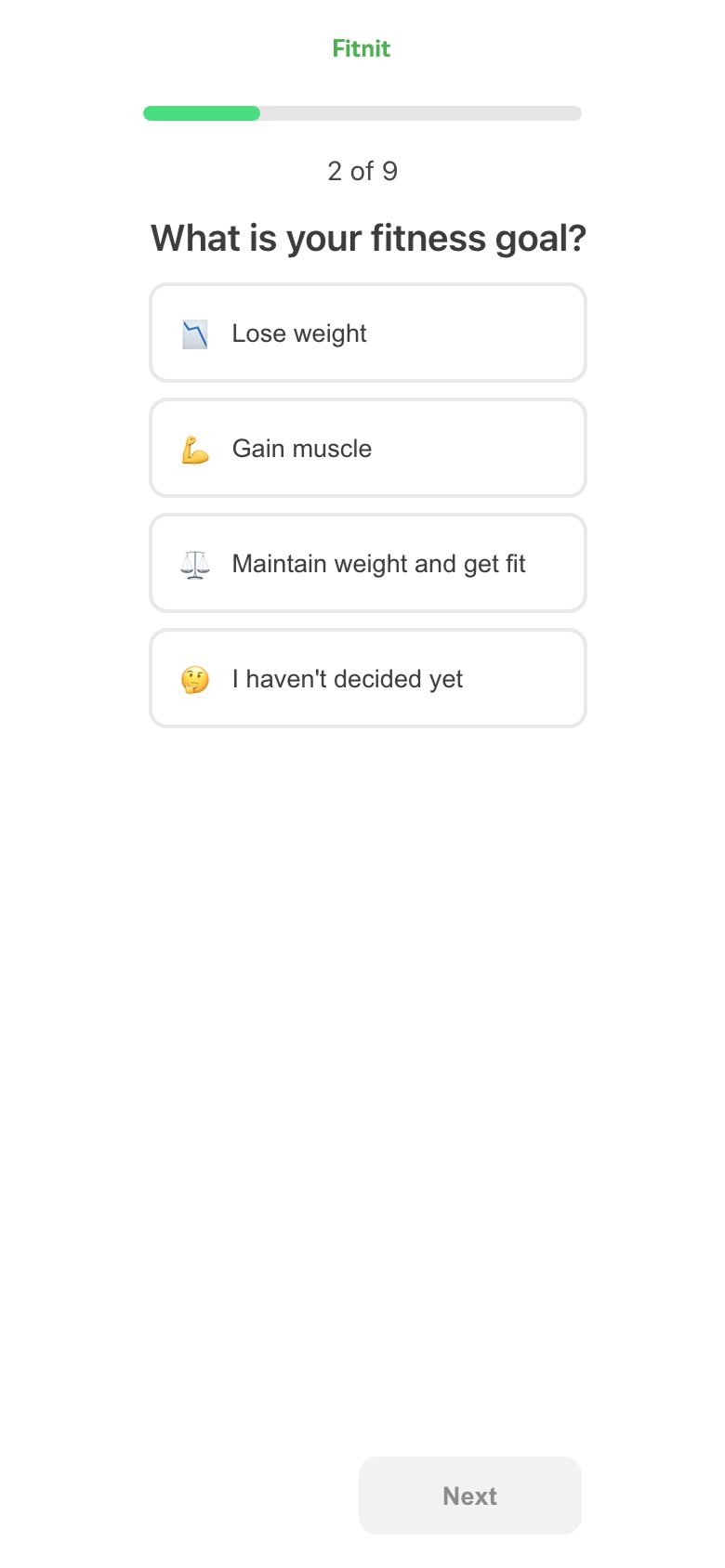
2 · What's your goal?234−24
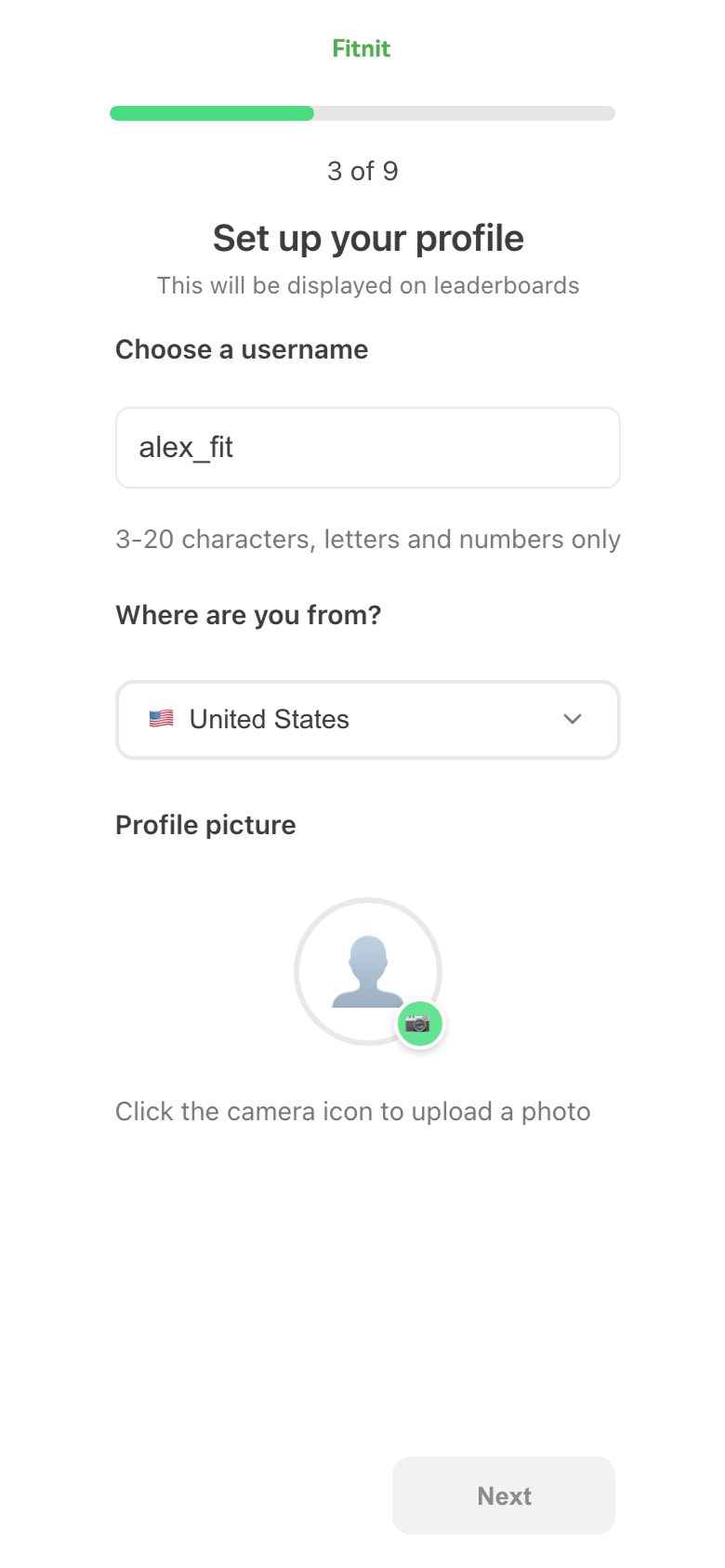
3 · What should we call you?229−5
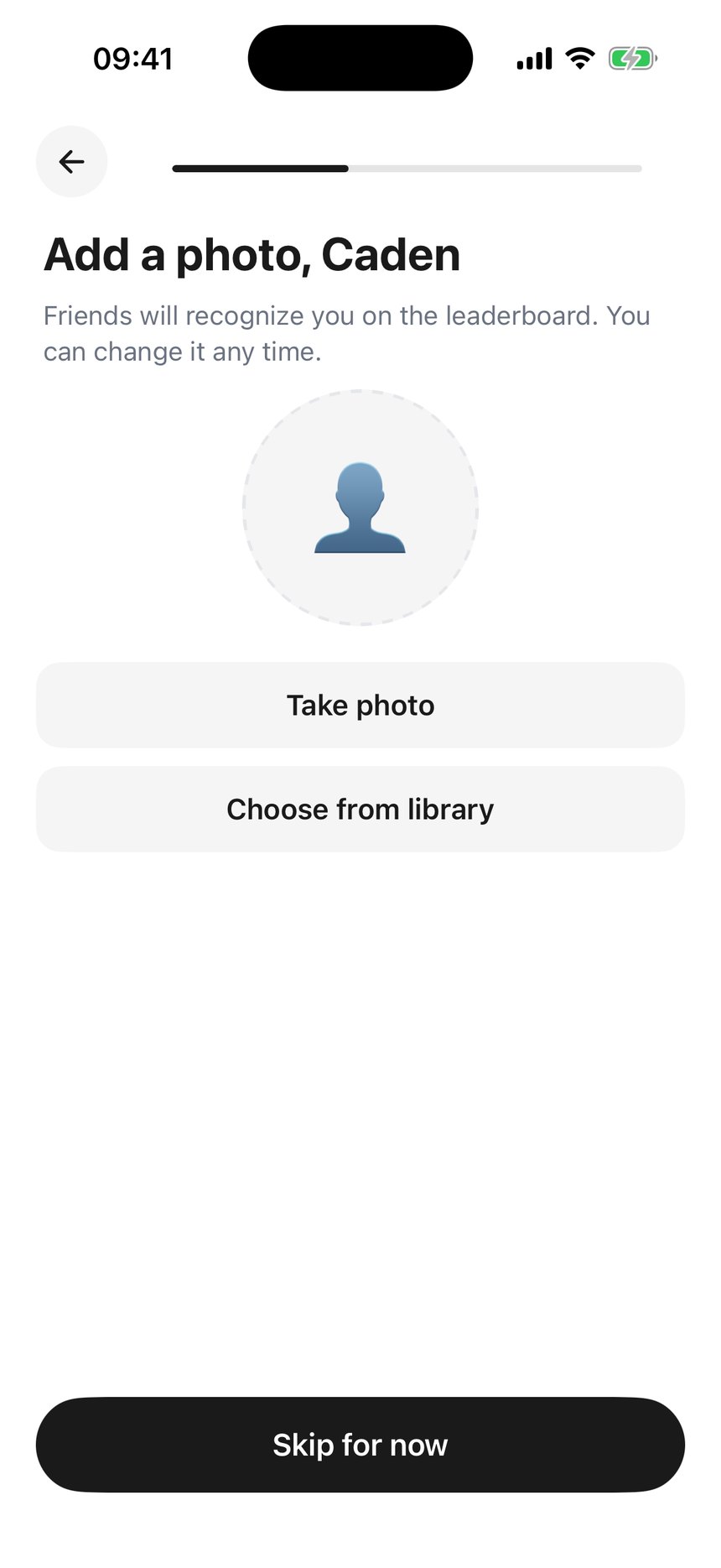
4 · Add a photonot measured
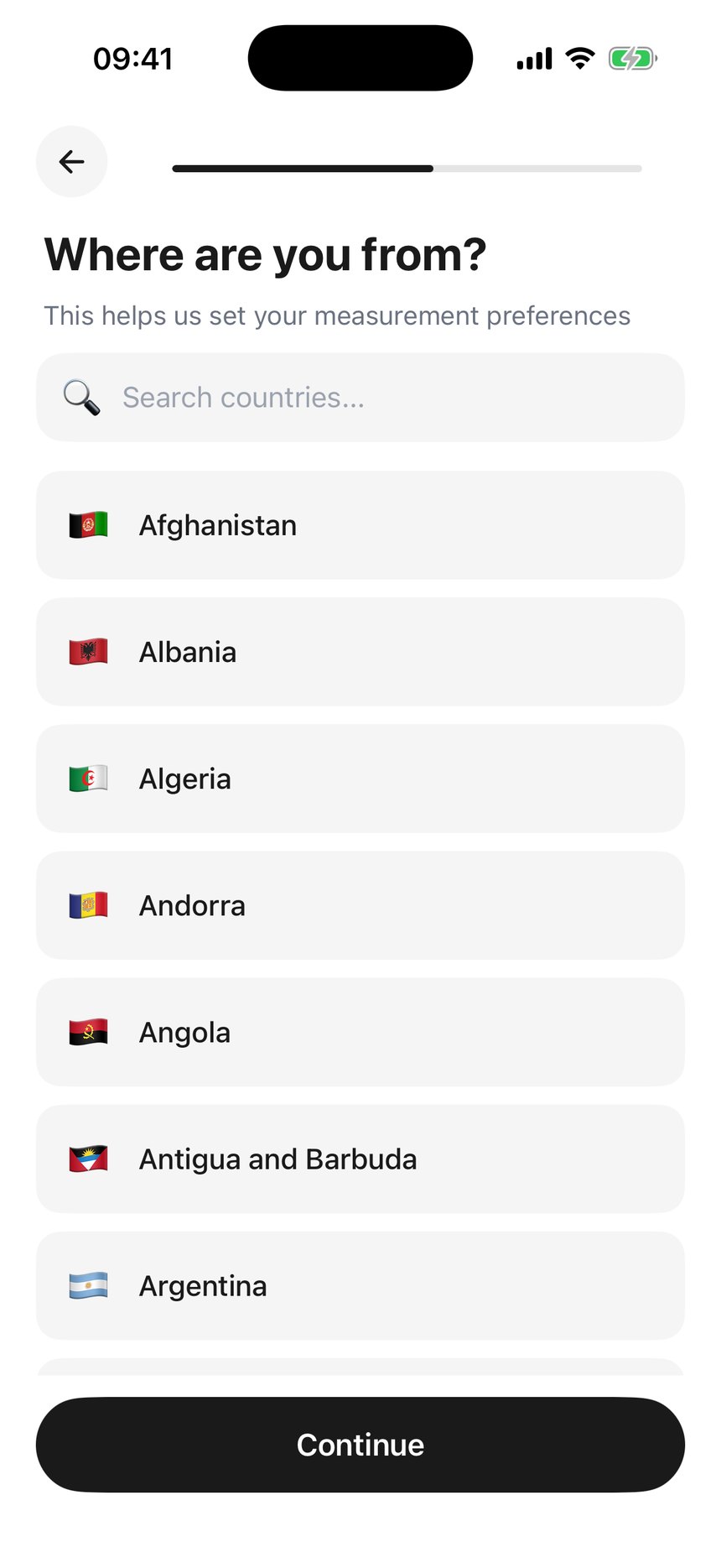
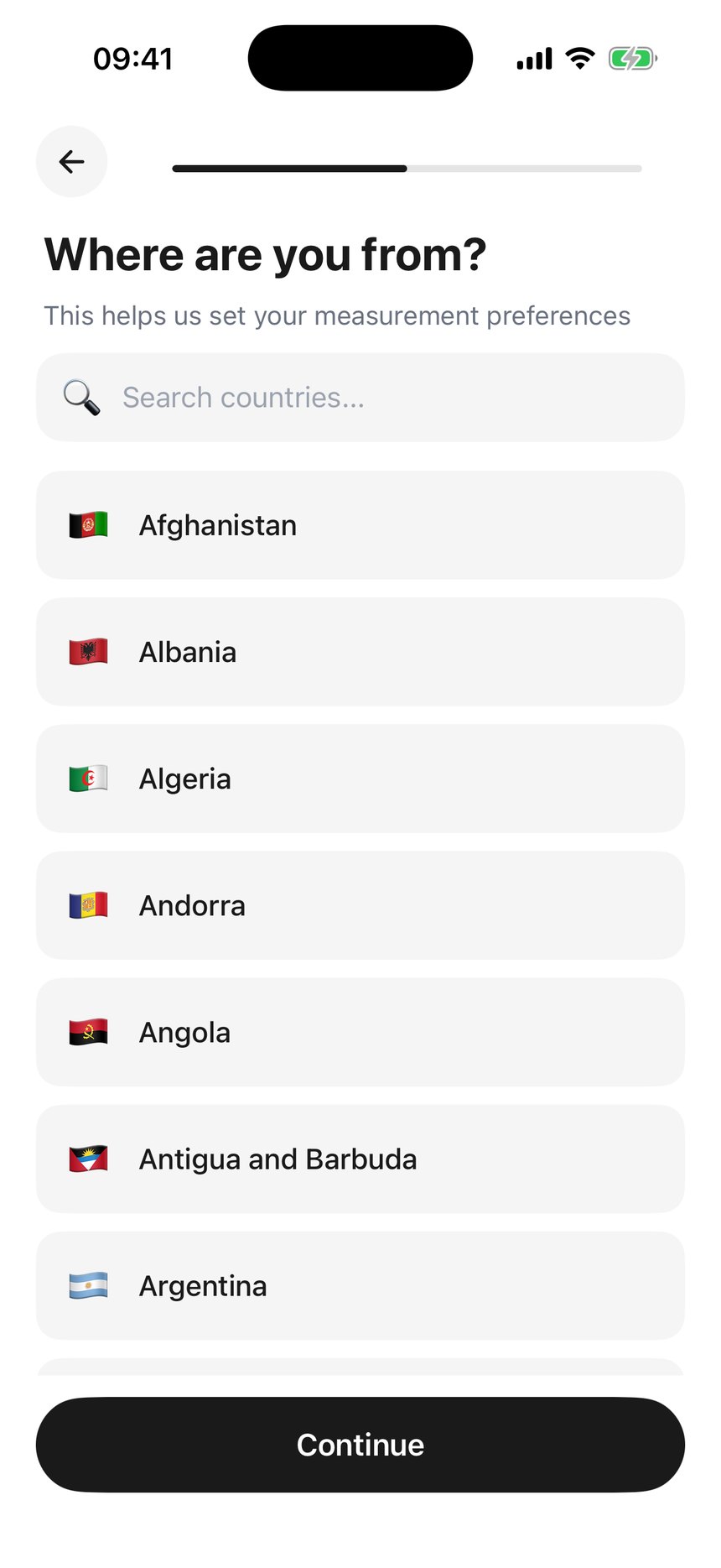
5 · Where are you from?226−3
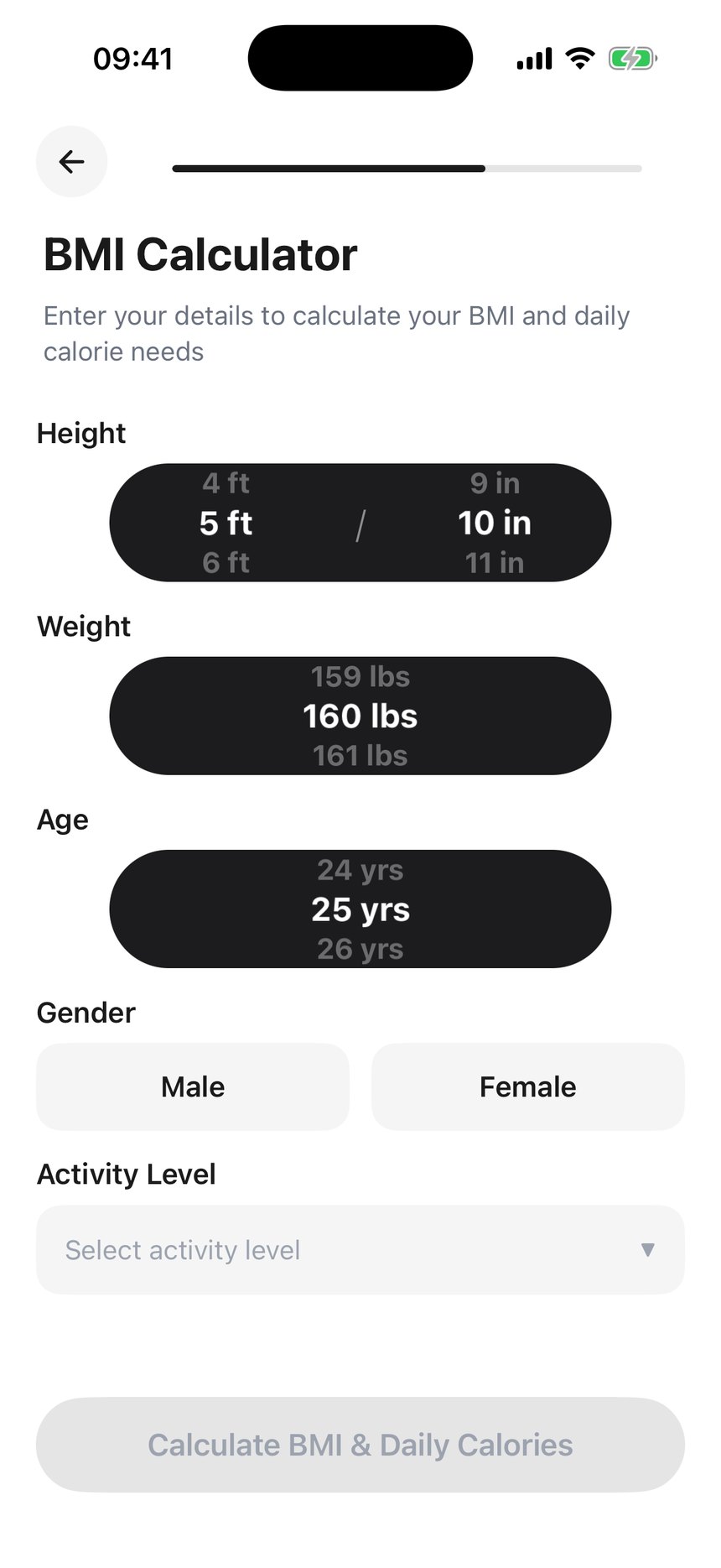
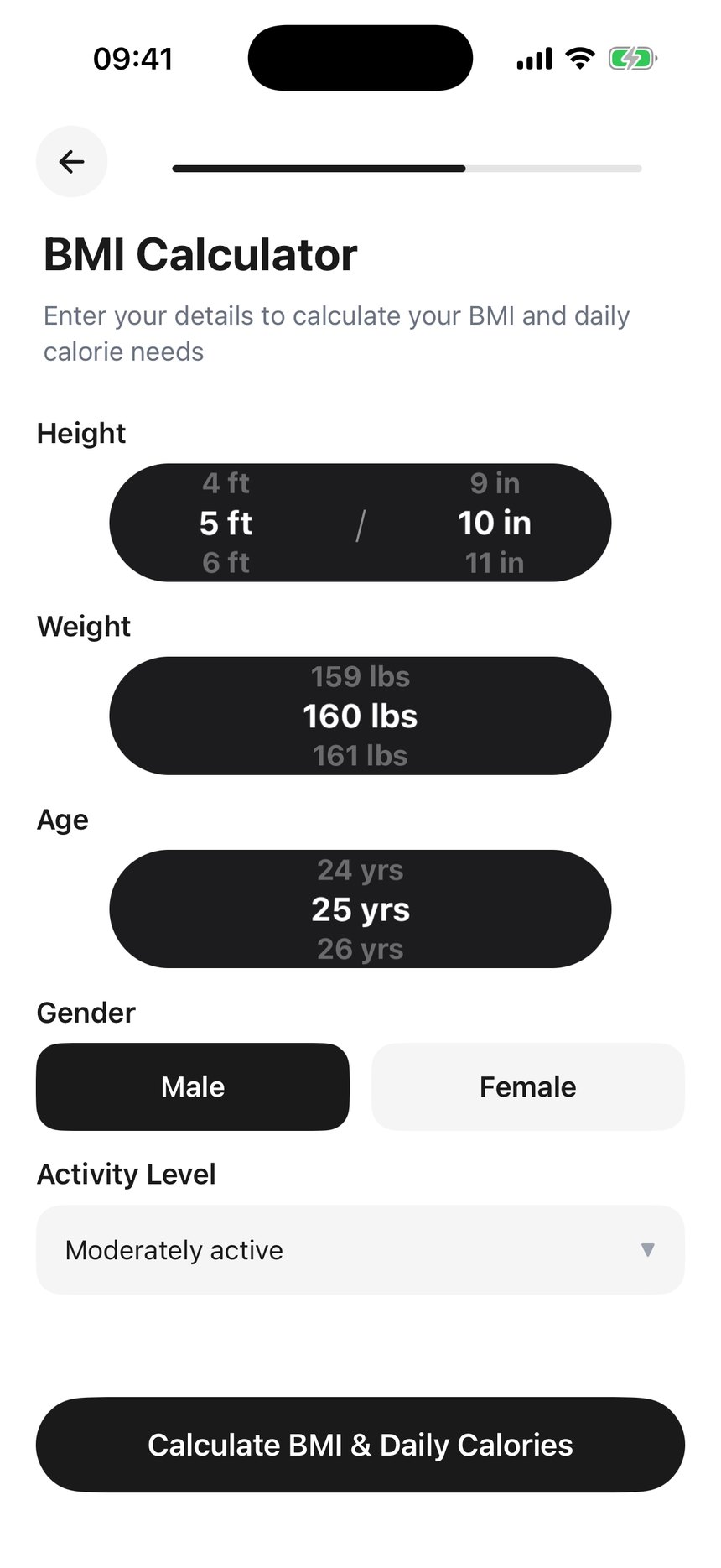
6 · BMI Calculator221−5
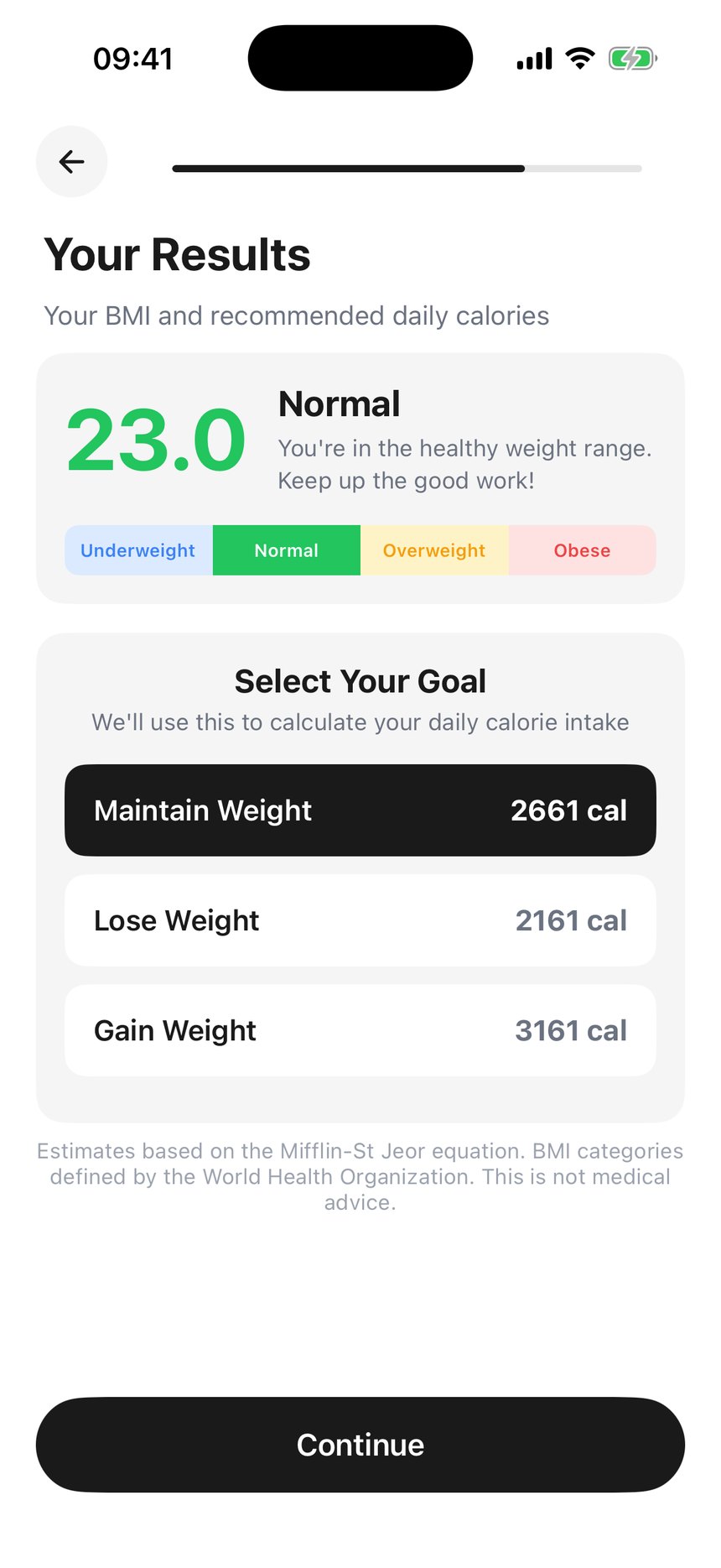
7 · Your Results220−1
8 · What to focus on?220—
9 · Main reason218−2
Finished218—
Step 1 answers share of responses
Other9831%
Google Search8728%
Social Media6721%
Friends / Family4815%
News / Blog165%
Counts sum above the 258 who answered, because some people went back and changed their answer — read them as proportions.
Three quarters of all drop-off happens at or before the question that asks how you heard about us. Of the 61 people lost across the whole flow, 45 go in the first two screens — 21 between opening onboarding and answering step 1, and another 24 between step 1 and step 2. Every screen after that leaks single digits, and three of them leak nobody at all. The nine questions are not the problem. The first two are.
“Other” is the most popular answer, and it records nothing. At 31% it beats Google Search, Social Media and Friends / Family. There is no free-text follow-up, so those 98 people answered a question, cost themselves a screen, and told you nothing. That is the clearest single signal that the option list is wrong — if a third of people cannot find themselves in your five choices, the choices are not the ones people would offer unprompted.
Friends / Family is 15%, and that is the part attribution can never recover. AppsFlyer is deterministic for paid clicks and tracked links; a friend recommending the app at the gym is invisible to it. Worth noting that today it could not replace any of this: src/lib/appsflyer/index.ts:94-96 has both onInstallConversionDataListener and onDeepLinkListener switched off pending OneLink, so nothing in the app currently reads attribution at all.
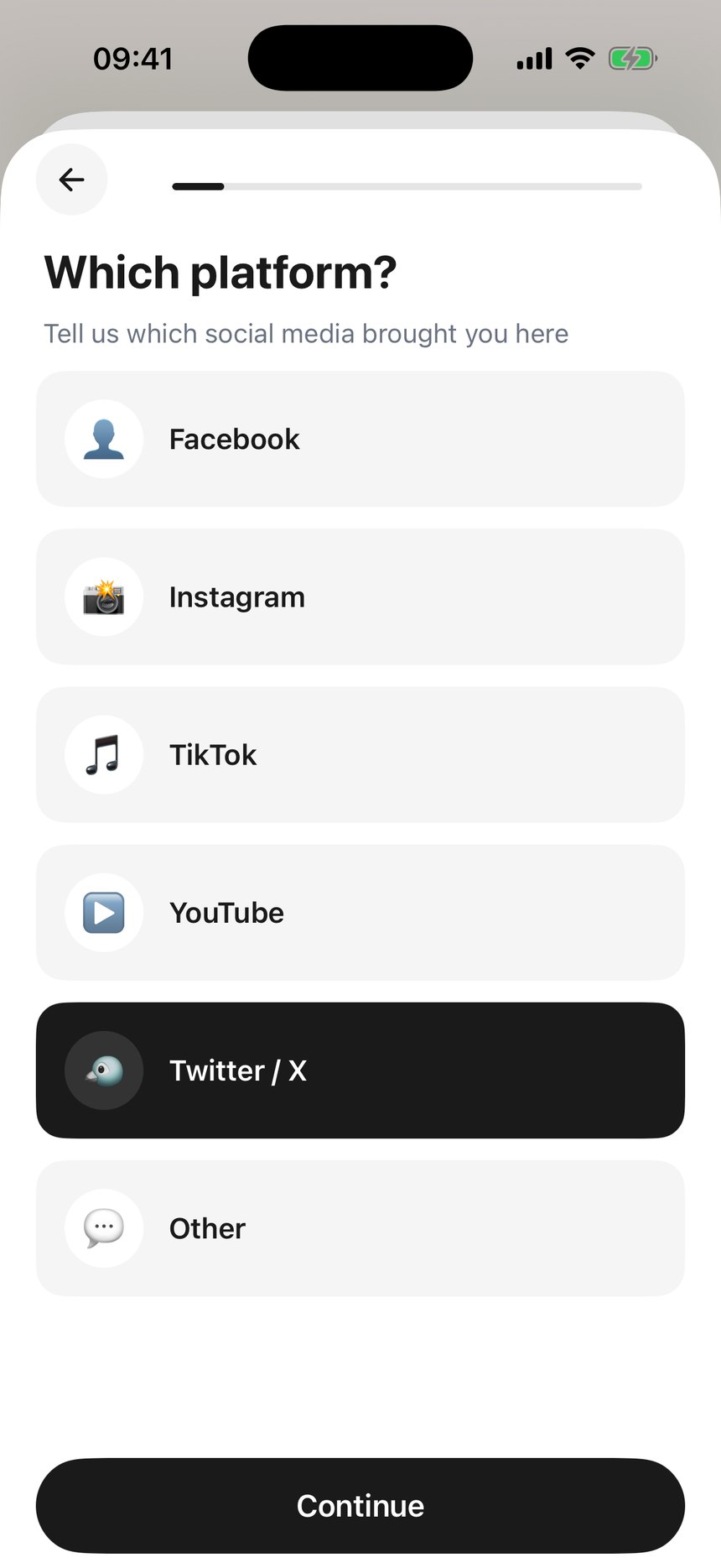
The Social Media branch costs a screen and 30% of the people who take it. 67 chose Social Media at step 1; 47 completed “Which platform?”. This is also the one part of the question attribution genuinely does replace once OneLink is wired — which platform someone came from is exactly what a tracked link knows.
The photo step is not being measured. Since it shipped on 1 Aug, 50 people completed the step before it and 50 the step after — and it fired 1 event. The capture in photo.tsx:72 looks correct and sits on the only exit. The likely cause is next door: /photo is the only onboarding route missing from the PUBLIC_PATHS allow-list in app/_layout.tsx:155-172, and onboarding users are signed out, so reaching it should trip the redirect to /landing. Two independent signals agree; it still needs a signed-out reproduction to confirm.
What the rest of the category does
3 captured · 4 reconstructed · 79 frames read
Read end to end rather than skimmed for screenshots. Two shapes exist, they contradict each other on almost every point, and only one of them is ours.
the app gives something — proof it works, or a fact about you
the app takes something — an answer, an account, a permission, a card
neither — a claim on a slide
segment width = share of that app's own flow · hover a segment for detail
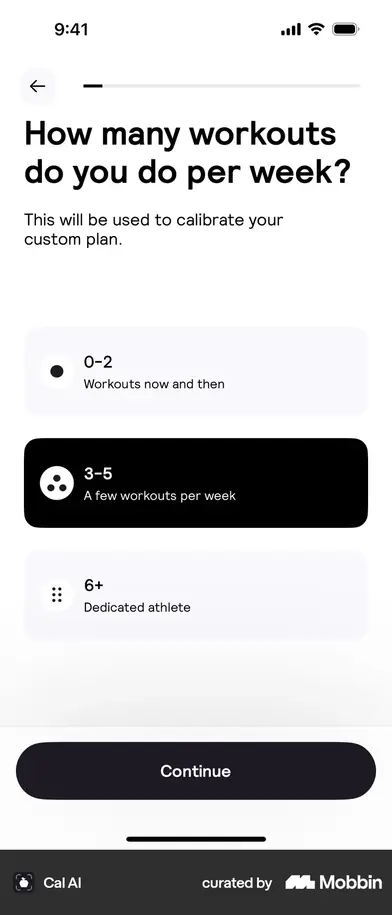
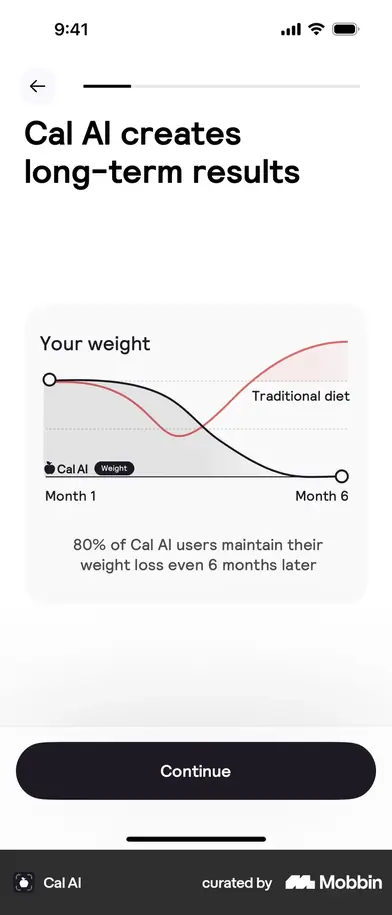
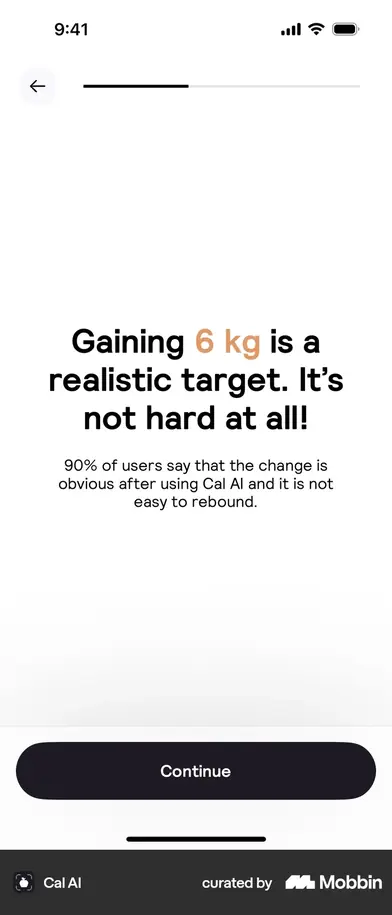
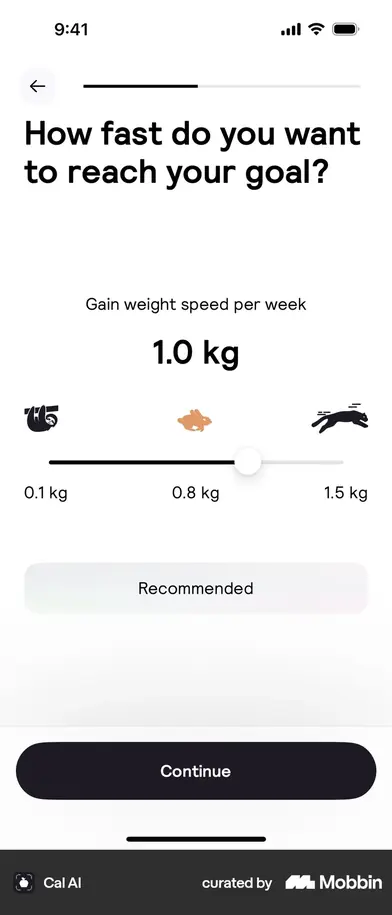
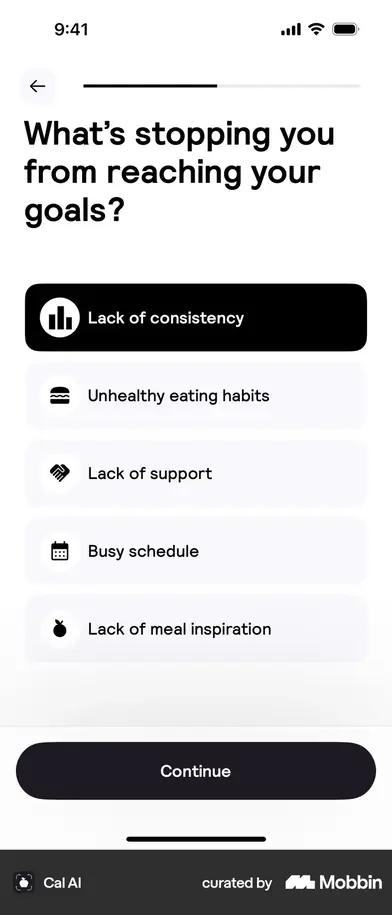
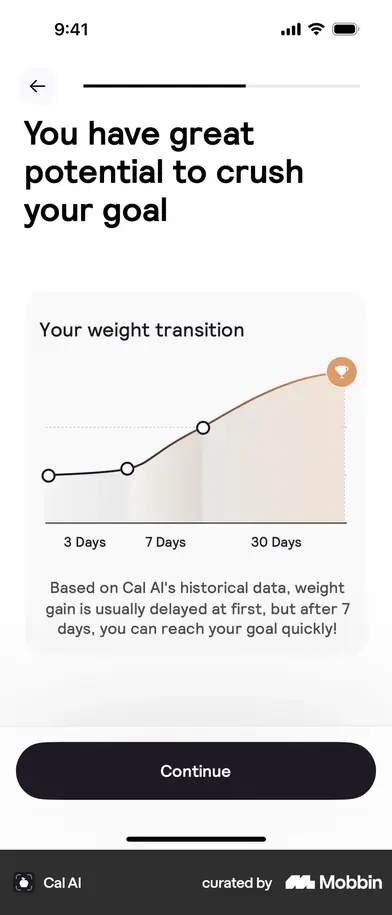
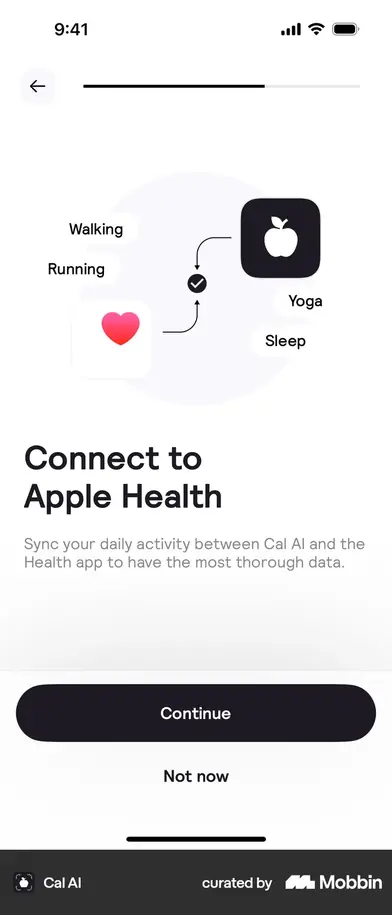
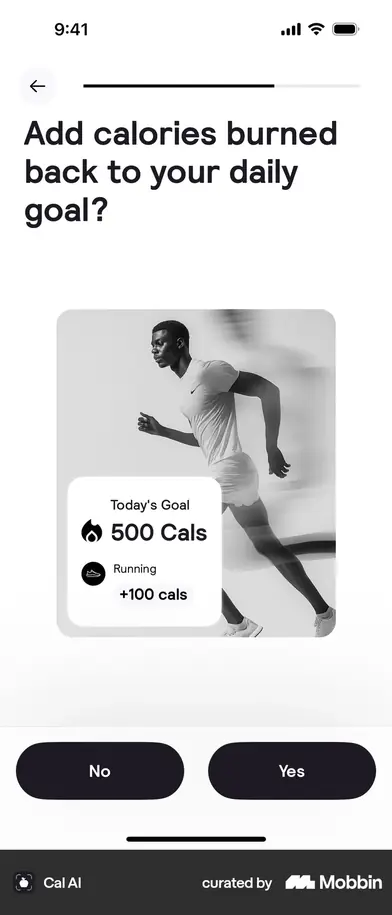
Splash · value prop2Gender · workouts · where you heard · tried other apps5Long-term resultsHeight & weight · birthday · goal · target weight7“6 kg is realistic”How fast2× with Cal AIWhat's stopping youYour projection“Thank you for trusting us”Apple Health · rollover · rating · notifications5Save your progress · referral code2Generating → your plan3Sign in · paywall2Home
first payoff · screen 8Eight of the thirty-four screens give something back, and after the eighth you are never more than four asks from the next one. There is no demo video in the capture — screen 1 is a splash and screen 2 a still.
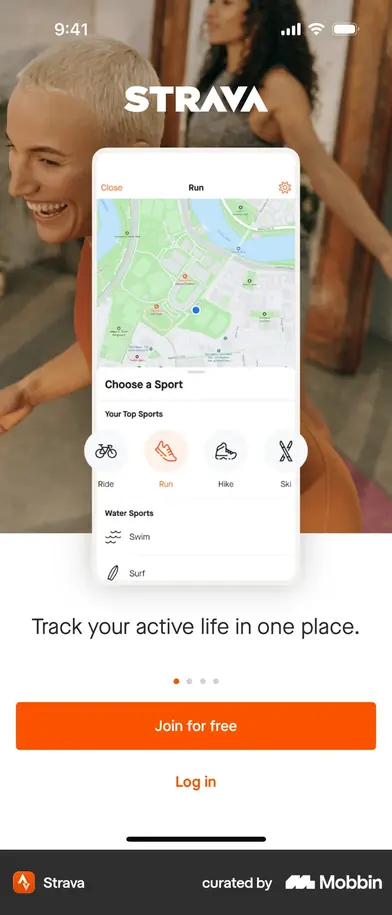
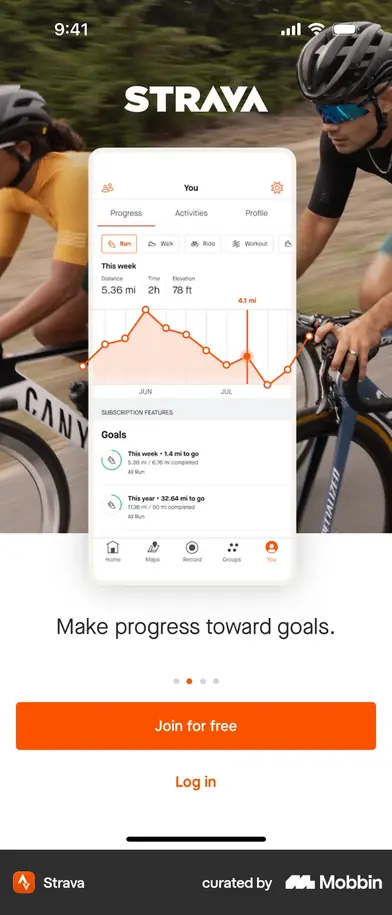
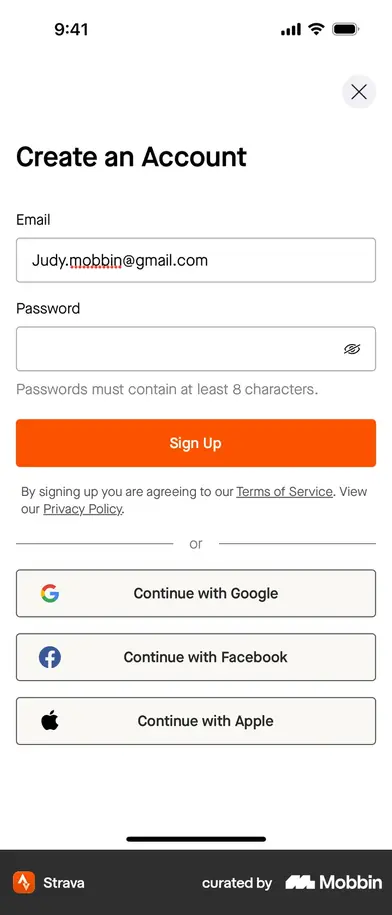
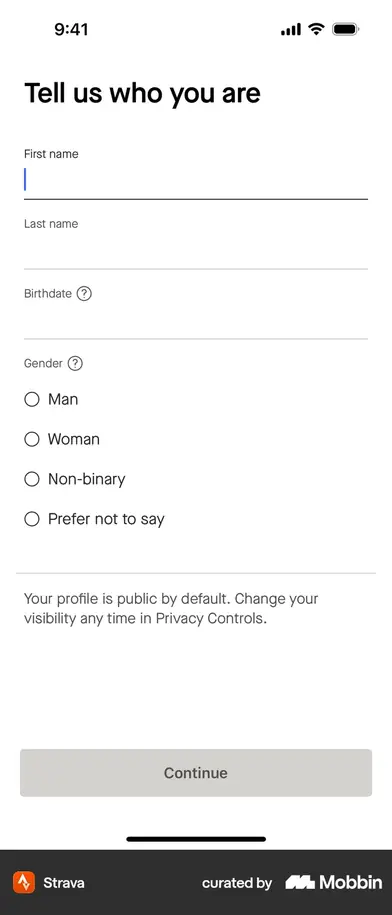
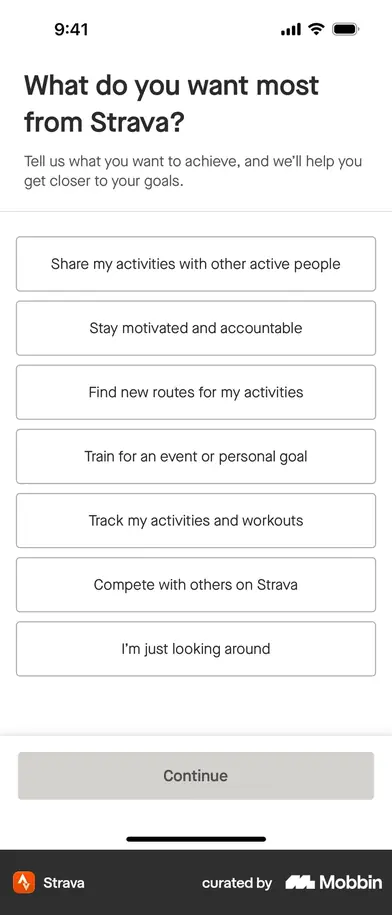
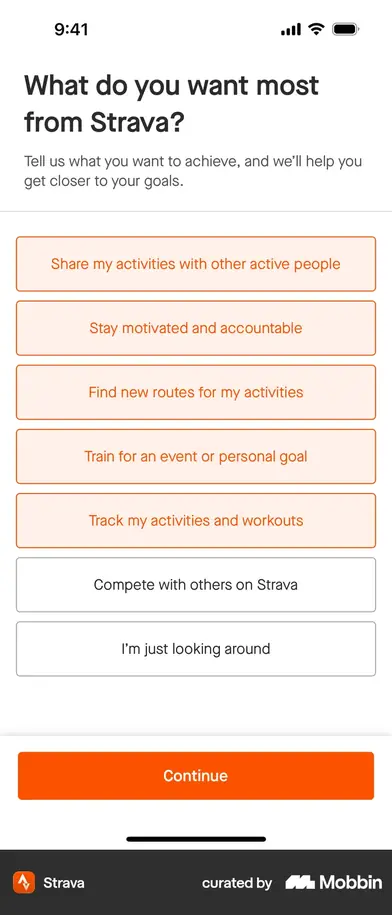
Splash · 4 slides5Create an account4Tell us who you are4What do you want most2Which sports2NotificationsPaywall4Feature tour4“Welcome, Judy!”Getting Started checklist4
first payoff · screen 23Gives you nothing until after you have paid — then gives constantly, including a Getting Started checklist that keeps onboarding running inside the app.
Four intro slides4Account8SplashPaywall
first payoff · neverNot the two-minute flow the write-ups describe. It is four slides, a full account, and a paywall — no questions at all, and the account comes before everything.
Welcome2Sign in with StravaTraining questions25Your planPaywall
first payoff · ~screen 29No capture available — this row is from the published case study, not a flow we can see. Signs you in with Strava and prefills from it; adding a better-designed age step raised activation.
WelcomeGoal · experience3A workout, built
first payoff · ~screen 5No onboarding flow published — reconstructed from write-ups. Equipment and detailed goals are deferred to a later session.
Carousel3Goal · name · photo · country · height · weight · about you7Your resultsFocus · reason2Paywall
first payoff · screen 11One screen in fourteen gives anything back, and it is the eleventh. Seven questions answered before the app says a single thing about you.
Rep counter, runningCarousel2GoalSign inYou · height · weight · about · focus5Building your planYour resultsPush askPaywall
first payoff · screen 1Three of fourteen give something, the first at frame one, and no run of asks is longer than five. That is the Cal AI rhythm at a fifth of the length.
Three of these rows are screen-by-screen captures of the real flow, read frame by frame — Cal AI 34 screens, Strava 31, MacroFactor 14, each badge linking to the flow it came from. Runna and Fitbod have no published flow, so those two rows stay reconstructed from write-ups and are badged as such. The Fitnit rows are our own.
| App | Length | The move worth taking |
|---|
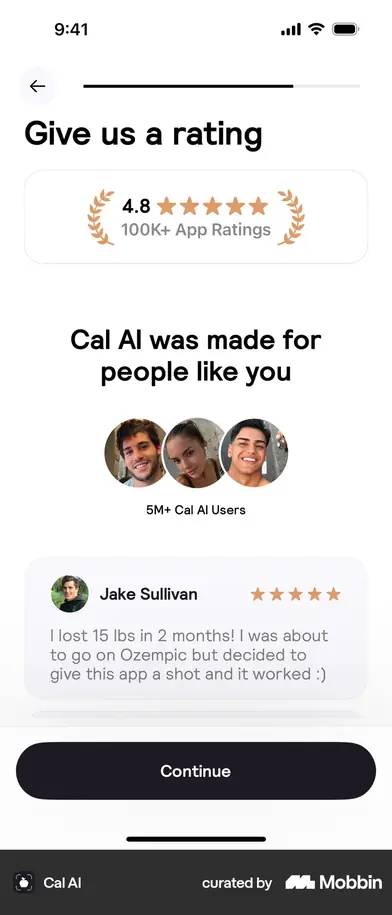
| Cal AI | 34 screens | Alternates ask and reassure: eight of thirty-four screens give something back, and after the eighth you are never more than four asks from the next. Every answer after that animates the plan assembling. The notification ask is reframed as “want reminders about the plan you just built?” and the rating ask lands just before the paywall, at peak investment. $35M ARR, 61 paywall experiments. |
| Runna | ~30 steps, 12 min | Signs you in with Strava and prefills the profile from it. Its own experiment is the useful part: the team assumed an extra step would cost activation, shipped a better-designed age input, and activation went up. Friction was never the problem; unexplained friction was. |
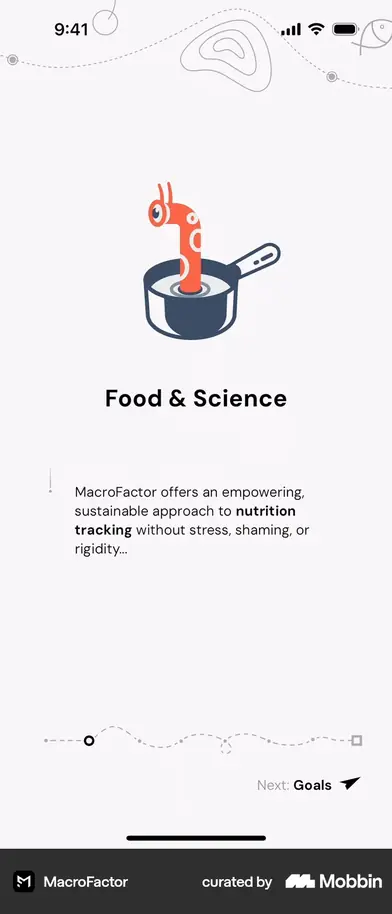
| MacroFactor | 14 screens | Asks nothing. Four slides, then a full account at screen 5, then the paywall — and the fourth slide states the premium-only business model before requesting anything. The “logging in two minutes” line describes the app after signup, not this flow. |
| Fitbod | 3 asks | Asks training experience, then shows a suggested workout. Equipment and detailed goals are deferred to a later session, once you have already tried it. |
| Zumba · Map My Run | 2–3 asks | Each question states, on the screen, what it changes. Map My Run asks weekly distance with units and context rather than as a bare number. |
| Numify | 3 asks | Declining the paywall preserves your answers. Nothing is thrown away for saying not yet. |
| bergfex | — | Makes the account gate explicit and easy to evaluate instead of hiding it behind a step that looks optional. |
These are App Store screenshots — the publishers' own marketing frames, pulled keyless from Apple's public lookup API (scripts/lab/appstore-shots.py). The real onboarding frames are further down, all 79 of them, with the source flow linked from each set. Firecrawl was not used and would not have helped: it needs an account, and the flows turned out to be plain server-rendered HTML.
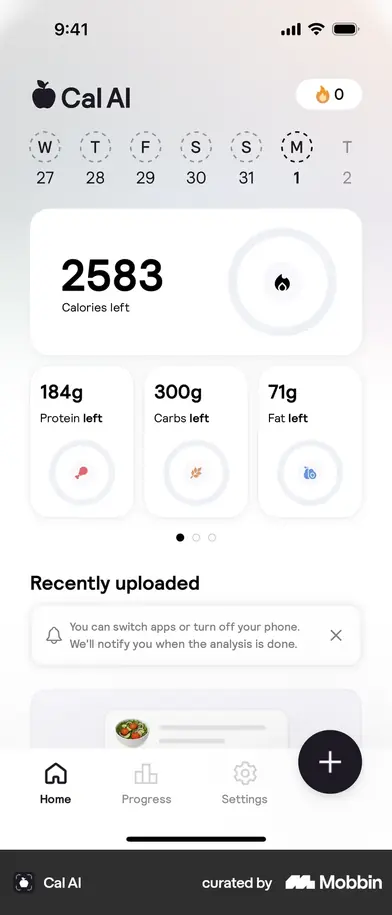
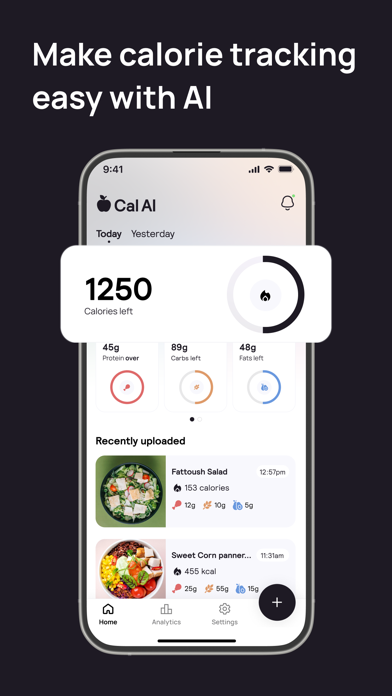 Cal AIApp Store
 Cal AIApp Store
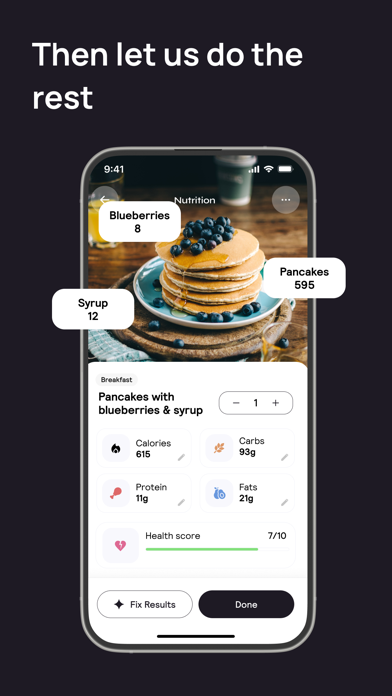 Cal AIApp Store
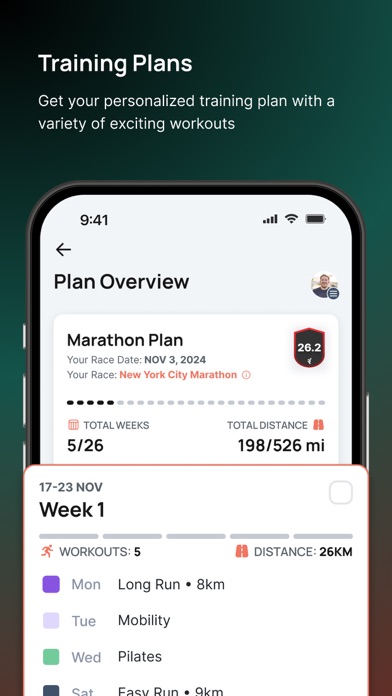 RunnaApp Store
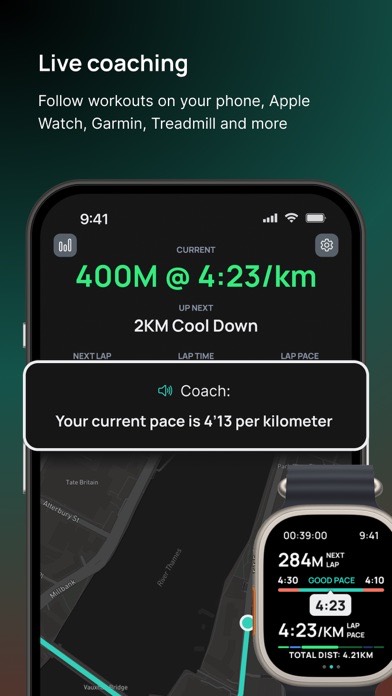 RunnaApp Store
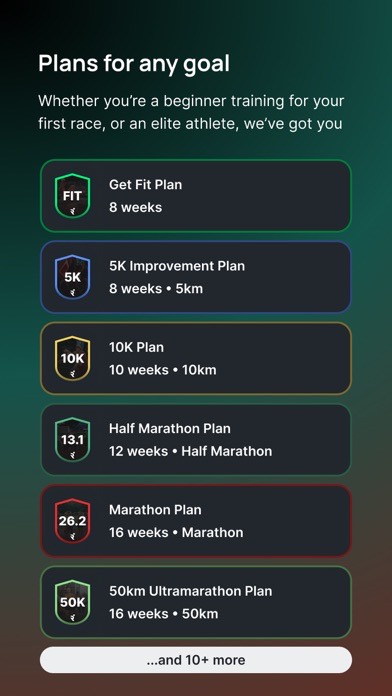 RunnaApp Store
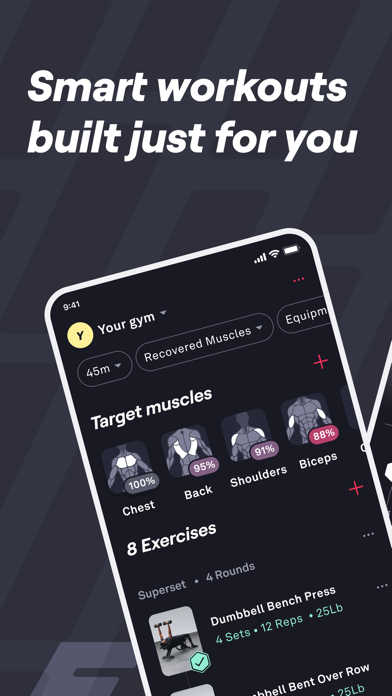 FitbodApp Store
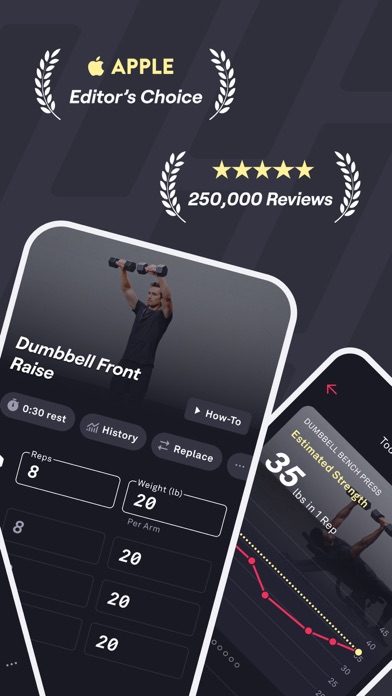 FitbodApp Store
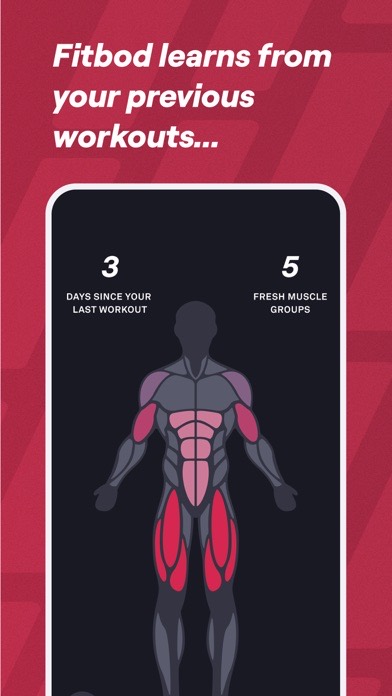 FitbodApp Store
 MacroFactorApp Store
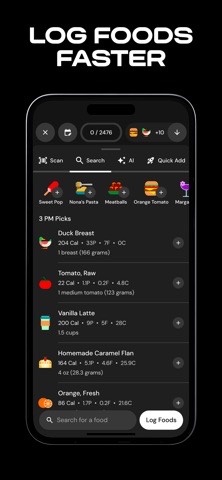 MacroFactorApp Store
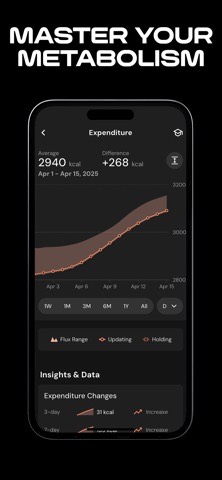 MacroFactorApp Store
The two shapes are not interchangeable, and we are the long one. Fitnit's setup ends by handing you a BMI, a daily calorie target and a goal projection. That is a plan — Cal AI's and Runna's shape, not MacroFactor's. An app that hands you a number has to earn its inputs; an app that hands you a blank log does not. So the reflex to “cut it to five screens” is the wrong instinct here, and the funnel above agrees: 78% finish, and every screen past step 2 leaks single digits.
Length is not what loses people. Unexplained length is. Runna adds steps and activation rises. Cal AI runs 32 screens to $35M ARR. The published benchmark that says three-to-five steps completes at 60–80% and long intake forms below 40% is measuring intake forms — questions that buy the user nothing at the moment they answer them. Which is a fair description of steps 2 through 7 of our flow today: the first thing any answer visibly buys is the results screen at step 8.
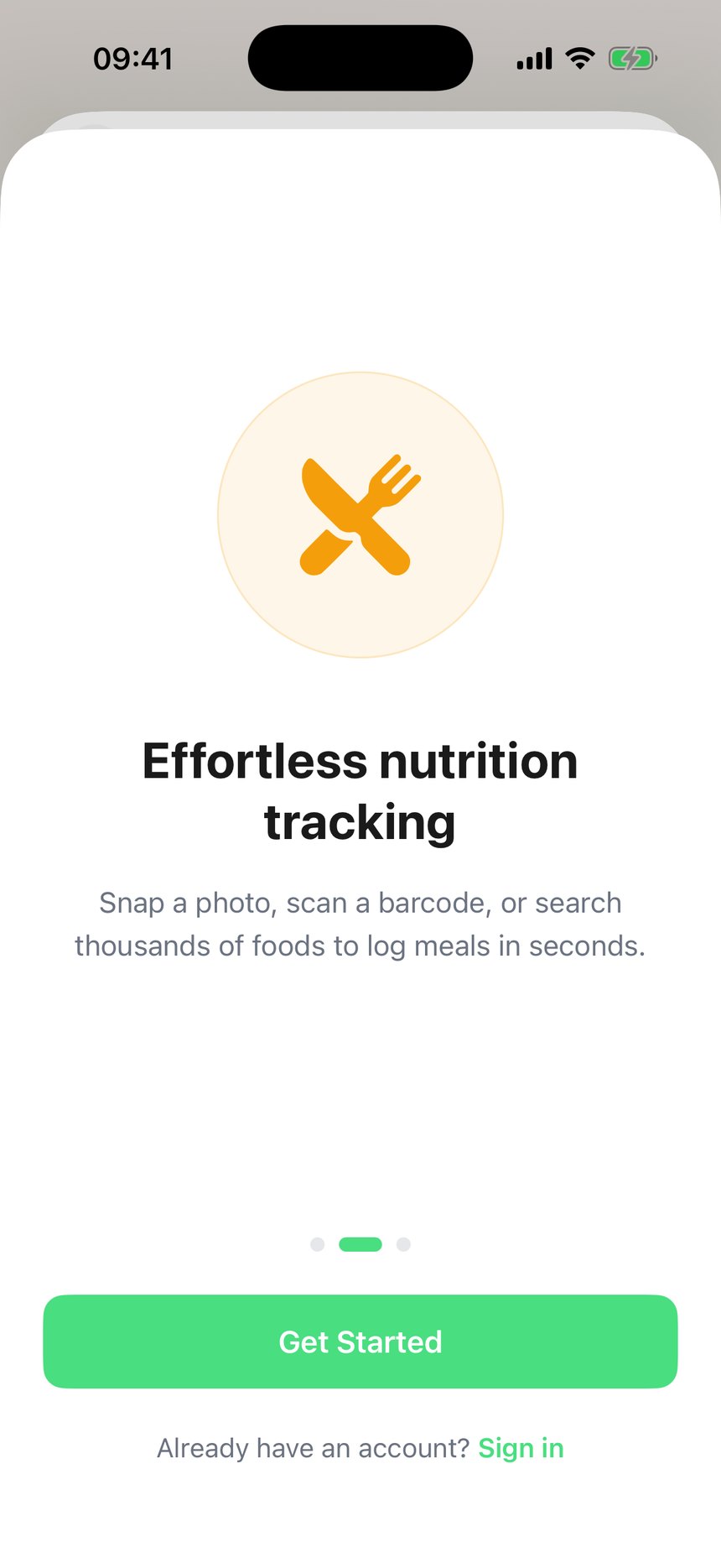
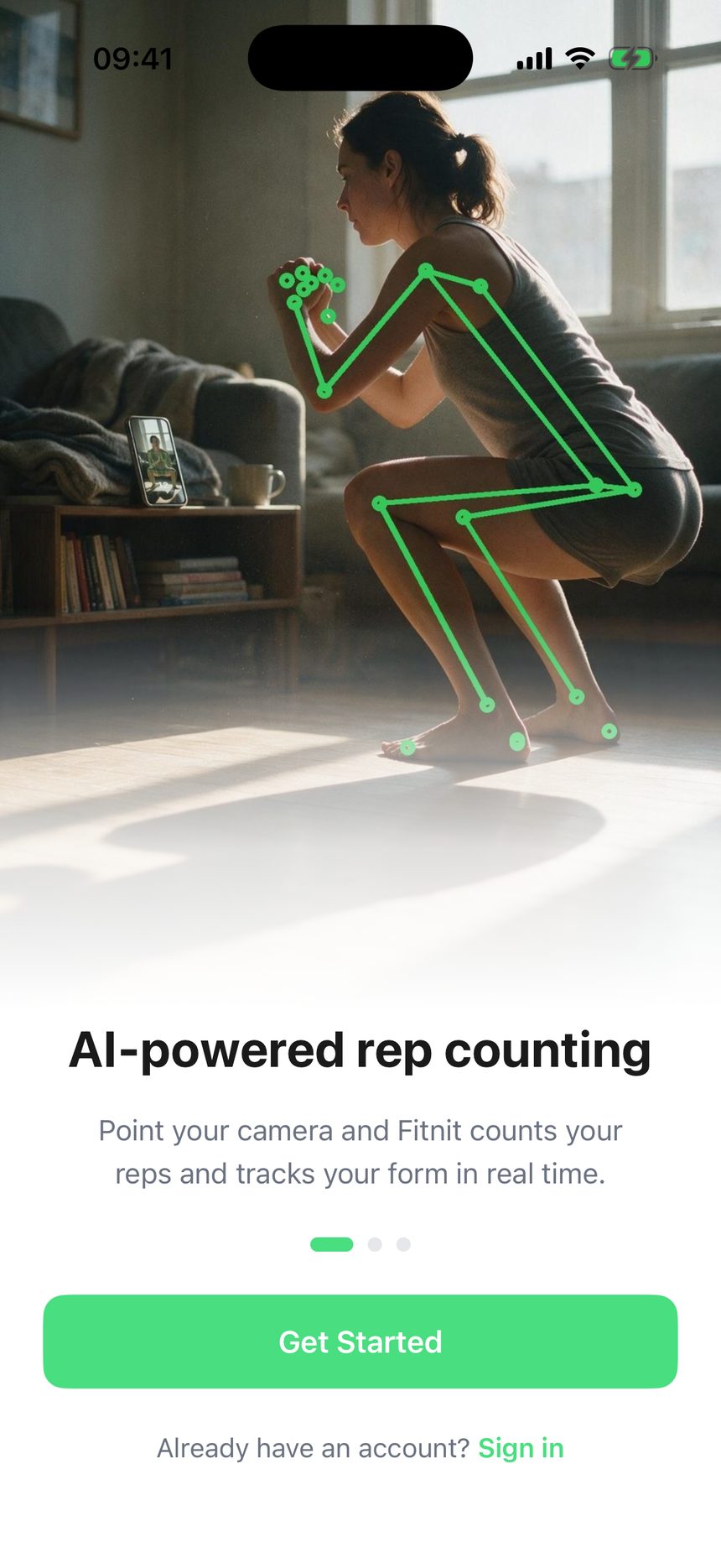
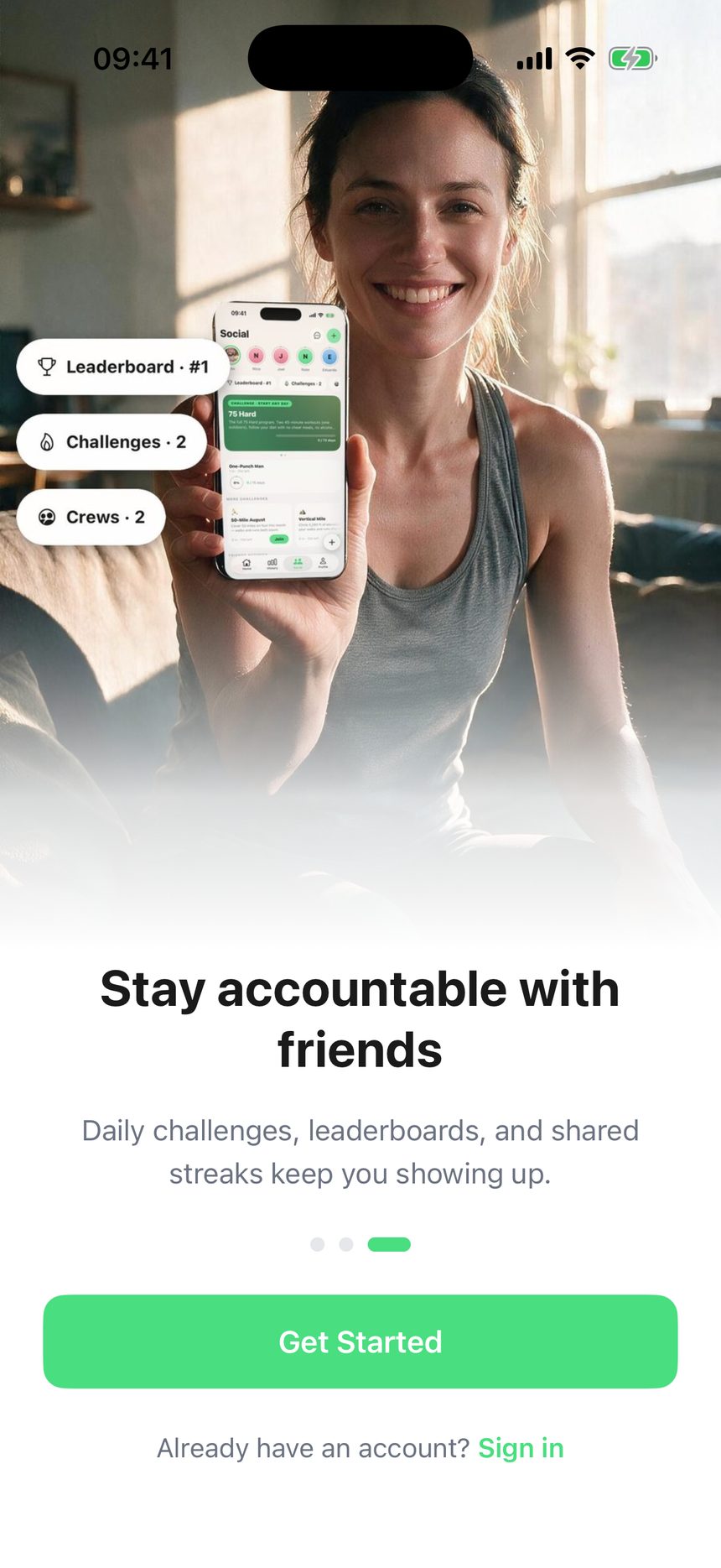
Nobody else in the category opens on a still image. Slide 1 is the only chance to show the rep counter working, and it is the single most differentiated thing in the app. It is currently a photograph. Worse, Get Started is persistent from slide 1, so nothing forces a swipe — slides 2 and 3 are optional to a user who is either already sold or already leaving.
We ask for notification permission zero times during onboarding. The only call site is app/settings/notifications.tsx:186, behind a settings screen. iOS opt-in sits near 44% globally and pre-permission priming lifts it 2–3×; our ceiling is whoever goes looking for the switch. For an app whose retention story is streaks and daily logging, that is the largest single miss in the flow.
On the paywall, the benchmarks disagree with each other in a way worth knowing. Adapty puts hard paywalls 20–40% ahead on immediate trial starts and freemium 15–25% ahead on 12-month revenue; RevenueCat's 2026 numbers put hard-paywall day-35 conversion at 10.7% against freemium's 2.1%, and note that trials of 17–32 days convert at 42.5% against 25.5% for trials under four days, with 55.4% of three-day trial cancellations happening on day zero. Fitnit is a daily-habit product, which is the freemium column — and the July repricing lands on 7-day trials, still inside the low-converting band. That belongs to the pricing plan, not this one, but it should not be decided by accident.
One thing we are deliberately not taking. Cal AI asks for an App Store rating before the paywall. We already decided the rating prompt fires after a nutrition log and never after a workout — and a rating collected before anyone has used the app is a rating for a promise. Keep our rule.
Reading the real frames changed five things this board had wrong. Every claim below is from a capture, not a write-up.
MacroFactor asks nothing at all. Fourteen screens: four illustrated slides, a full account at screen 5 — Apple, Google, Link or Email, then password rules and an email verification step — and a paywall. There are no profile questions in the flow. The widely-repeated “logging inside two minutes” describes the app once you are in, not the onboarding. The fourth slide is the interesting one: it states flatly that MacroFactor is a premium-only application by design and explains why, before asking for anything.
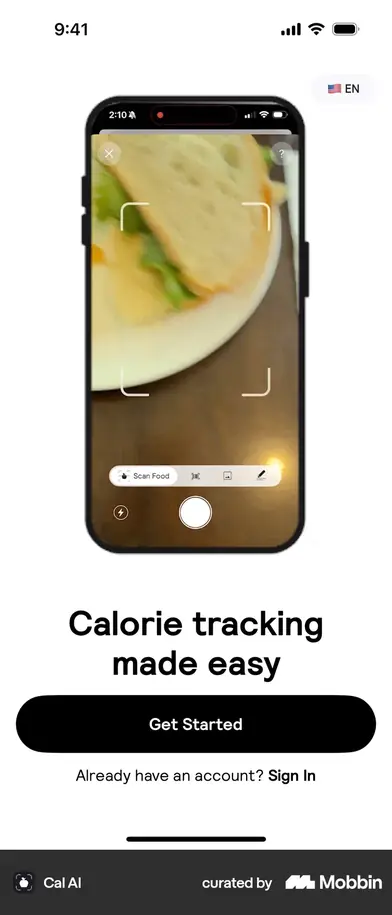
Cal AI does not open on a demo video. Screen 1 is a splash and screen 2 a still phone image with Get Started. The teardown that says video is describing something this capture does not contain. Making slide 1 a rep-counter clip is still right — but for our own reason, because the counter is the thing nobody else has, not because Cal AI does it.
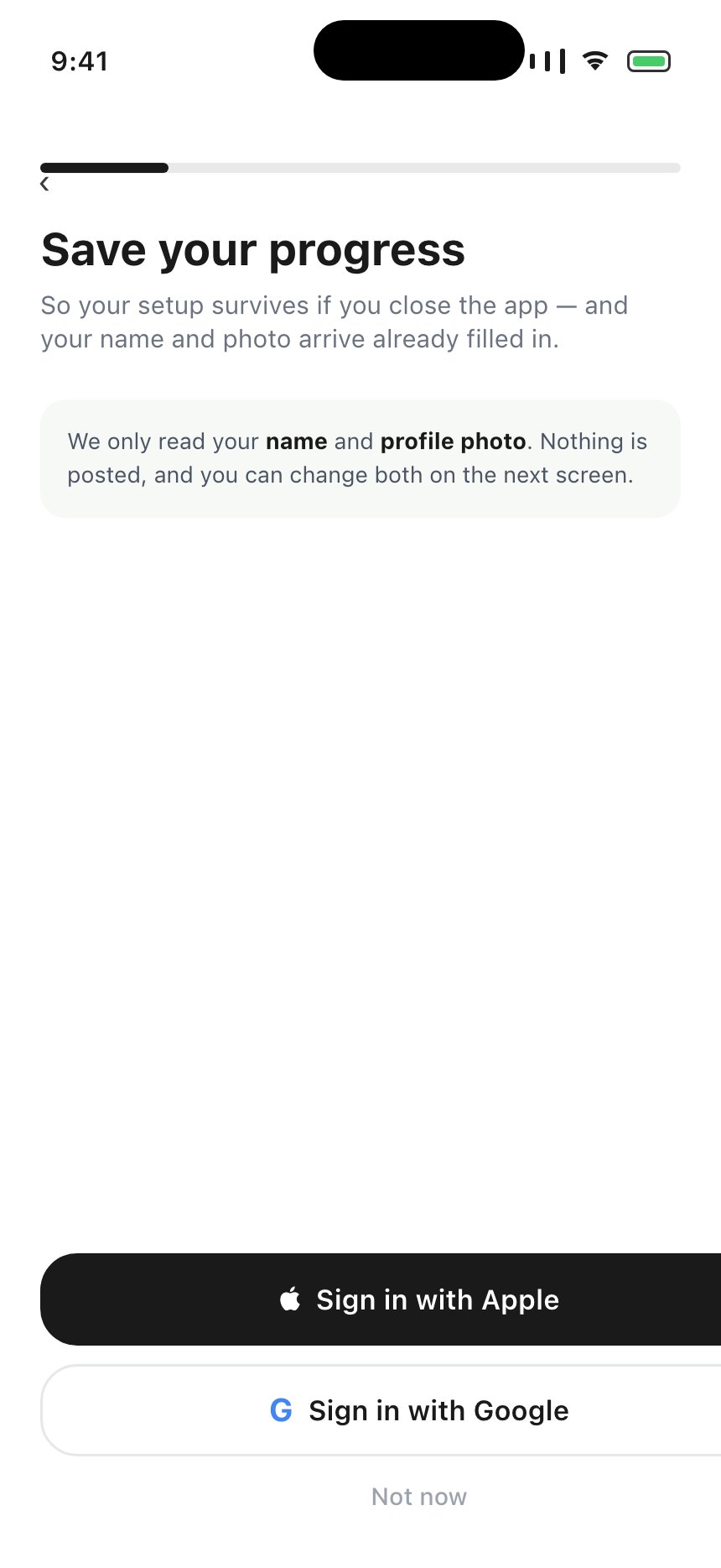
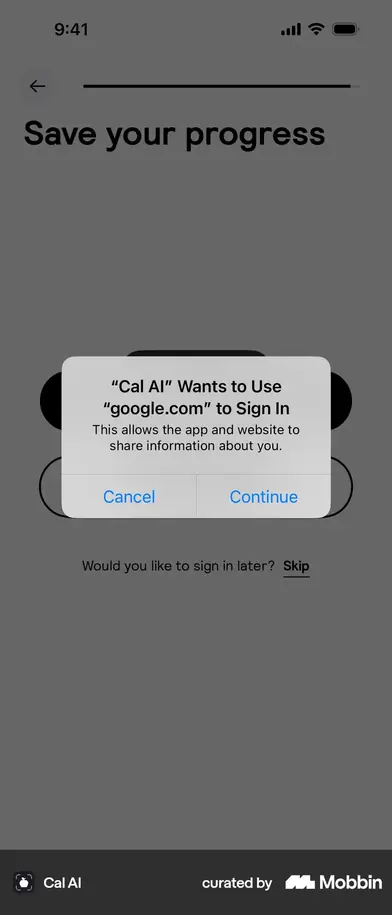
Cal AI's sign-in screen is titled “Save your progress”, with “Would you like to sign in later? Skip” underneath. That is the screen this plan proposed, down to the wording. It sits at screen 27 of 34 — after the questions, immediately before the plan is generated. MacroFactor puts the identical decision at screen 5, before anything. The constant across both is the framing, not the position.
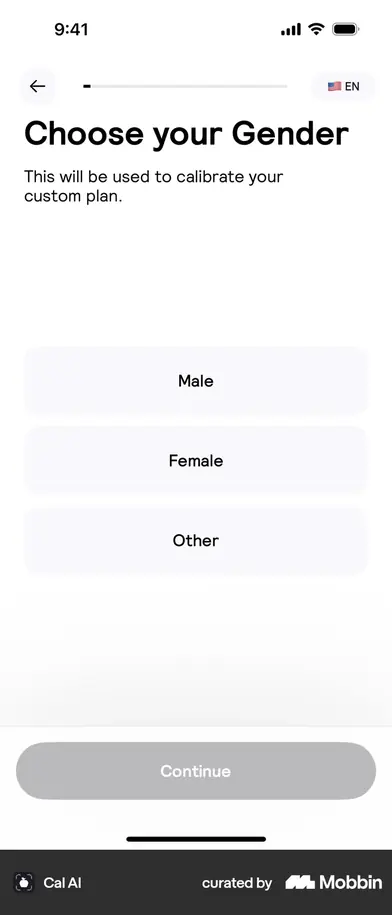
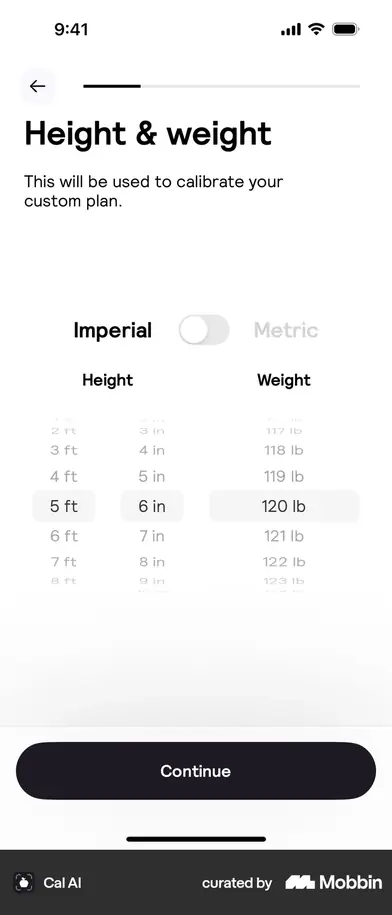
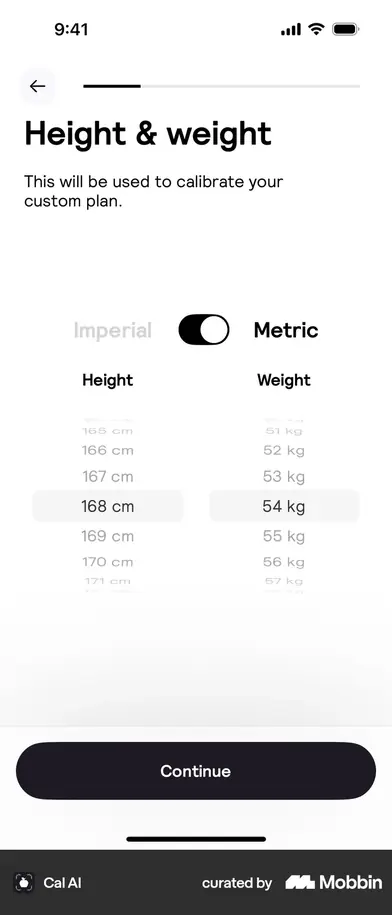
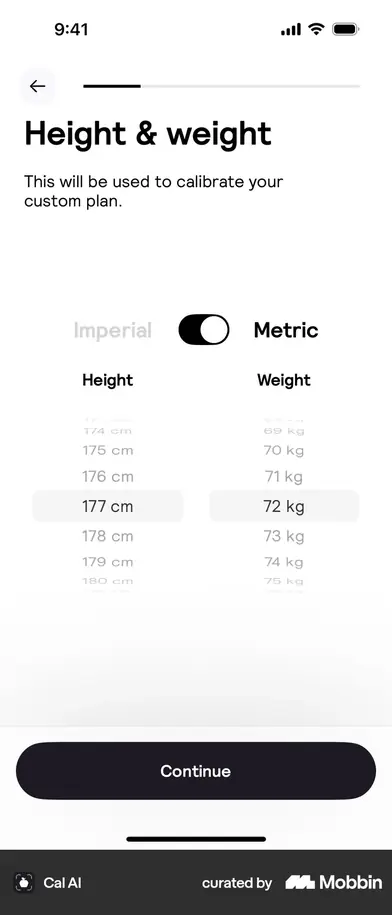
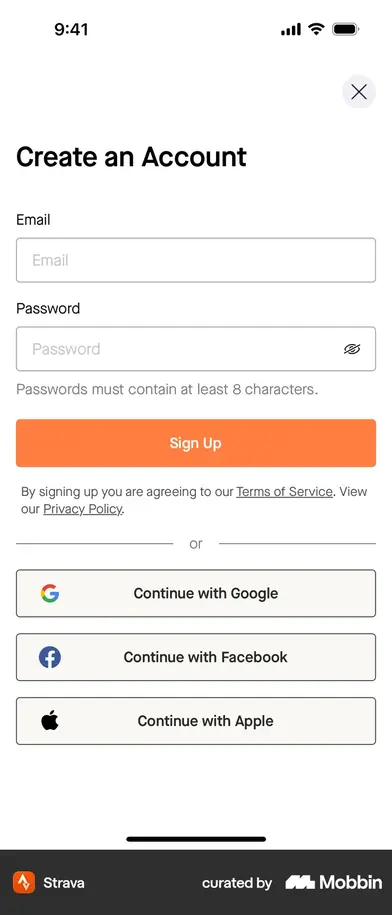
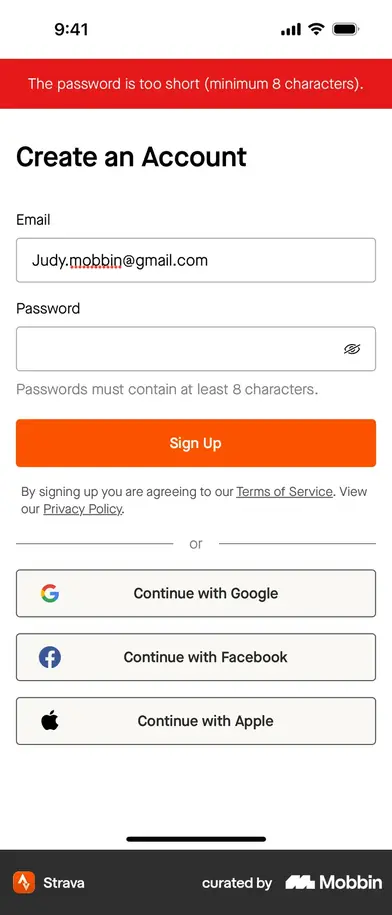
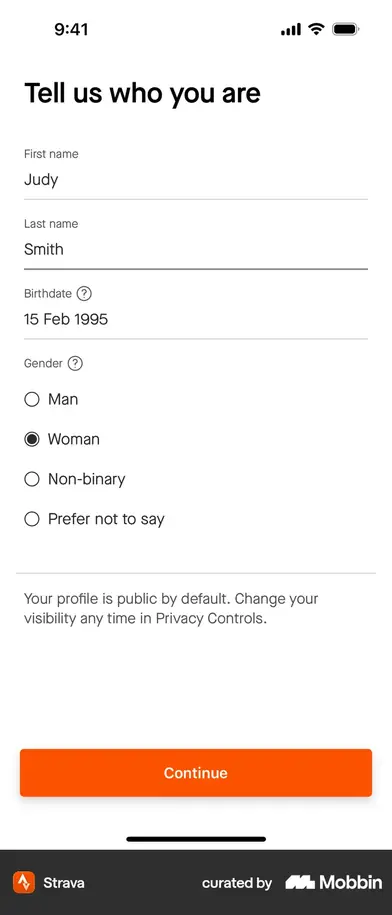
Nobody asks what country you are in. Cal AI puts an Imperial / Metric toggle at the top of the height-and-weight screen and never mentions a country; Strava never asks either. Our country screen exists only to choose lb/kg. Deleting it is not a judgement call any more.
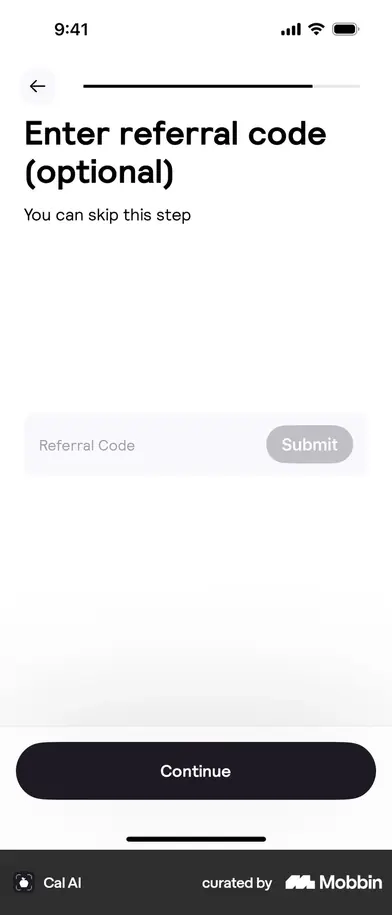
Cal AI asks “Where did you hear about us?” — at screen 6 of 34, with logos. Instagram, TikTok, TV, Friend or family, Facebook, YouTube. We deleted that question in v1.119.0 because 45 of 61 lost users went in the two screens at the top of the flow, and it was the first of them. The capture says the question was never the problem — asking it before anything had been explained was. MacroFactor asks the same thing at the paywall, reduced to one toggle: “Did you learn about us from an affiliate?” It is worth putting back, late, where 31% answering “Other” would cost nothing.
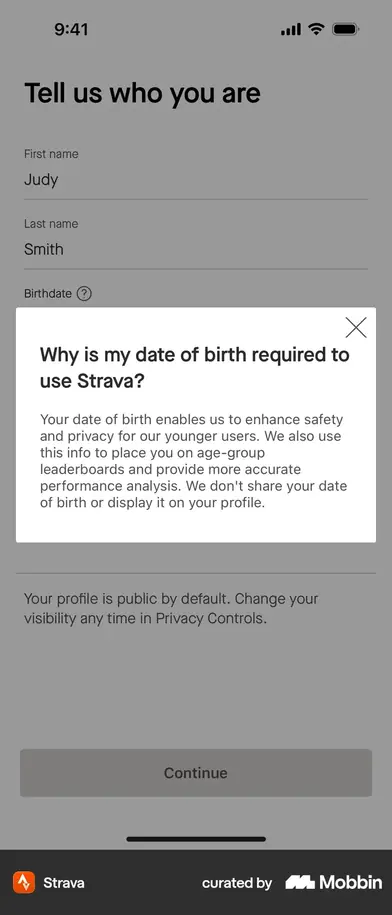
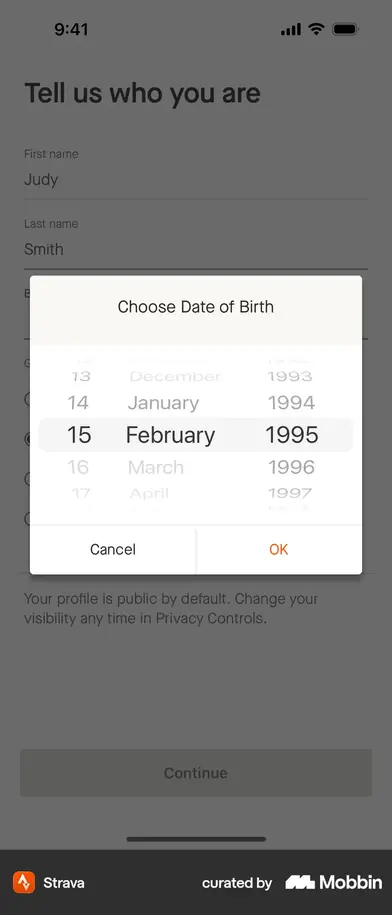
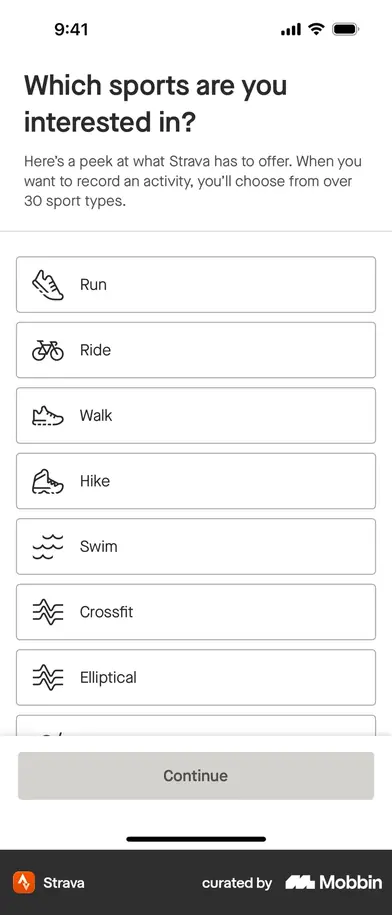
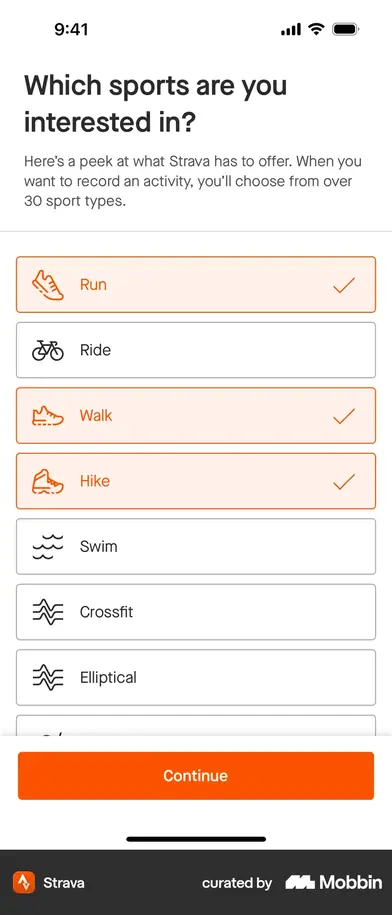
Strava answers a question inline, with a “?”. The birthdate field on “Tell us who you are” carries a small question mark that opens Why is my date of birth required to use Strava? with a real answer about age-group leaderboards and safety. That is exactly the “say why you are asking” idea, and it costs no screen at all — better than the muted line this plan had.
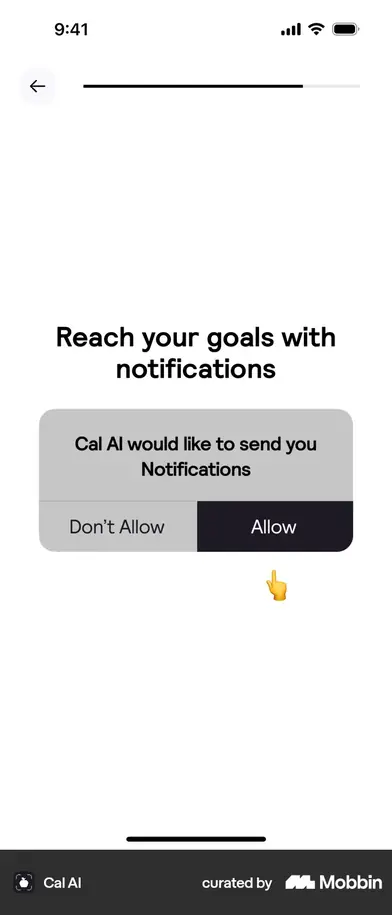
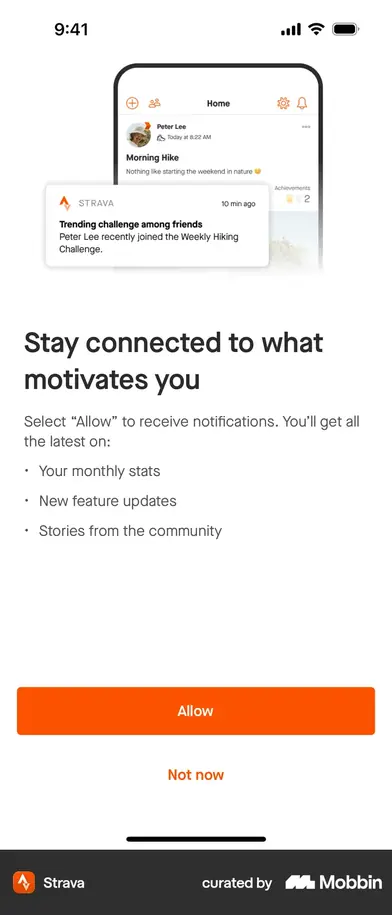
Both give the notification ask its own screen, and both offer a real refusal. Strava lists what you would receive and puts Allow and Not now side by side as equal buttons; Cal AI shows a picture of the iOS dialog with a finger pointing at Allow. We ask zero times in onboarding.
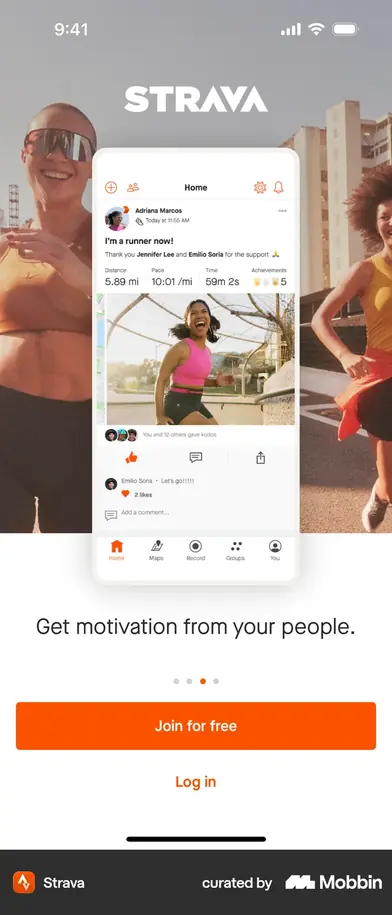
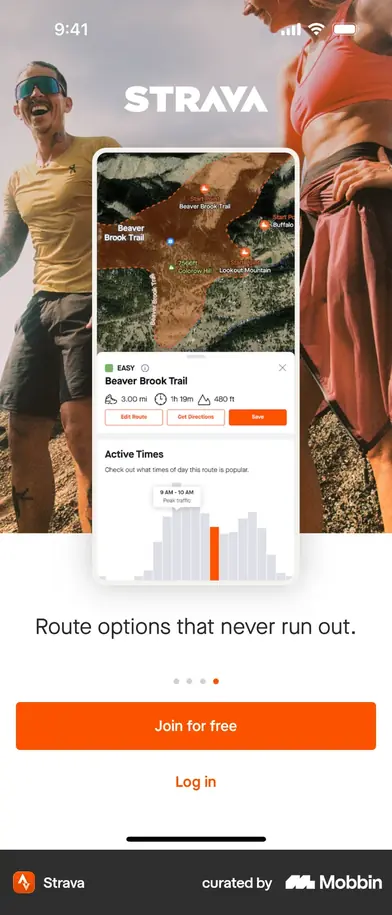
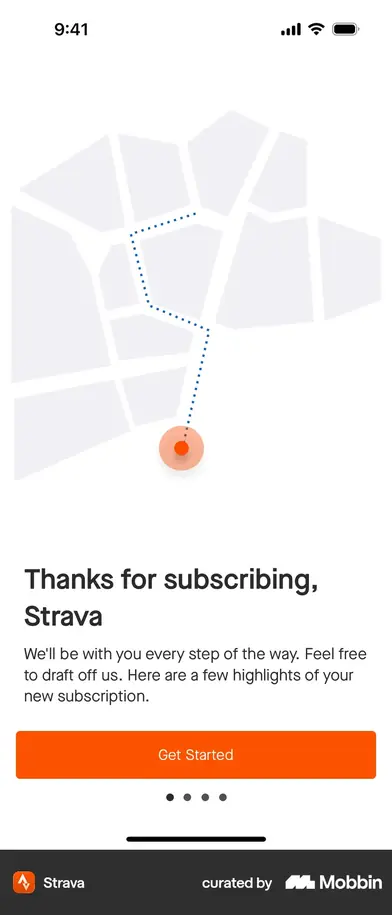
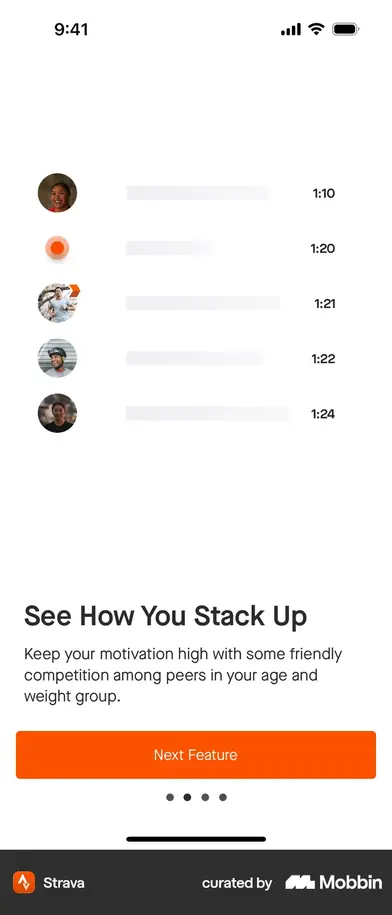
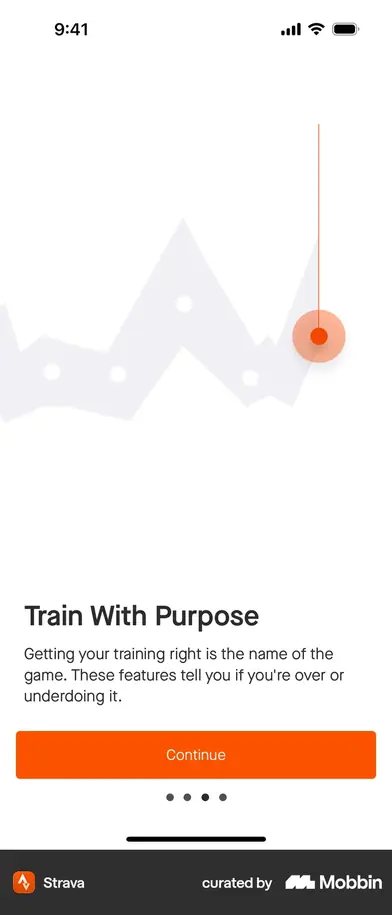
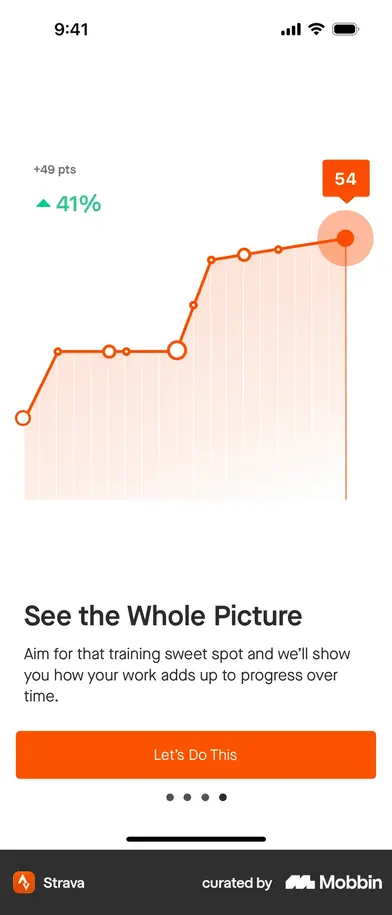
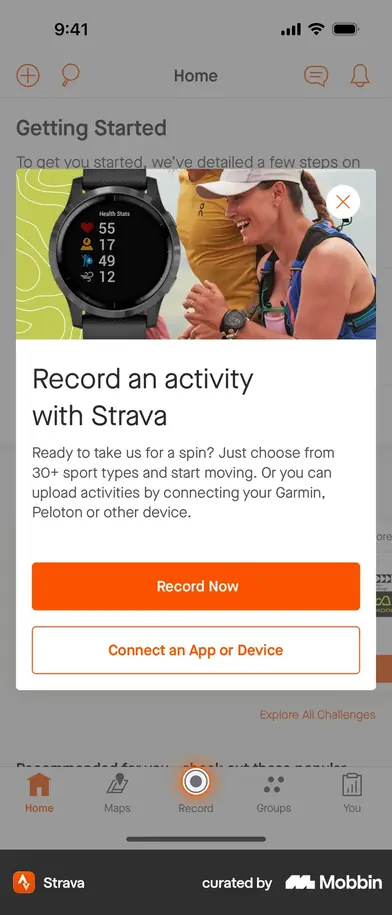
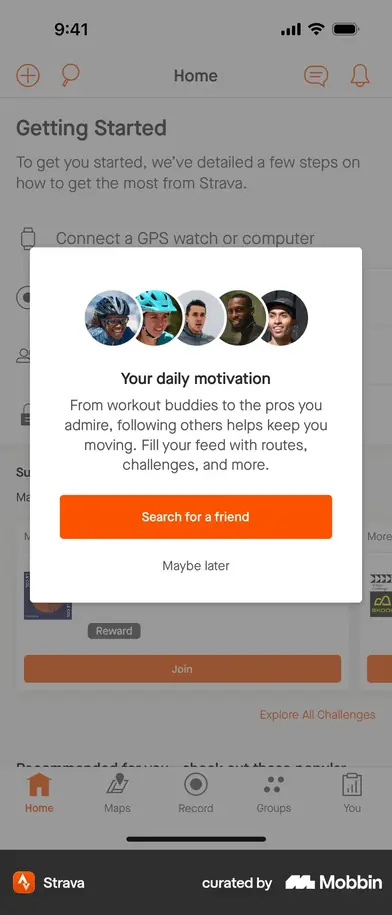
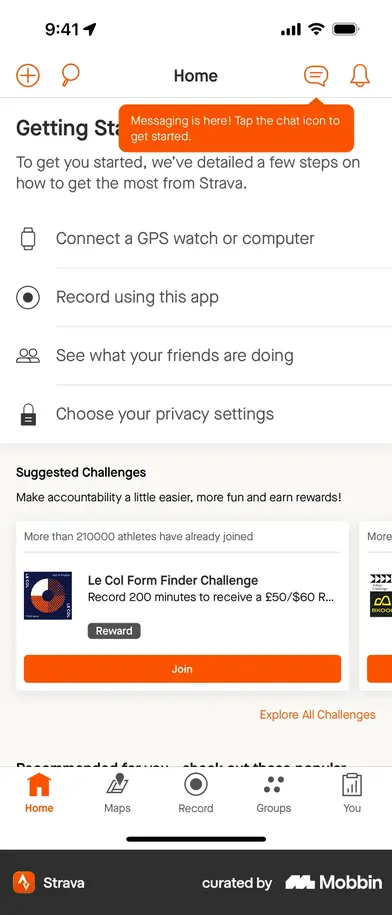
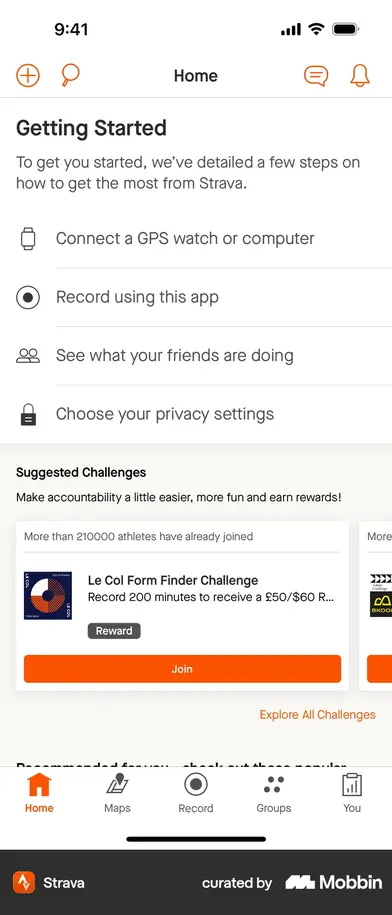
Strava gives you nothing until after you have paid — then never stops. Its first payoff screen is number 23, after the paywall: four screens of feature tour, a personal welcome, and then a Getting Started checklist pinned to Home — connect a watch, record an activity, see what friends are doing, choose privacy settings — with coach marks and a “Search for a friend / Maybe later” card. Onboarding does not end at the paywall; it moves into the app. We have no equivalent, and it is the cheapest thing on this page to copy.
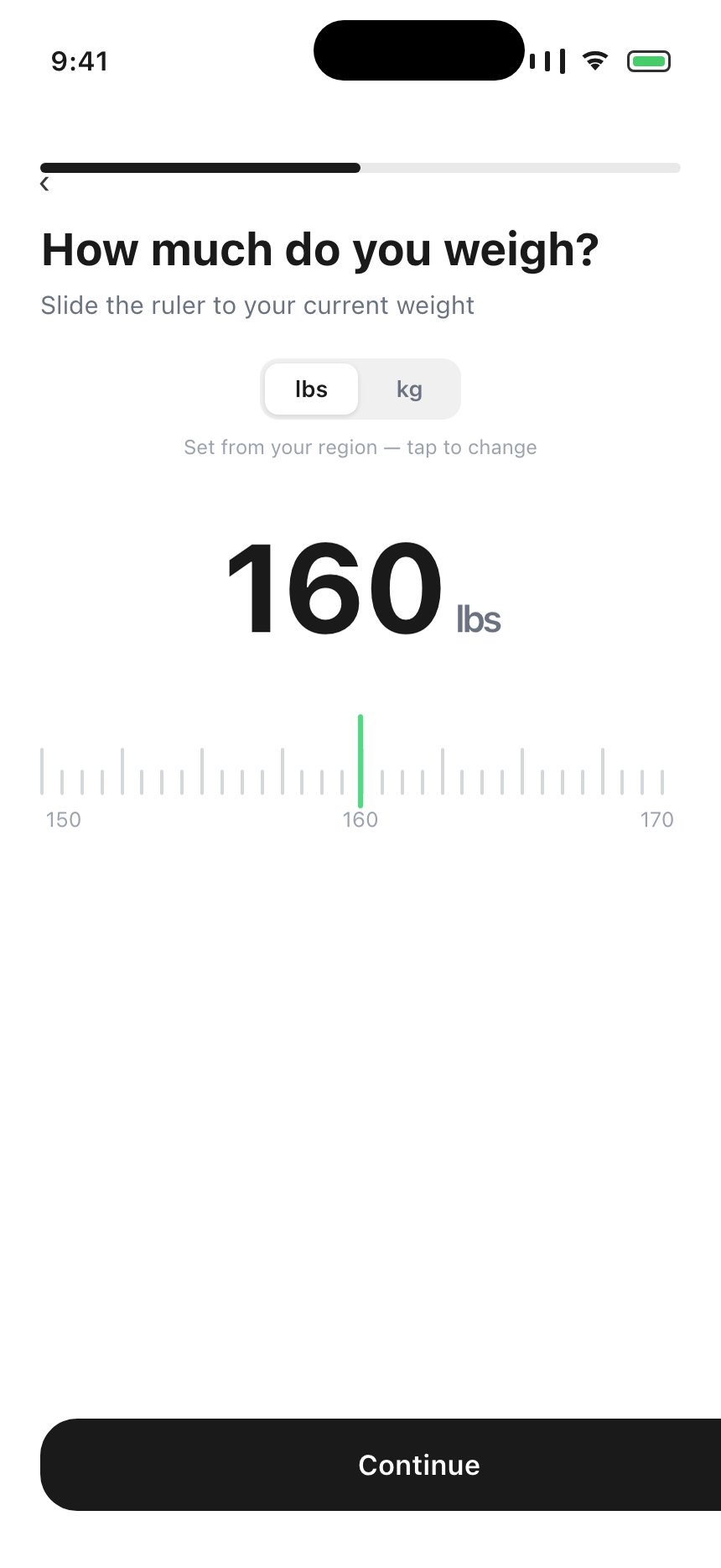
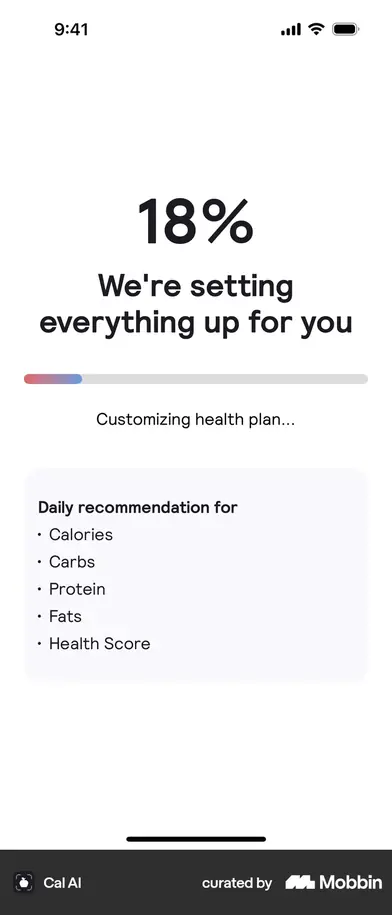
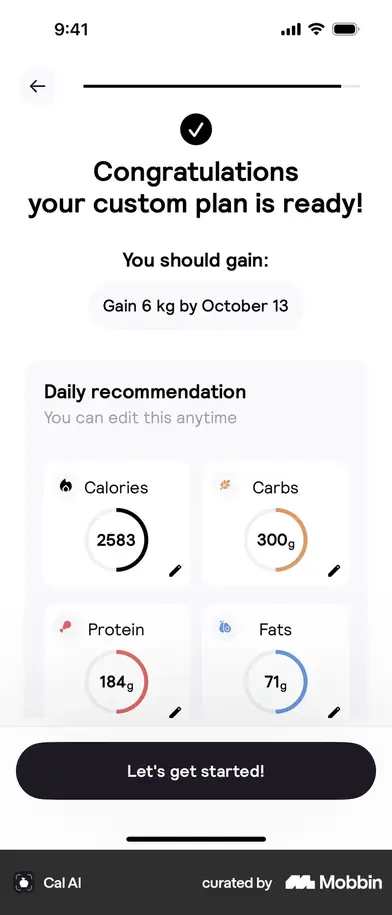
Two smaller ones worth stealing. Cal AI's plan generation is two screens, not one — “Time to generate your custom plan!” and then a live progress screen that names what is being computed. And its target-weight input is a horizontal ruler, which is the control we already ship on the weight step.
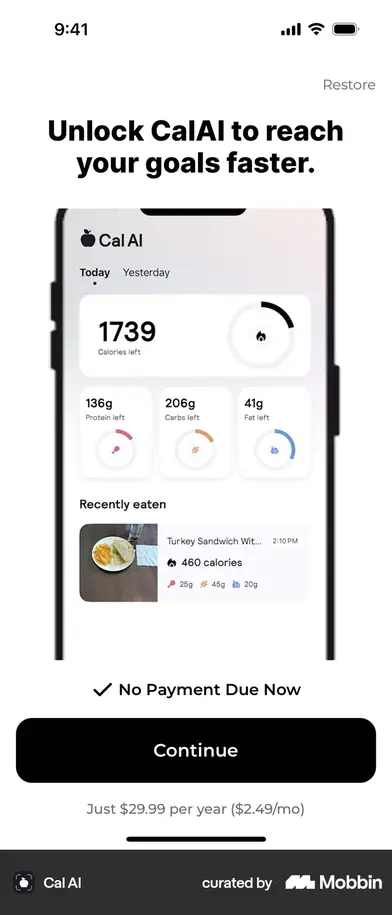
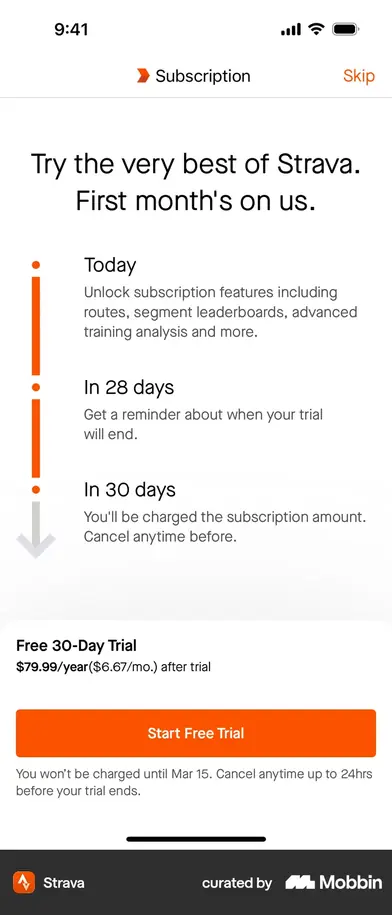
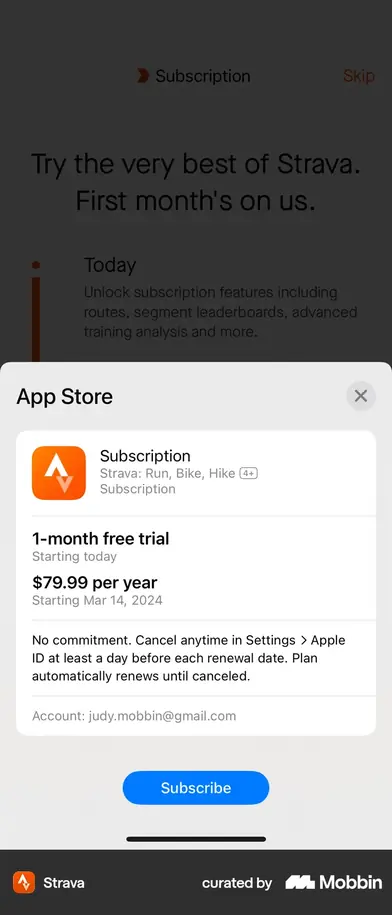
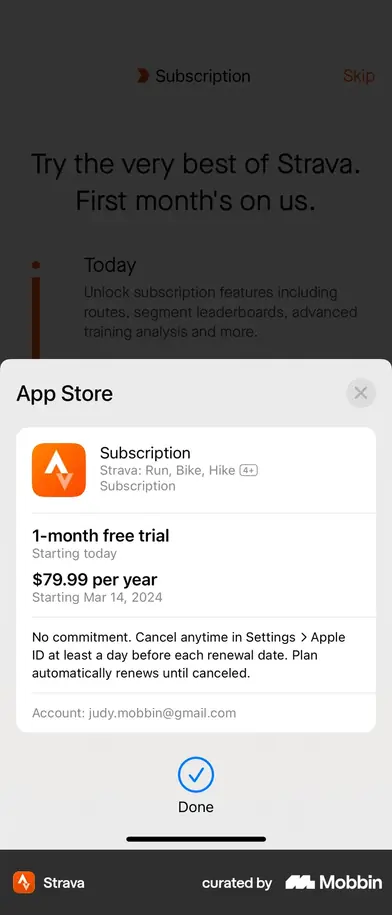
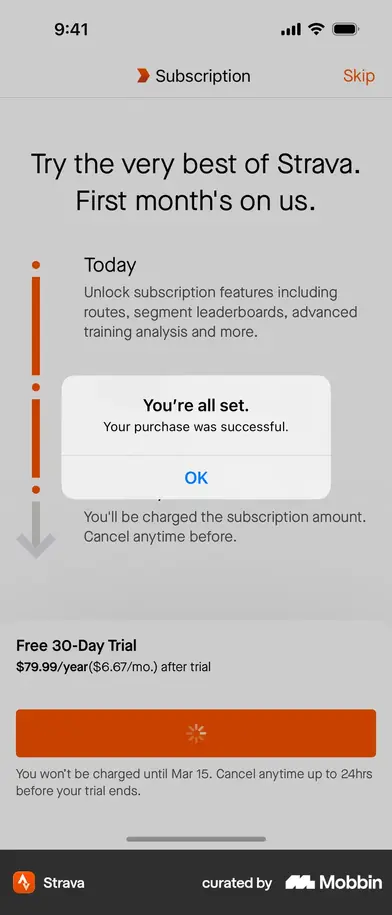
And one for the pricing plan. Strava's paywall is a dated timeline — unlocked today, a reminder in 28 days, charged in 30 — against a 30-day trial. Cal AI leads with “No Payment Due Now” at $29.99/year. Both are arguments for a longer trial than the seven days the July repricing lands on.
Sources ·
Mobbin — Cal AI, Strava and MacroFactor onboarding flows (the captures) ·
tasu.ai — Cal AI teardown ·
Superwall — Cal AI paywall experiments ·
UX Collective — Runna ·
Statsig — Runna ·
ScreensDesign — 13 fitness onboardings ·
SEM Nexus — drop-off benchmarks ·
Plotline — push priming ·
RocketShip — Adapty fitness paywalls ·
RevenueCat — 2026 benchmarks
The plan
9 asks → 6 · 5 screens added, 1 cut
One sentence: keep the length, change what the screens are worth. Every question that survives says what it buys, the payoff moves earlier relative to the asking, and the two things we never do — sign you in, ask for notifications — get a screen each. Nothing here is cut because the flow is “too long”; the one screen deleted is deleted because the device already knows the answer.
- 01changed
Landing, slide 1 — a looping clip, not a plateThree seconds of the real rep counter drawing its skeleton and ticking over. Cal AI's first frame is the product working; ours is a photograph of a phone. Same slide, same copy, same button — swap the still for a video and the most differentiated thing in the app finally gets seen before anyone is asked a question. app/landing.tsx
- 02keep
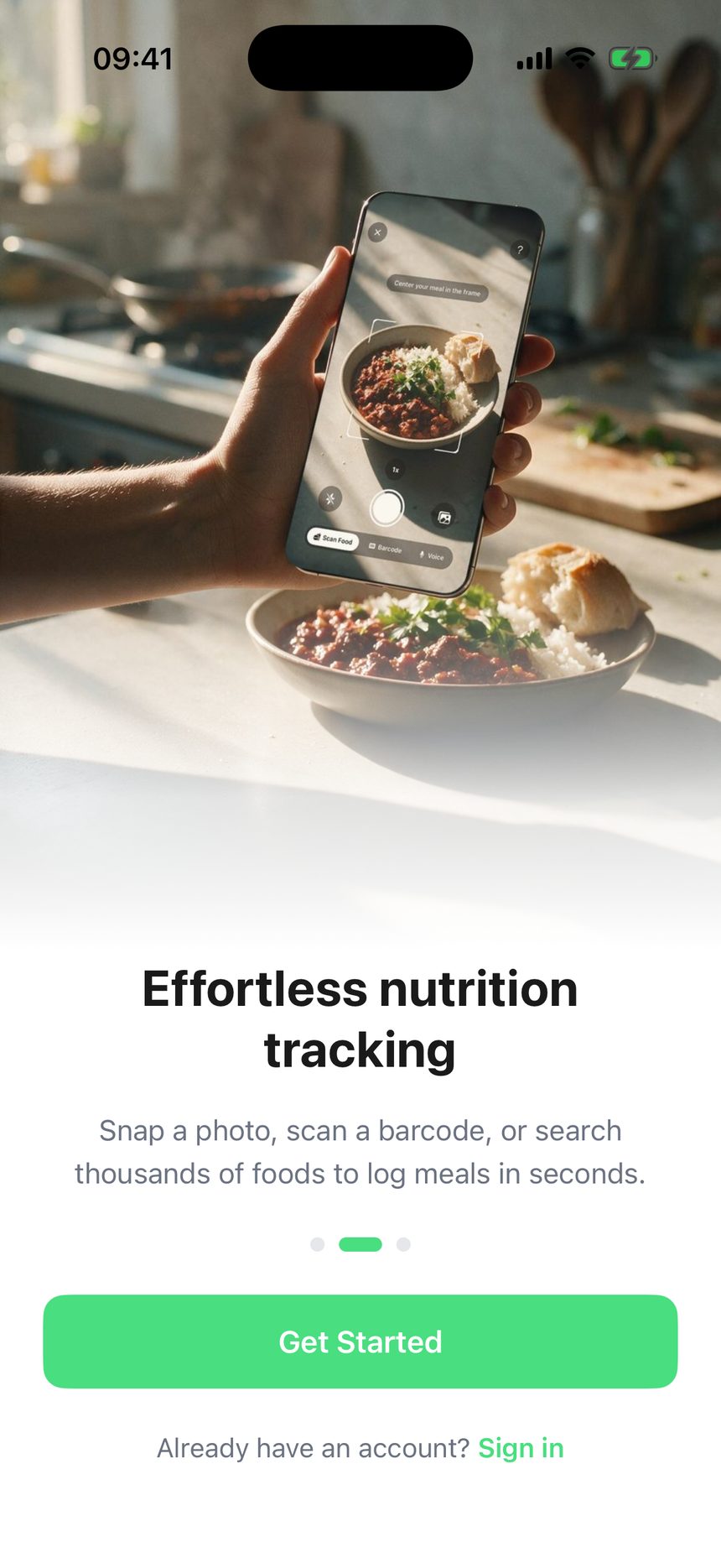
Slides 2 and 3Nutrition and friends, unchanged.
- 03changed
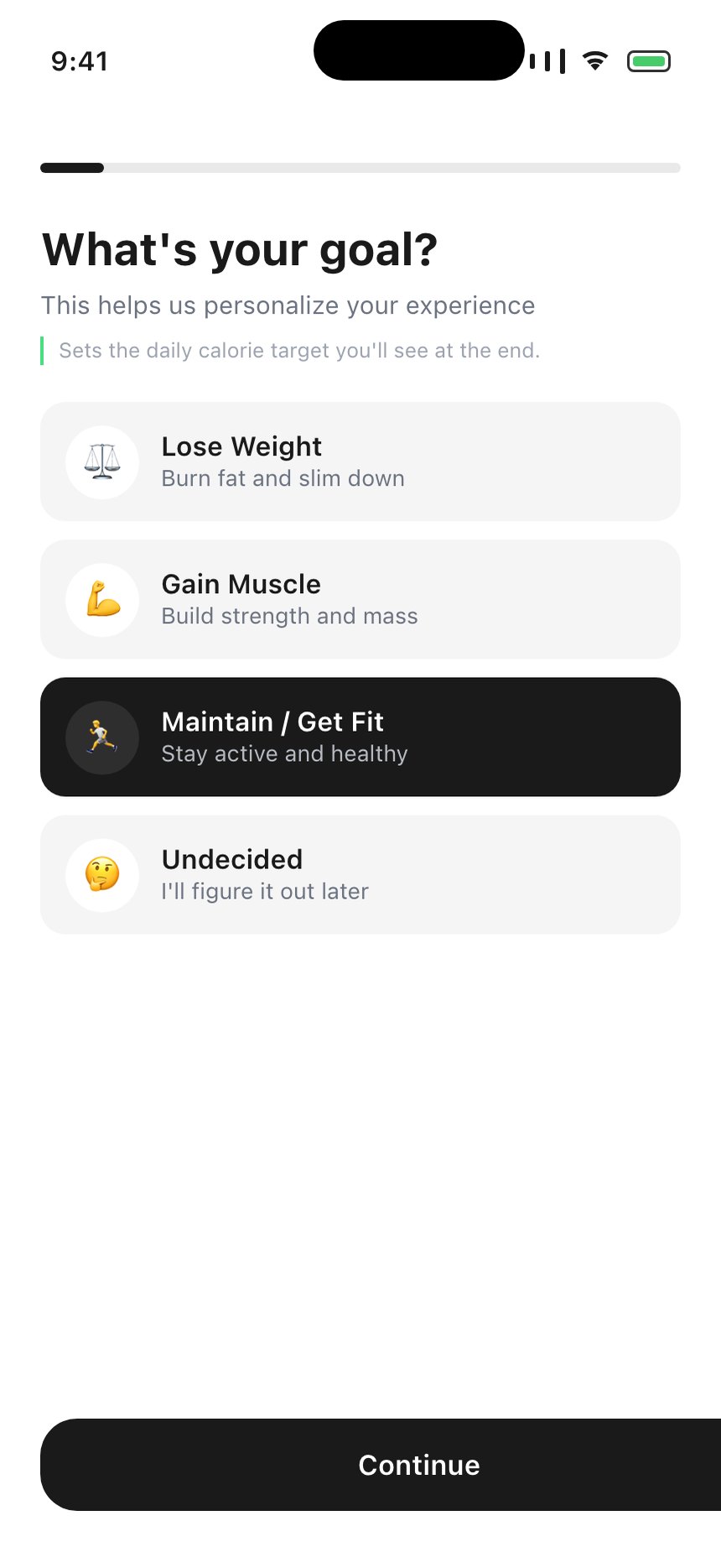
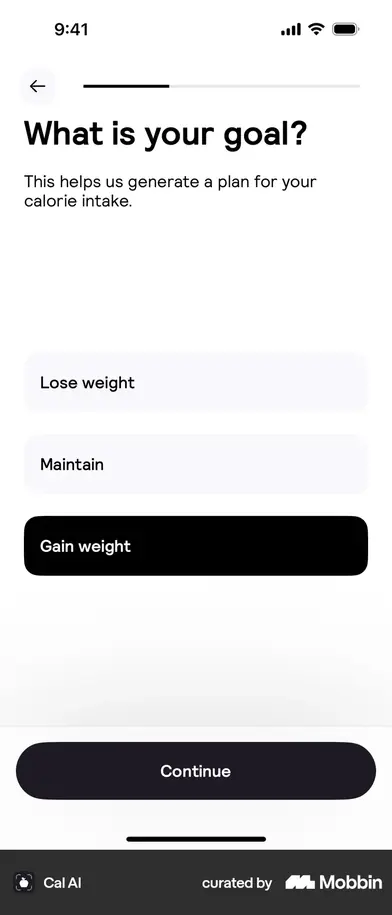
What's your goal?Same four options, plus one muted line: sets the daily calorie target you'll see at the end. This is the “tell them why you're asking” fix — a line under each question rather than a primer screen in front of them all. A standalone primer costs a screen at the top of the funnel, which is exactly where we already lose people. Where the answer needs more than a line, use Strava's move instead: a “?” beside the field that opens the real explanation, which costs no screen at all.
- 04new
“Save your progress” — Google · Apple · SkipThe title is Cal AI's, verbatim — its own sign-in screen is called “Save your progress” and offers “Would you like to sign in later? Skip”. It puts that screen at 27 of 34 and MacroFactor puts the same decision at 5 of 14, so the position is genuinely open; what both share is the framing. Ours goes after the goal question, so it arrives once something is worth saving and never before. It buys three things: setup survives a bounce, the next screen arrives pre-filled, and the local-URI avatar problem disappears. GoogleSignin's result already carries name, givenName and photo, and Supabase mirrors them into user_metadata — nothing in the app reads either today. Apple returns a name once, on first sign-in, and never a photo, so the screen after this must work perfectly empty.
- 05merged
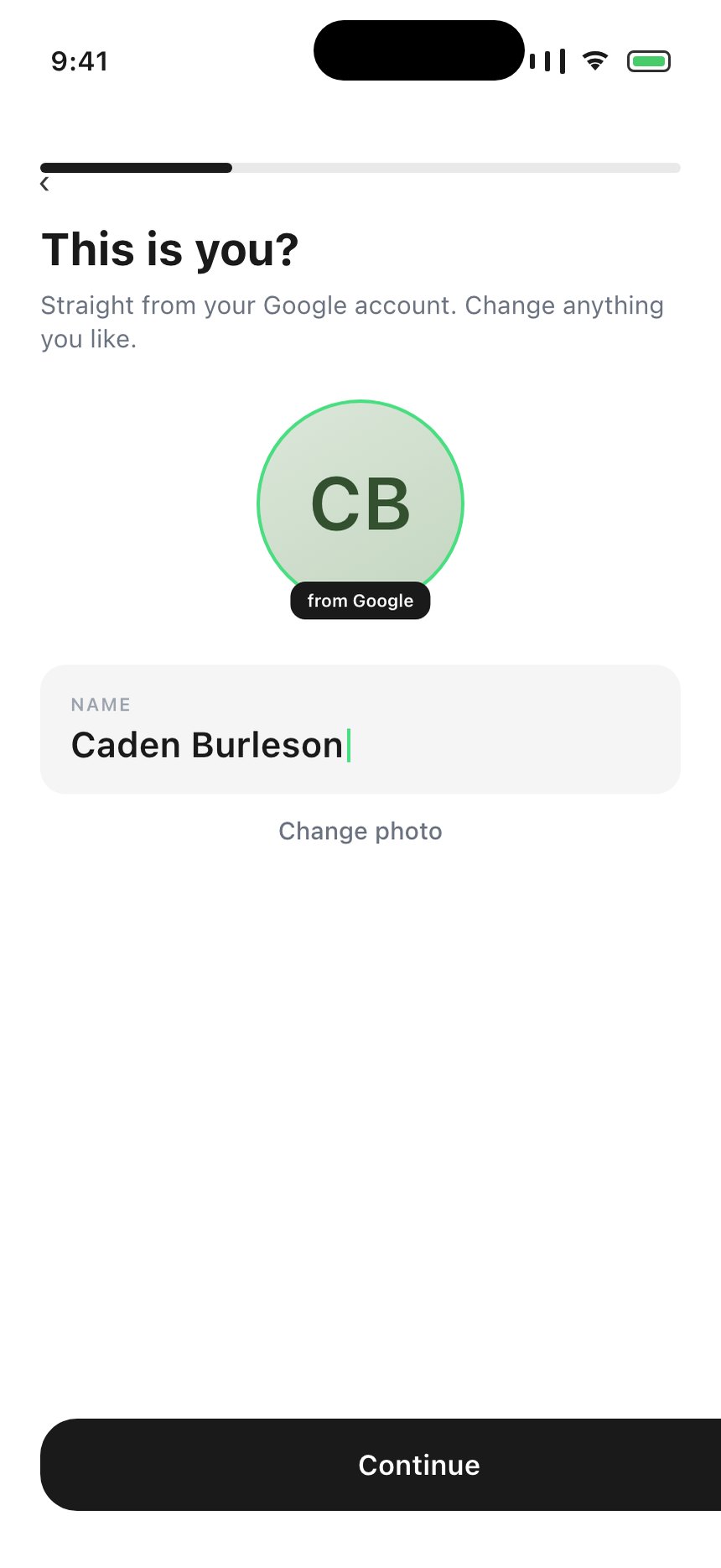
You — name and photo on one screenAvatar prefilled from Google with the name editable beneath it and a Change photo secondary; signed in with Apple, or skipped, and it is the same screen empty — which is exactly the two screens we ship today, stacked. Note the Google avatar is a remote lh3.googleusercontent.com URL and uploadAvatar reads a local file, so it either gets downloaded to cache first or written straight to profiles.avatar_url. app/(onboarding)/name.tsx + photo.tsx
- 06cut
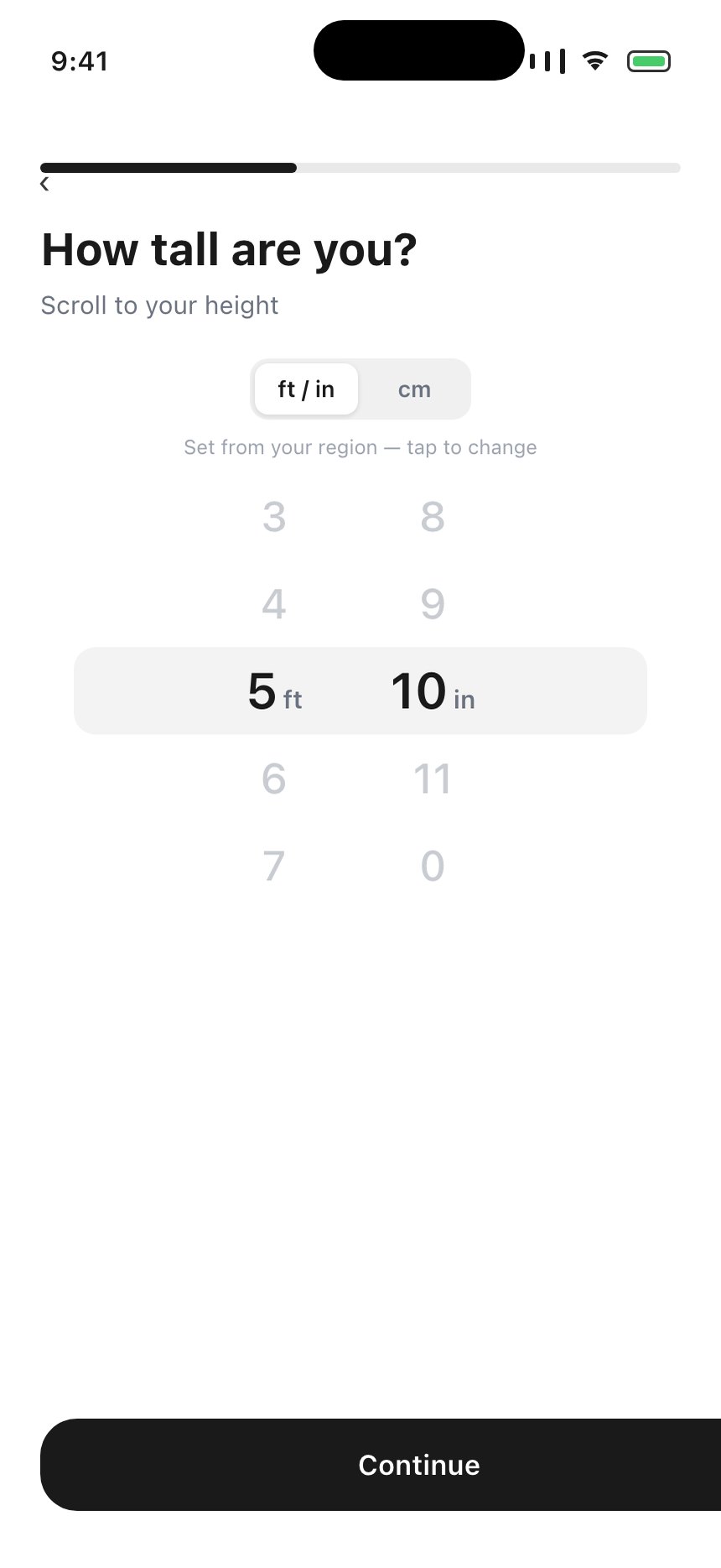
Where are you from?It does set the units automatically — that is the whole of its job, and the whole of the logic is ['US','GB','LR','MM'] → imperial in countries.ts:10. Four countries. The catch is that it is not automatic for the user: it is a 195-row list that opens on Afghanistan with nothing selected, and they have to find themselves in it. expo-localization is already a dependency and getLocales()[0].measurementSystem returns us / uk / metric straight from the device — the same answer, no screen, no table, and it tells the UK apart from the US, which our four-country list does not. Neither Cal AI nor Strava asks for a country at all; Cal AI puts the toggle on the height-and-weight screen, which is where the unit is actually visible. So the units stay automatic and the override moves to where it matters. Default the units from expo-localization and put a small lb/kg toggle on the two screens where units are actually visible.
- 07keep
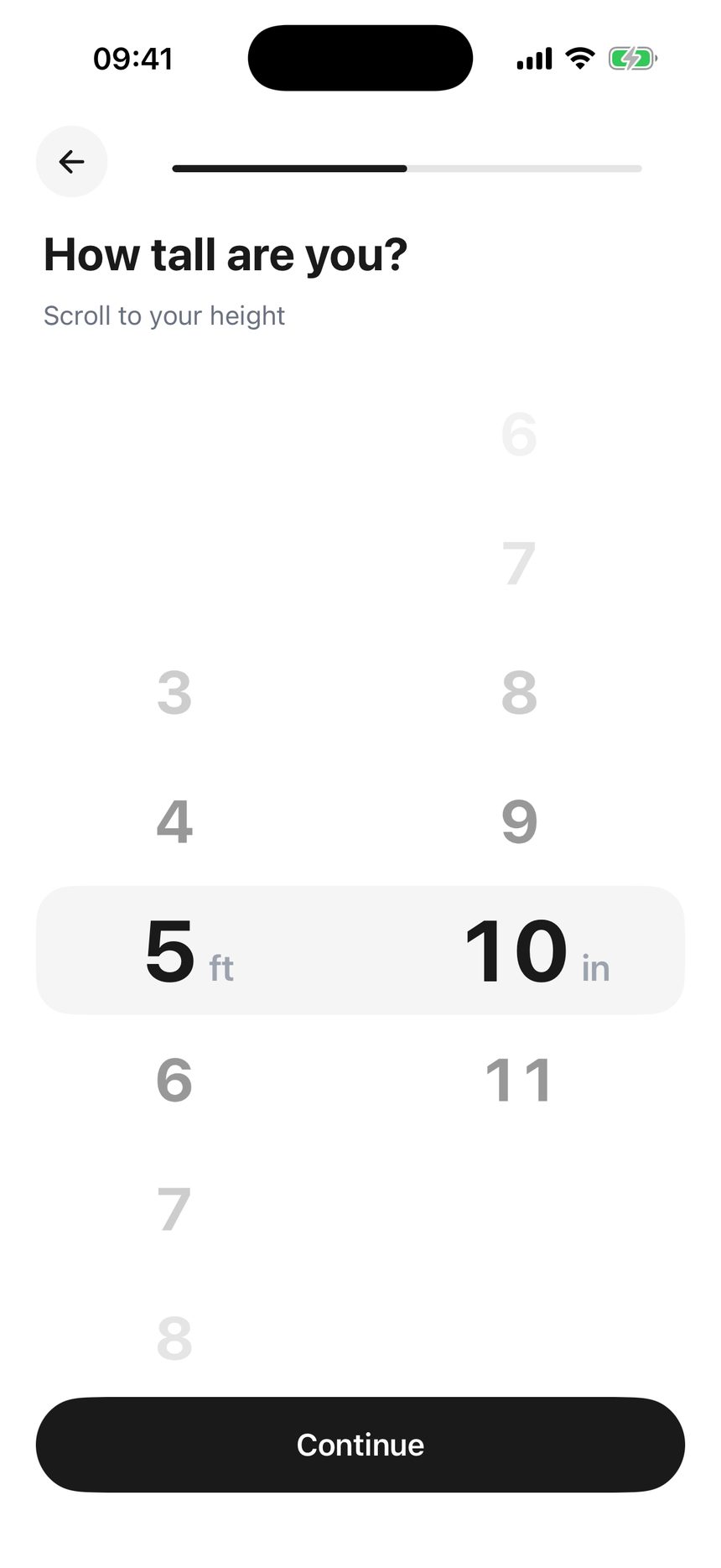
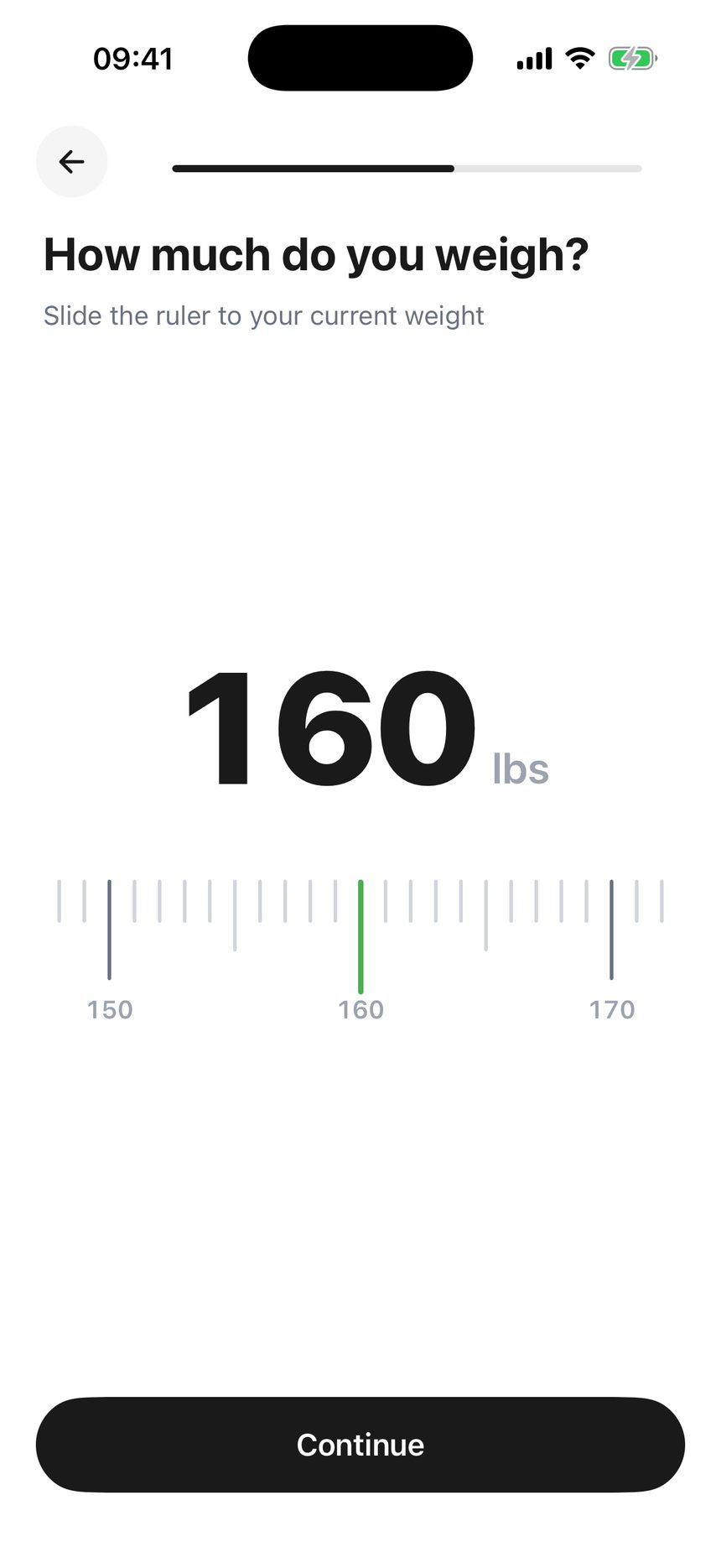
Height, then weightThe wheel and the ruler both survive intact; they are the best-feeling screens in the flow. They pick up the units toggle the country screen used to justify.
- 08keep
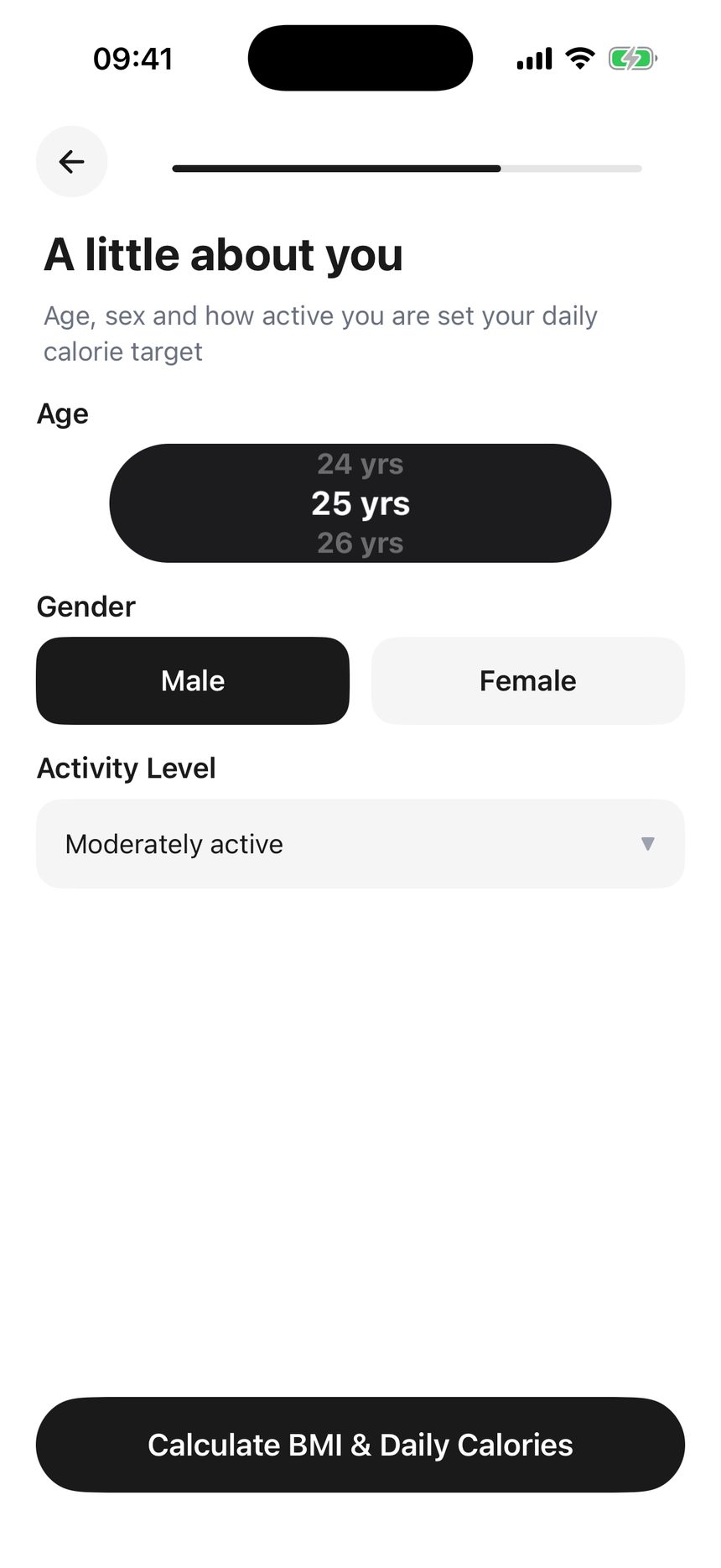
A little about youAge, sex, activity. Still the densest screen in the flow, and now the only one with three inputs.
- 09merged
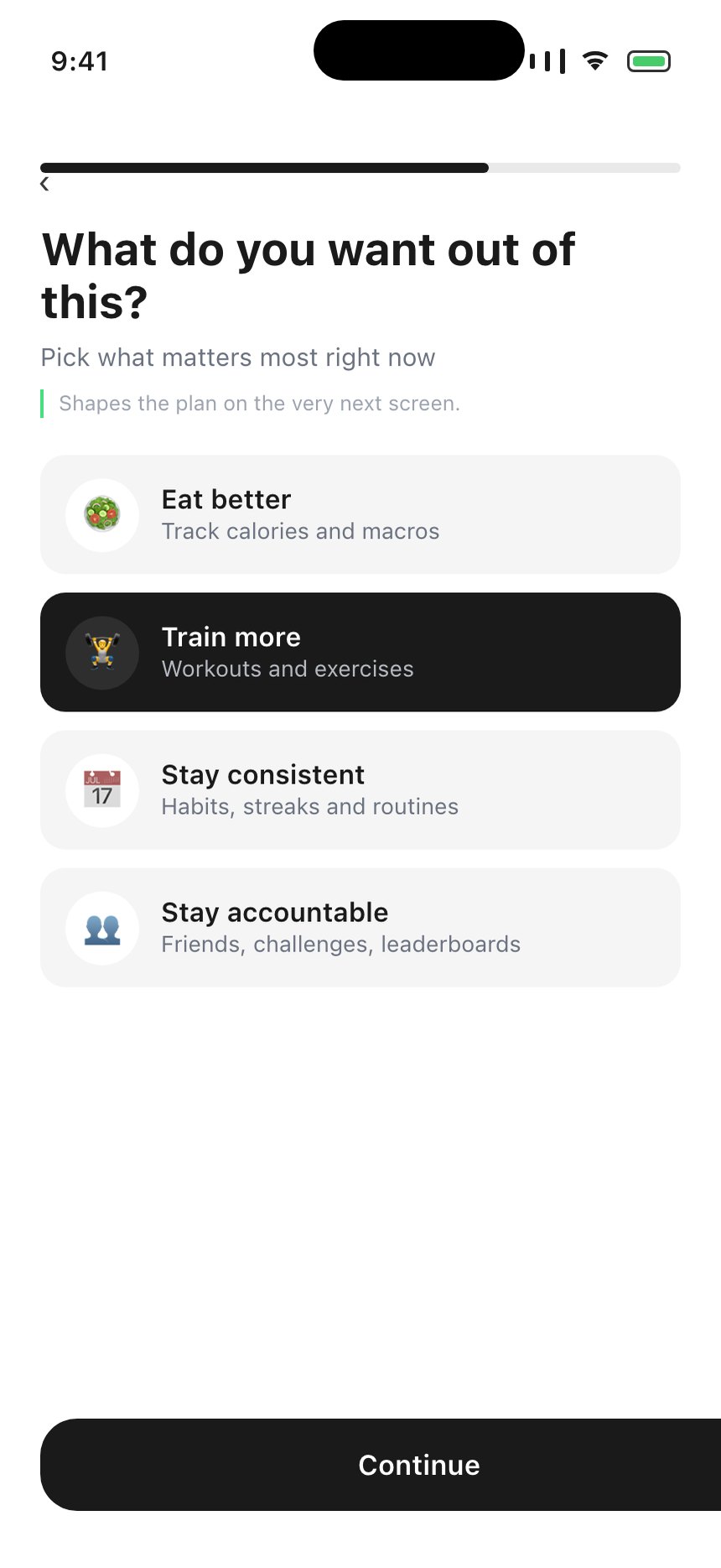
What do you want out of this?Focus and Reason are two near-identical questions asked back to back — and both sit after the results, which is the one place in the flow where a question buys nothing. Merge them into one and move it in front of the plan, so the answer can shape what the plan says.
- 10new
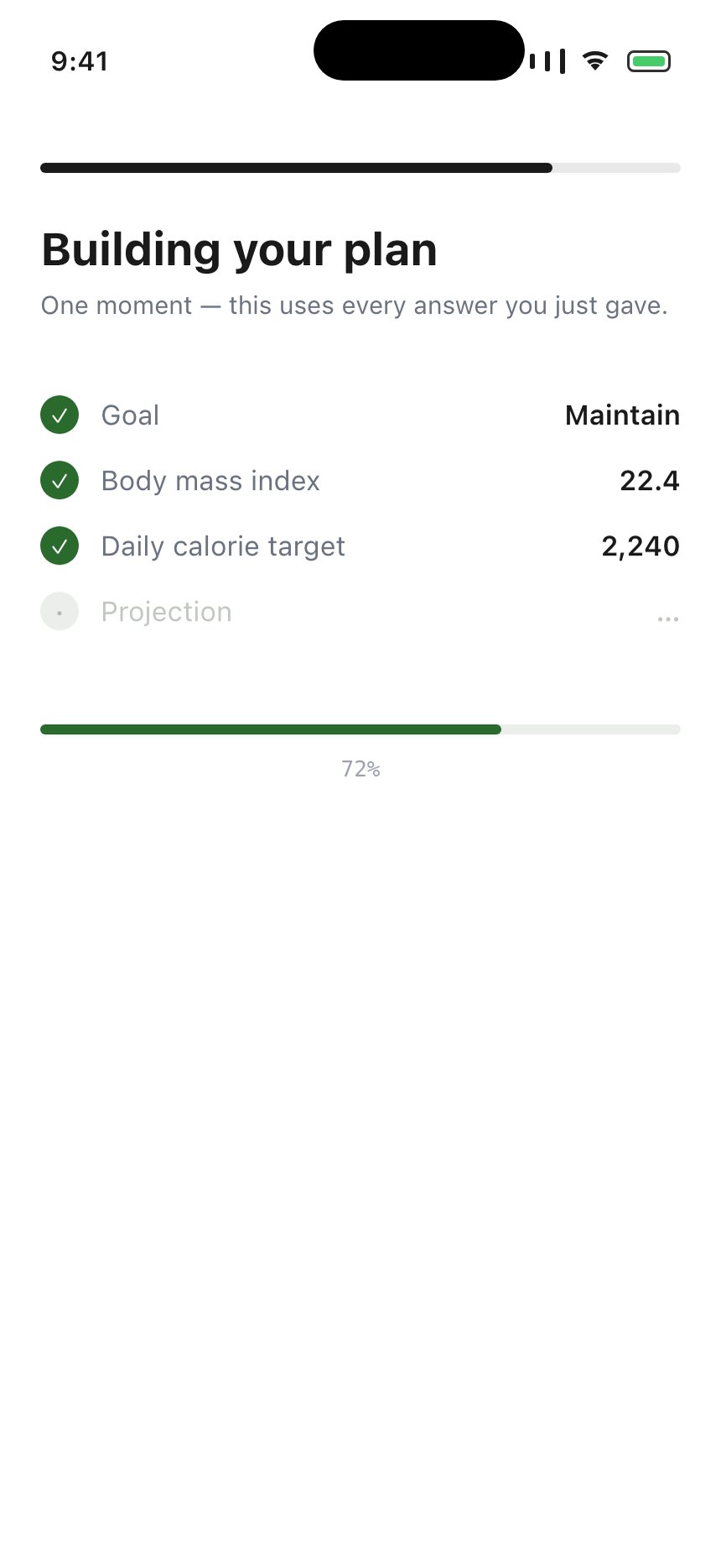
Building your planTwo or three seconds, four lines resolving as they land: goal → target → BMI → projection. Cal AI animates the plan filling in on every single answer; this is the cheap version of the same idea — one screen that shows the arithmetic happening instead of a screen that simply presents its output. It is also the screen that makes the preceding six questions feel spent rather than taken.
- 11keep
Your resultsUnchanged — and fix the render-time router.replace() at bmi-results.tsx:39–41 while it is open.
- 12new
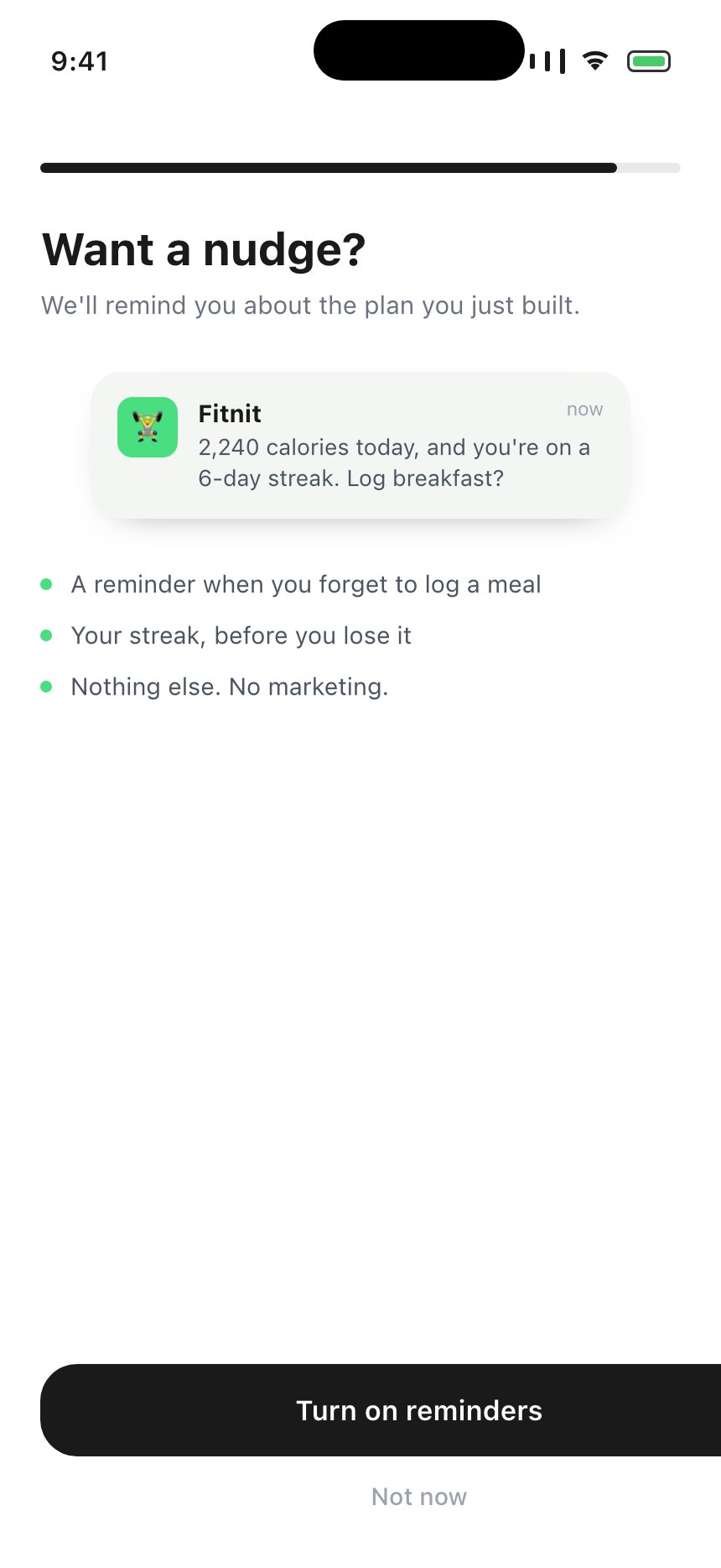
Want a nudge? — notification soft-ask“We'll remind you about the plan you just built.” A real Not now beside it, then the native dialog only for people who said yes. The native prompt is one-shot: a no here is recoverable, a no there is permanent. Priming lifts opt-in 2–3× against an iOS base near 44%, and today onboarding never asks at all.
- 13new
“How did you hear about us?” — put back, at the endDeleted in v1.119.0 for being the worst screen in the funnel, which it was — at position one. Cal AI asks it at 6 of 34 with logos; MacroFactor reduces it to one toggle on the paywall. Asked after the plan exists it costs nothing, and it is the only way to see the 15% who come from a friend, which attribution can never recover. Give “Other” a text field this time: 31% chose it and told us nothing.
- 14keep
PaywallUntouched here. The trial-length question above belongs to the July repricing plan.
- 15new
Getting Started — a checklist on the home screenStrava's best idea and the cheapest thing on this page to copy: onboarding does not end at the paywall, it moves into the app. Four dismissible rows pinned to Home — log a meal, record a workout, add a friend, set a goal — each ticking off as it is done. It is also the honest place for everything this flow no longer asks.
Phase 1
No design required
- A why-line under every question's subtitle
- Units from
expo-localization; delete the country screen
- The notification soft-ask after the results
- Fix the
bmi-results render-time navigation
- Fix Reset Onboarding clearing one of two completion flags
Phase 2
Identity
- Sign-in screen after the goal question
- Read
user_metadata / GoogleSignin for name and photo
- Merge name and photo into one confirm screen
- Retires the avatar backfill and display-name sync effects in
app/(tabs)/profile.tsx:80–101, which only exist because the account arrives last
Phase 3
The payoff
- Slide 1 becomes a rep-counter clip
- The plan-building screen
- Merge focus and reason, move ahead of the results
- The Getting Started checklist on Home
- Attribution question, reinstated after the plan
At our volume this cannot be A/B tested, and pretending otherwise would be the real mistake. 279 people entered onboarding across 135 days — about two a day. Separating a five-point completion move from noise at that rate takes years per arm. So these ship on the argument, and the funnel is read afterwards as direction and as a regression alarm, never as a verdict.
What has to be instrumented before any of it lands. onboarding_auth_prefilled with provider, got_name, got_photo — that is the only way to know how many people actually arrive with a face. onboarding_softask with allowed / not_now, separately from the native grant, so the soft-ask's own yes-rate is visible. And confirm the photo step is finally firing since the PUBLIC_PATHS fix in v1.119.0: it has fired once, ever.